
Write Better
Get insight, perfect tone, summarize content, and more - all in seconds.
Not yet — AFFiNE AI currently runs through AFFiNE Cloud, so you need to sign in to use it. Since version 0.27 you can bring your own API key (BYOK), and we plan to support Gemma in AFFiNE AI for better local AI features in the future.
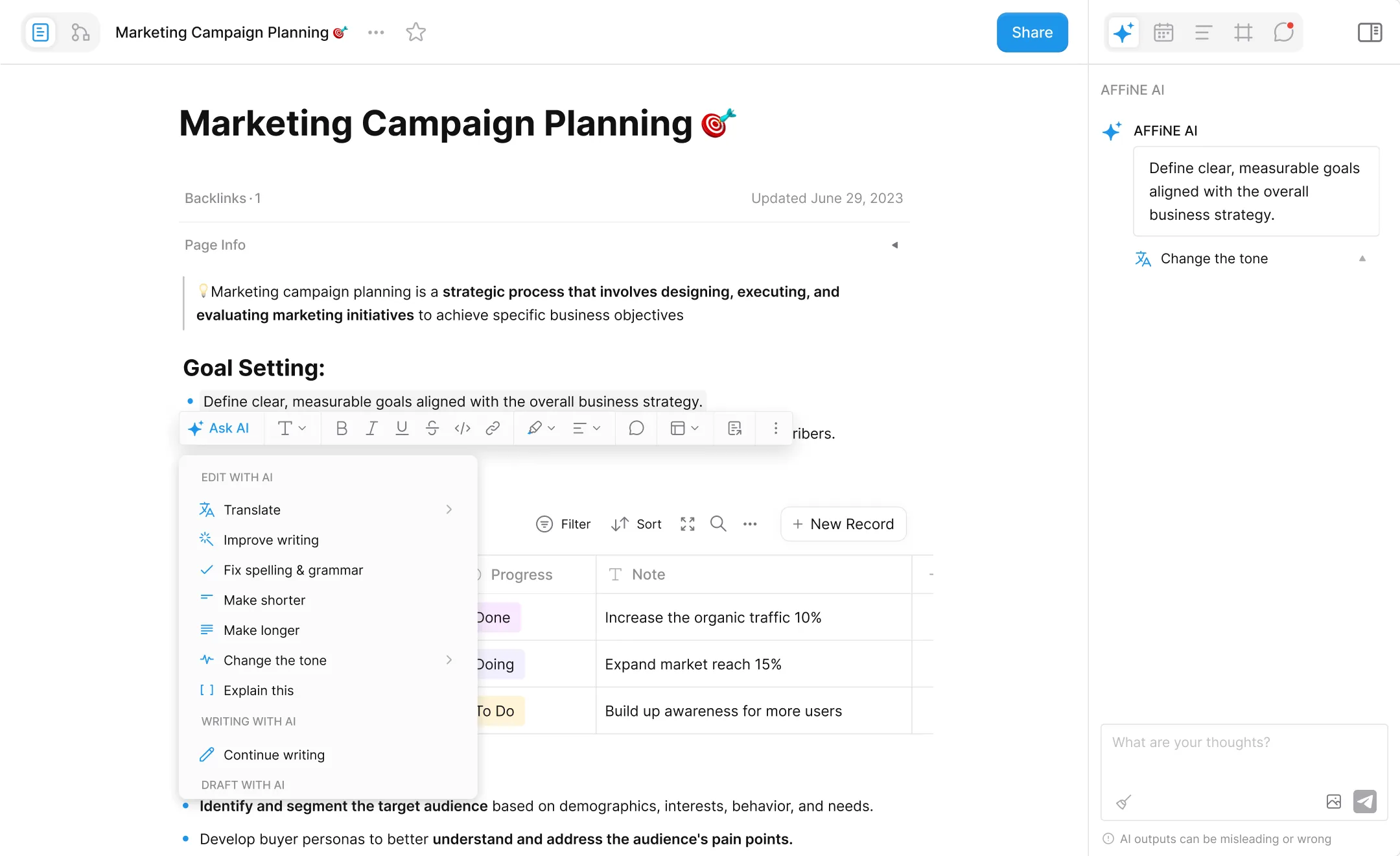
In a Doc's Page Mode, you can select one or more blocks, or select the text content, and click "Ask AI" in the pop-up Format Toolbar to activate AFFiNE AI. Additionally, after opening a doc, you can click on the "Expand sidebar" in the top right corner, where you will find the chat entry for AFFiNE AI in the sidebar.
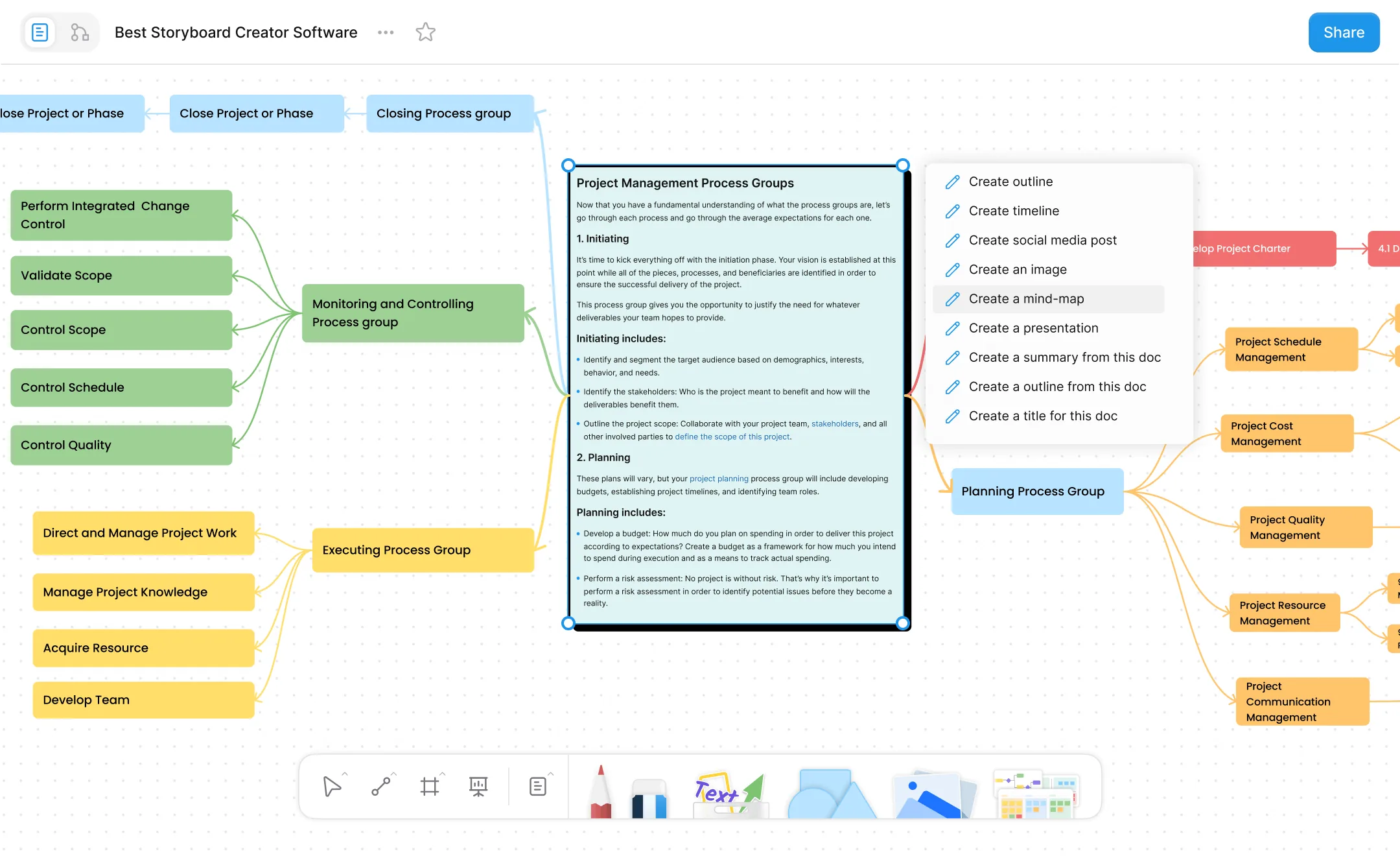
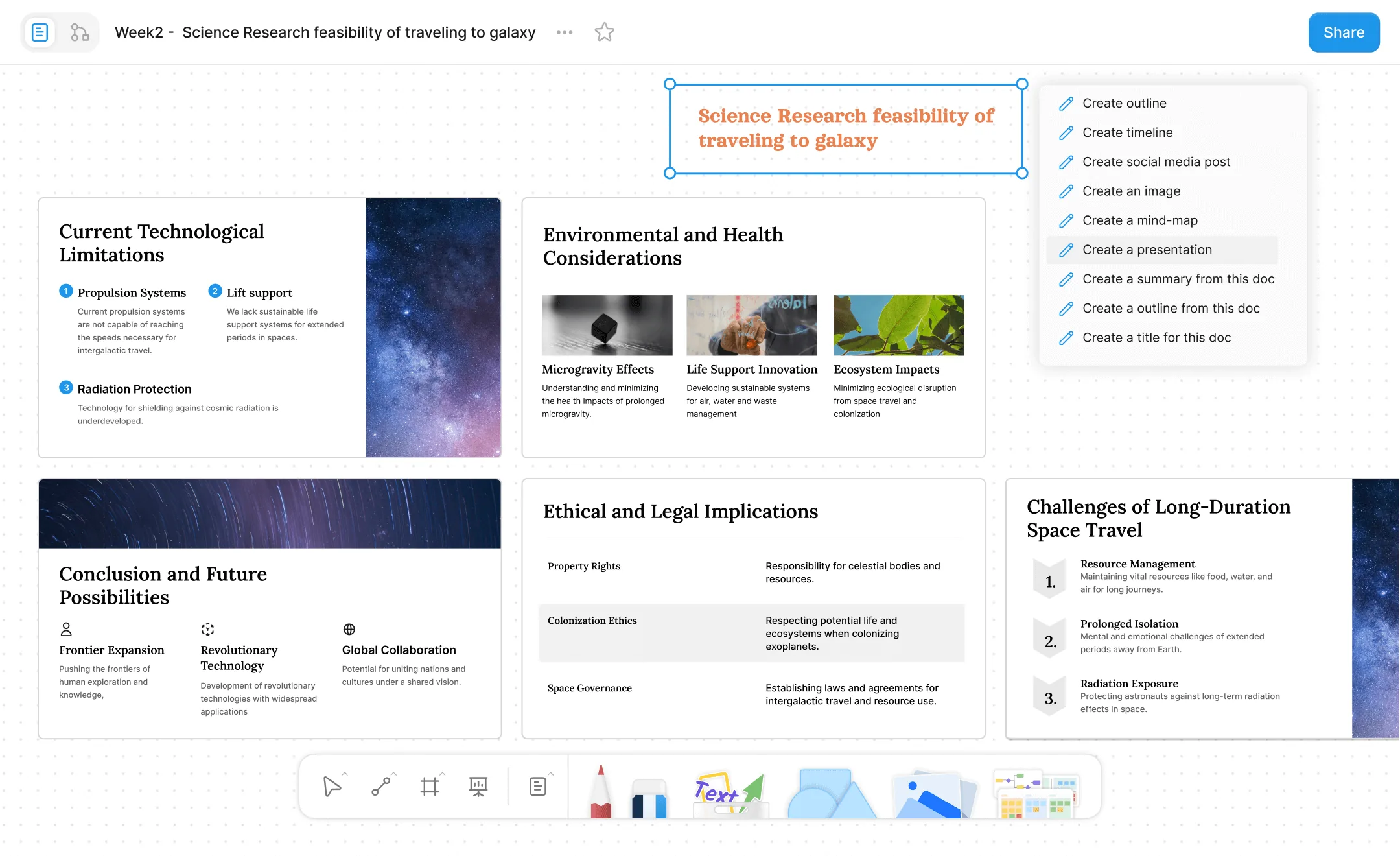
On the whiteboard (Edgeless Mode), you can activate AFFiNE AI by right-clicking to select content. You can also activate AFFiNE AI's function by clicking "Ask AI" in the Elements menu that appears after selecting one or multiple elements. Additionally, you can also find the chat entry for AFFiNE AI in the sidebar by clicking "Expand sidebar" at the top right corner after opening a doc.
AFFiNE only sends related content information to third-party AI vendors when you use AFFiNE AI. If you have any questions, you can refer to our AI terms for policy usage and limits.
Yes, AFFiNE AI provides each AFFiNE Cloud user with 10 trial experiences, so you can try for free without any charge.
In the early stages of AFFiNE AI's launch, users who purchase AFFiNE AI can enjoy unlimited usage, which is mainly for early users of AFFiNE AI. Restrictions will be adjusted later on.
AFFiNE AI turns scattered notes into a clear draft, visual board, and next steps.
Turn the idea into tasks, references, and a concise presentation path.
Turn the idea into tasks, references, and a concise presentation path.