Vision Board Ideas for 2026: 8-Step Goal Plan
A vision board works best when it is more than a collage. Treat it as a simple goal-planning system: choose a few priorities, collect images that represent those priorities, add the next actions, and review the board often enough that it changes your week.
This updated guide gives you practical vision board ideas for 2026, with examples for adults, students, work, wellness, travel, creative projects, and digital boards. It also explains how to choose better images, write useful prompts, and connect the board to a real plan in AFFiNE's vision board templates.
What Is a Vision Board?
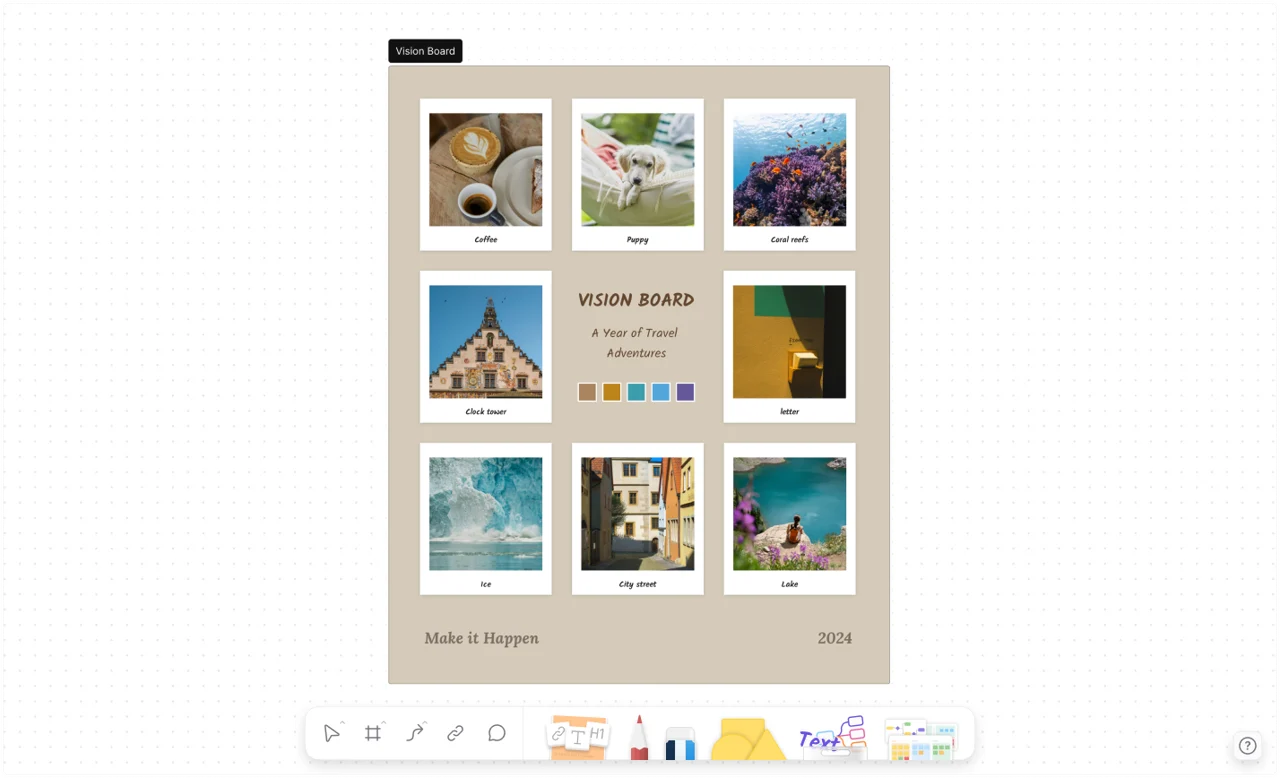
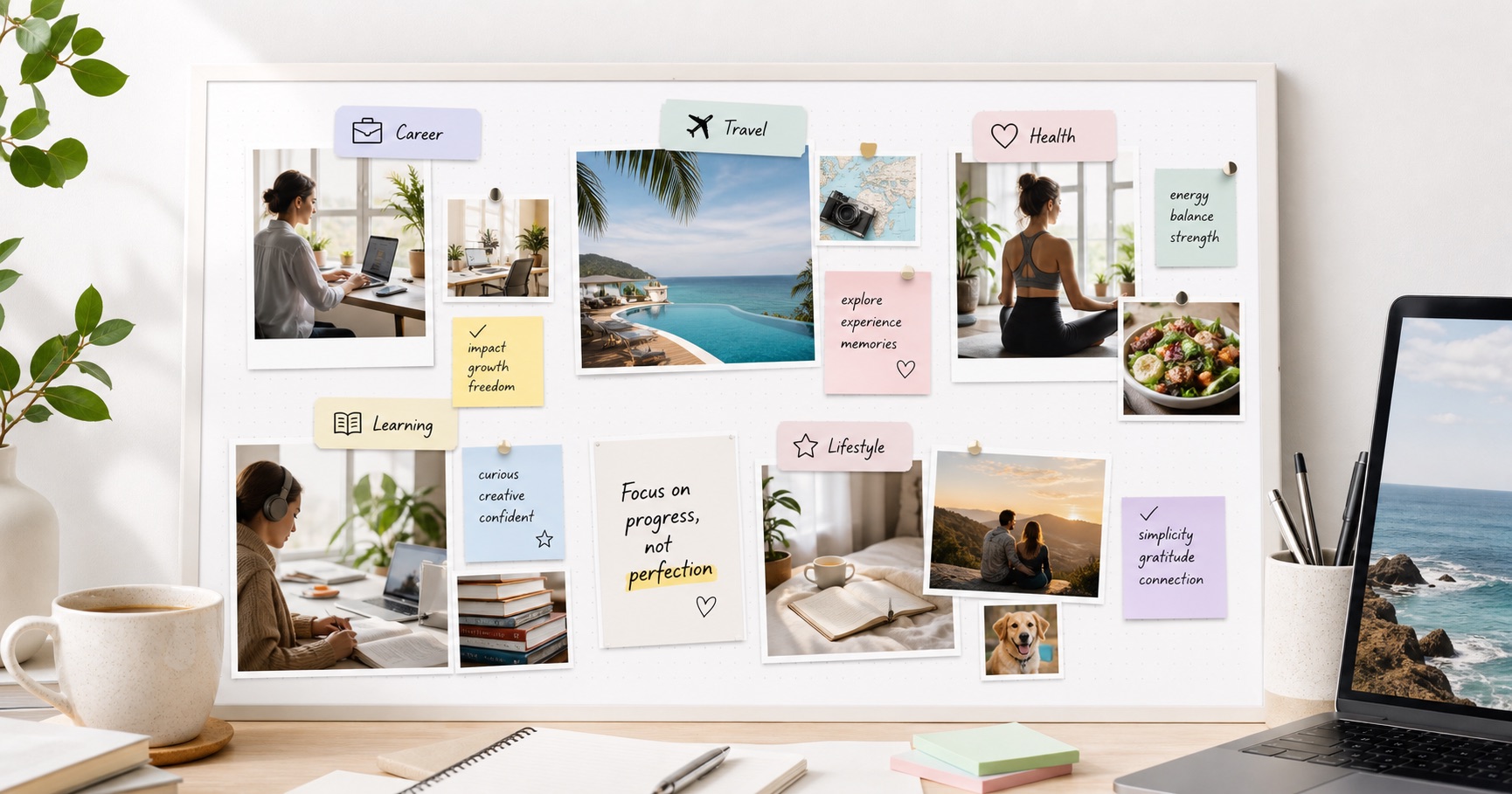
A vision board is a visual map of the goals, habits, experiences, and values you want to focus on. It can be a poster, corkboard, notebook spread, Pinterest board, or digital canvas. The format matters less than the thinking behind it: each image should point to something specific you want to do, build, learn, or become.
A strong vision board usually includes three layers:
- Goal images that make the goal concrete, such as a workspace, travel destination, fitness habit, study routine, or relationship moment.
- Why statements that explain why the goal matters, so the board does not become a random mood collage.
- Action cues that turn the image into a weekly behavior, milestone, checklist, calendar item, or habit tracker.
This is why a digital board can be useful. In AFFiNE, you can keep inspiration images in Edgeless mode, then link them to notes, tasks, databases, and planning pages instead of leaving them as static pictures.
Why Make a Vision Board in 2026?
A vision board can help you narrow your attention. When everything feels possible, the board asks a stricter question: which goals are worth seeing every day?
Use a vision board when you want to:
- Clarify priorities across career, health, relationships, money, learning, and lifestyle.
- Make goals visible instead of leaving them buried in a notes app or journal.
- Spot conflicts between goals, such as wanting more travel while also saving aggressively.
- Build motivation by pairing a long-term goal with images and short weekly actions.
- Track progress by updating, removing, or replacing images as goals become real.
A vision board is not a substitute for planning. It becomes useful when every inspiring image has a next step attached to it.
How to Create a Vision Board in 8 Steps

1. Pick 3 to 5 life areas
Start narrow. Choose the areas that actually need attention this season, such as career, health, learning, family, finances, home, travel, spirituality, or creative work. A board with five focused sections is usually stronger than one with twenty unrelated wishes.
2. Write specific goal statements
Before collecting images, write one sentence for each priority. Replace vague goals with observable outcomes:
| Vague idea | Better vision board goal |
|---|---|
| Get healthy | Strength train 3 times a week and cook at home on weekdays |
| Travel more | Plan one Japan trip and save the first $1,500 by September |
| Be productive | Finish one portfolio case study every month |
| Learn more | Complete a beginner Spanish course and practice 20 minutes a day |
Specific goals make image selection easier and make the board more useful after the first week.
3. Collect images that show the real outcome
Choose images that represent the outcome, environment, habit, or feeling you want. Use your own photos when possible. For public or printable boards, use images you have permission to use and avoid copyrighted photos pulled from random websites.
Good image choices include:
- a real workspace that matches your ideal routine
- a meal, training plan, or wellness scene that reflects your health goal
- a screenshot of a course, certificate, or portfolio target
- a destination photo tied to a specific trip
- a calendar or savings tracker connected to a financial goal
4. Add words, dates, and constraints
Images give the board energy; words give it precision. Add short labels such as "ship weekly," "debt-free," "quiet mornings," or "portfolio by June." Add dates only when the deadline is real. Do not fill the board with motivational quotes if they crowd out the actual goals.
5. Arrange by priority
Put the most important goal near the center or top. Group related goals together, and leave enough white space that the board is easy to scan. If everything is visually loud, nothing gets priority.
6. Link each goal to an action plan
For every major image, write one next action. In a physical board, add a small sticky note. In a digital board, link the image to a task, checklist, database, or project note. This is the step that turns a vision board into a planning tool.
7. Place the board where review is natural
A board hidden in a folder will not help. Put a physical board near your desk, closet, or journal. Set a digital board as a browser start page, desktop wallpaper, or pinned workspace.
8. Review and revise monthly
At the end of each month, remove images that no longer fit, mark wins, and update the next action. A stale board can make goals feel performative. A revised board keeps the goal system alive.
Digital Vision Board Ideas
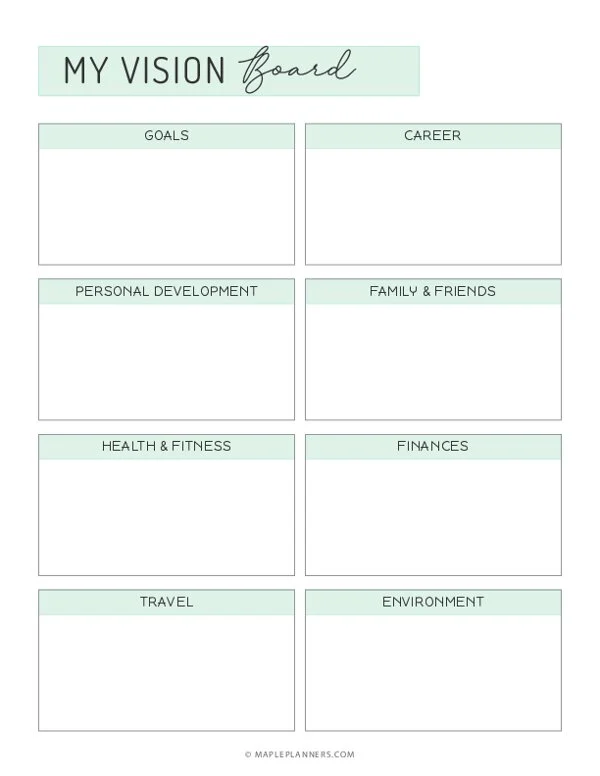
Digital boards are best when you want flexibility, privacy, and easy updates. They also work well for remote teams, students, and people who want to combine inspiration with planning documents.
Try these digital vision board ideas:
- Goal dashboard: Create sections for career, health, money, relationships, learning, and travel. Add one image, one metric, and one weekly action to each section.
- Quarterly reset board: Build a new board every quarter instead of trying to predict the whole year at once.
- Habit board: Use images for the identity you want to reinforce, then link each image to a habit tracker.
- Project launch board: Combine product screenshots, customer quotes, mood references, milestones, and launch tasks.
- Private relationship board: Keep shared plans, home ideas, trip inspiration, and date-night lists in one collaborative workspace.
- Desktop wallpaper board: Export a simple version with only your top goals so it stays visible without becoming distracting.
In AFFiNE, a digital board can start as a freeform visual canvas and connect to structured notes. That makes it easier to move from "this inspires me" to "this is the task I will do next."
Physical Vision Board Ideas
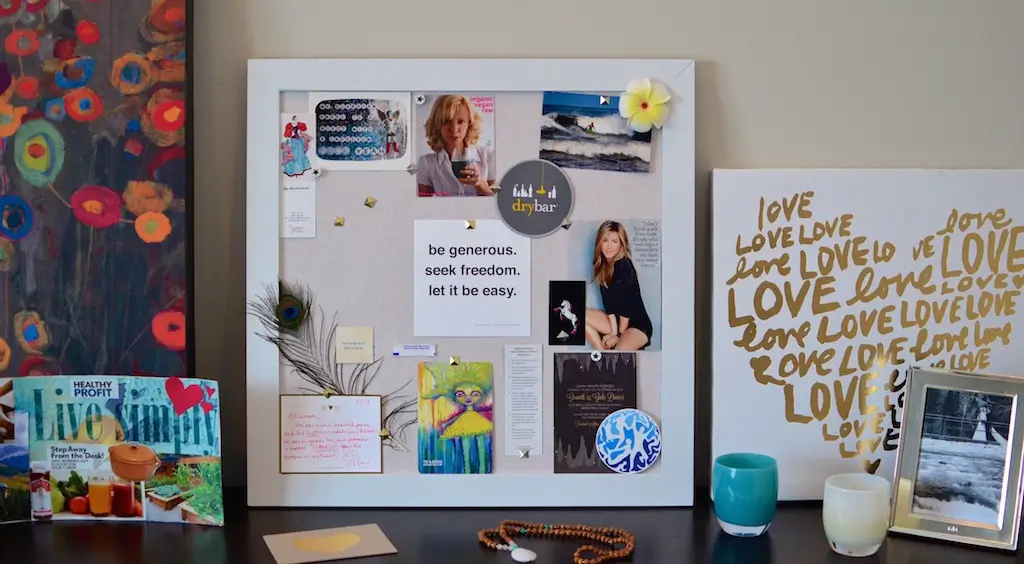
Physical boards are best when you enjoy hands-on making or want a visible object in your room. They can feel more personal because the process forces you to slow down, cut, arrange, and choose.
Strong physical board formats include:
- Corkboard: Easy to revise with pins and index cards.
- Poster board: Good for a yearly reset or a one-time workshop.
- Notebook spread: Better for private goals and journal prompts.
- Photo wall: Best for travel, family, home, and lifestyle goals.
- Envelope board: Add small envelopes for savings targets, milestones, or reward notes.
- Before-and-after board: Put current reality on the left and desired future on the right.
Keep a small action card next to the board. If the board says "run a half marathon," the card should say what happens this week: "Tuesday and Thursday: 30-minute easy runs."
Pinterest Board and Image Curation Tips
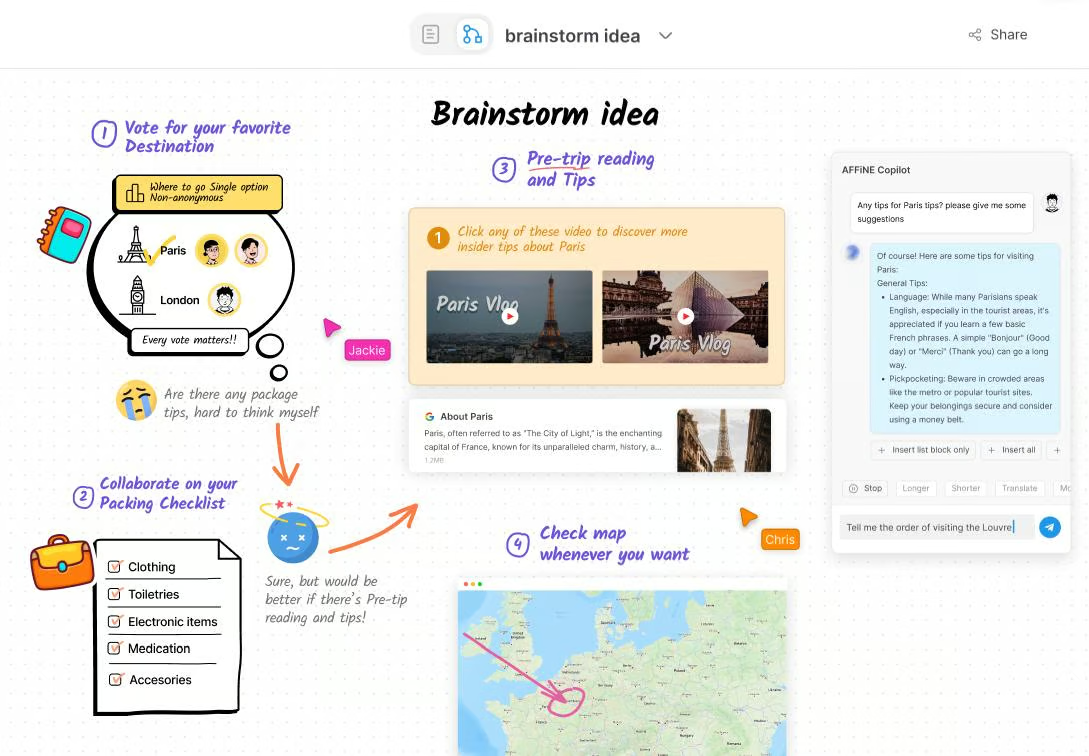
Pinterest can be useful for collecting ideas, but it is easy to confuse collecting with planning. If you use Pinterest, make it a research step, not the final board.
Use this workflow:
- Create one private board for each life area.
- Save images that match a specific goal, not just an aesthetic.
- Delete duplicate images after a week.
- Choose the 3 to 5 images that still feel actionable.
- Move those images into a board where you can add notes and next steps.
For public blog posts, classrooms, or workplace boards, use images you own, licensed assets, or first-party template screenshots. Good alt text should describe what the image shows, not stuff keywords into the image field.
Vision Board Party Ideas
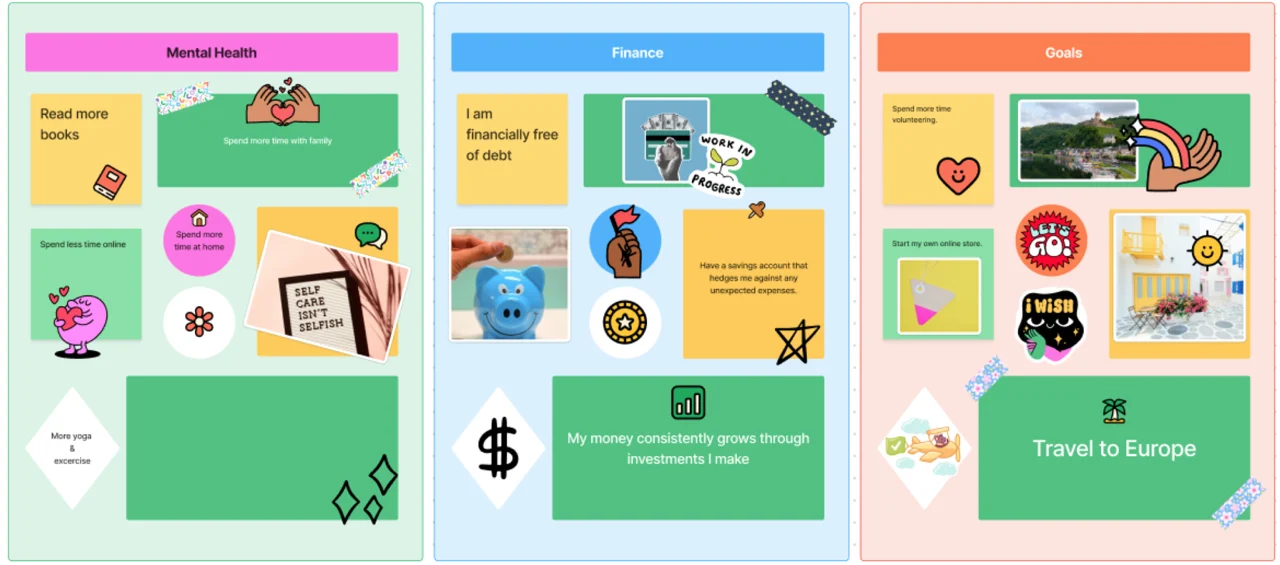
A vision board party works best when it has light structure. Without structure, it becomes a craft night with no follow-through; with too much structure, it stops being fun.
Use this simple agenda:
- Opening prompt: Ask everyone to write three things they want more of and three things they want less of this year.
- Goal selection: Pick one goal for each selected life area.
- Image sprint: Spend 20 minutes collecting images and words.
- Board build: Arrange, trim, and edit the board for 45 to 60 minutes.
- Action round: Each person shares one image and the first action attached to it.
- Follow-up: Schedule a 30-day check-in before everyone leaves.
Good supplies include magazines, printed photos, glue sticks, scissors, markers, washi tape, sticky notes, index cards, and small envelopes for milestones.
Vision Board Ideas for Adults
Adult vision boards often work best when they are honest about tradeoffs. Instead of making a board only for dream outcomes, include the systems that make those outcomes realistic.
Try these ideas:
- Financial stability board: Include debt payoff targets, emergency fund milestones, savings trackers, and images that represent the life you are buying back.
- Career change board: Add target roles, portfolio examples, networking prompts, course screenshots, and application deadlines.
- Home reset board: Use room photos, storage ideas, maintenance checklists, and a budget note.
- Work-life balance board: Combine calendar boundaries, family rituals, exercise windows, and rest cues.
- Confidence board: Use proof of past wins, testimonials, finished projects, and reminders of situations you handled well.
Vision Board Ideas for Students
Students need boards that connect dreams to routines. Keep the board concrete and semester-based.
Useful student board sections include:
- grades or exam targets
- study blocks and assignment deadlines
- scholarship or internship goals
- reading lists and skill milestones
- campus involvement or friendship goals
- sleep, exercise, and mental health routines
A student board should include fewer lifestyle images and more cues for the next study session. Pair it with a weekly planner or assignment tracker so the board does not become separate from school work.
Vision Board Ideas for Work and Teams
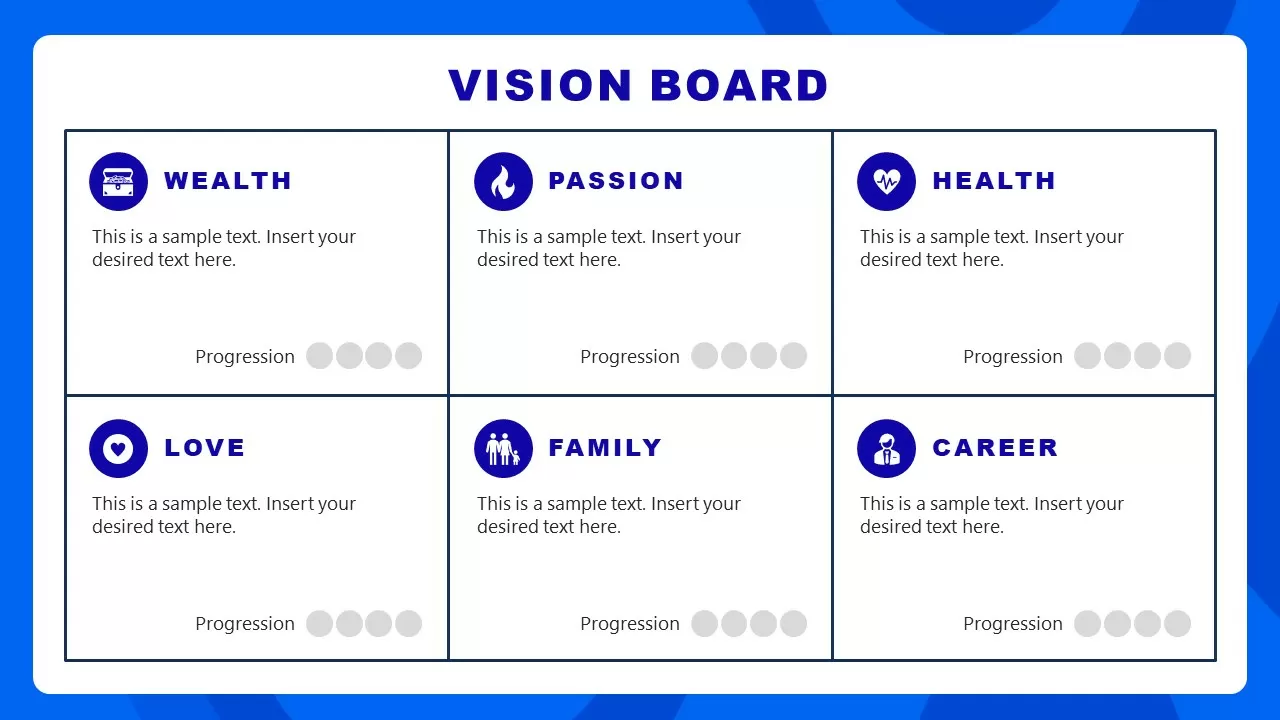
A work vision board should not replace a roadmap. It should clarify direction, audience, quality bar, and the kind of work the team wants to produce.
Use team boards for:
- product principles and customer outcomes
- launch themes and campaign mood references
- quarterly objectives and success metrics
- design direction and visual examples
- hiring, culture, and operating norms
- conference, content, or community planning
For teams, add owner names and decision notes. A board with no owners becomes decoration. A board with owners becomes a shared planning artifact.
Health, Wellness, Travel, and Creative Boards
Health and wellness board
Focus on behaviors, not idealized bodies. Use images of meals you can cook, workouts you can repeat, sleep cues, walking routes, water bottles, journal pages, and recovery time. Add one measurable habit per image.
Travel board
Choose destinations you can realistically plan for. Add target dates, estimated budget, visa or passport reminders, and a savings tracker. If the board is only beautiful landscapes, it will not help you book the trip.
Creative board
Use references for color, mood, subject matter, and finished output. Add deadlines for drafts, publishing, or portfolio updates. For artists, writers, and creators, the most useful board often includes a "finished work" section.
Dream home board
Mix aesthetic images with measurements, budget, maintenance, and purchase links. If you are renting, use the board for changes you can make now: lighting, desk setup, storage, plants, textiles, and cleaning routines.
Common Vision Board Mistakes
Avoid these mistakes if you want the board to stay useful after the first week:
- Too many goals: Limit the board to the season you are actually planning.
- No next action: Every big image needs a task, habit, or milestone.
- Only aspirational images: Add real constraints such as budget, time, and energy.
- Unclear categories: Group goals by life area so the board is easy to scan.
- Set-and-forget behavior: Schedule a recurring review.
- Copied aesthetics: Choose images that match your real life, not someone else's social feed.
- Missing accessibility: If the board is digital or public, add descriptive alt text to every meaningful image.
Frequently Asked Questions
What should a vision board include?
A useful vision board should include goal images, short labels, why statements, and next actions. For example, a travel photo should be paired with a destination, budget, target date, and first planning task. The board should make the goal easier to act on, not just nicer to look at.
What are the three main types of vision boards?
The three common types are physical boards, digital boards, and theme-based boards. Physical boards use printed materials; digital boards use tools like AFFiNE, Canva, or Pinterest; theme-based boards focus on one area such as career, health, money, travel, or relationships.
How do I make a vision board without magazines?
Use your own photos, licensed image libraries, screenshots of templates, handwritten notes, color swatches, icons, and printable clip art. A digital board is often easier because you can drag images into a canvas, add labels, and update the board without printing anything.
Are digital vision boards better than physical boards?
Digital boards are better for editing, privacy, linking to tasks, and collaborating with others. Physical boards are better when you want a visible object in your room and enjoy hands-on making. The best choice is the one you will review and update consistently.
How often should I update my vision board?
Review it monthly and refresh it at least once per quarter. Remove goals that no longer matter, mark progress, and add the next action for each active goal. A yearly board can still work, but quarterly updates make it easier to stay realistic.
Build Your Vision Board in AFFiNE
If you want a flexible digital version, start with AFFiNE's vision board template collection. You can place images freely, add notes beside each goal, link sections to planning pages, and export the final board when you want a printable or shareable version.
The best vision board is not the prettiest one. It is the one that helps you choose what matters, see it often, and take the next step.