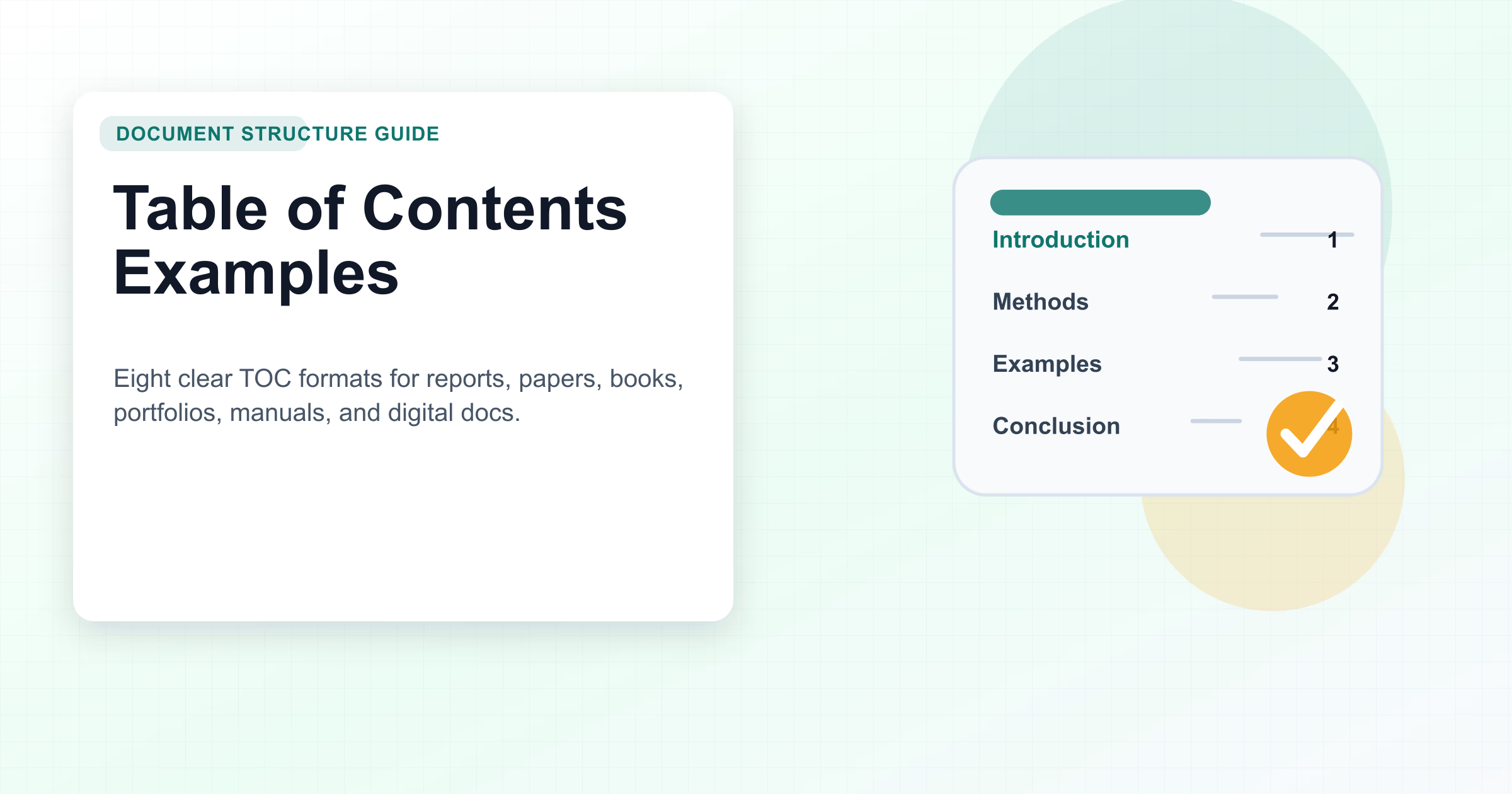
Table of Contents Examples: 8 Clear Formats for Documents
Updated June 2026: refreshed with first-party images, stronger descriptive alt text, clearer table of contents examples, practical creation steps, and structured FAQ guidance for document creators.
A table of contents is a promise to the reader: here is what this document covers, where each section starts, and how the ideas fit together. Good TOC examples do more than list headings. They show the right level of detail for the document type, whether that document is an academic paper, business report, book, magazine, portfolio, manual, or digital guide.
This guide compares eight table of contents examples you can adapt immediately. Use it to choose the right TOC format, understand what each example should include, and avoid the mistakes that make long documents harder to scan.
Table of Contents Examples at a Glance
| Example | Best for | Include | Avoid |
|---|---|---|---|
| Academic paper TOC | Essays, theses, coursework | Level 1 and 2 headings, appendices, figures | Decorative styling that conflicts with required format |
| APA style TOC | APA papers and student reports | Clear heading hierarchy and right-aligned page numbers | Manual page numbers that become outdated |
| Research paper TOC | Long studies and reports | Literature review, methods, results, discussion | Overly shallow headings for complex work |
| Business report TOC | Executive updates and analysis | Executive summary, findings, recommendations | Vague labels like "Details" or "More" |
| Book or magazine TOC | Editorial publications | Chapter groups, features, departments | A design-first page that hides navigation |
| Portfolio TOC | Design, writing, consulting, and case-study portfolios | Case studies, outcomes, skills, contact | Listing every minor asset instead of key proof |
| Manual TOC | Operations, training, policies, procedures | Processes, roles, safety notes, appendices | Missing troubleshooting and update ownership |
| Digital TOC | Web pages, PDFs, docs, knowledge bases | Clickable anchors, updated headings, export-safe links | Broken links after export |
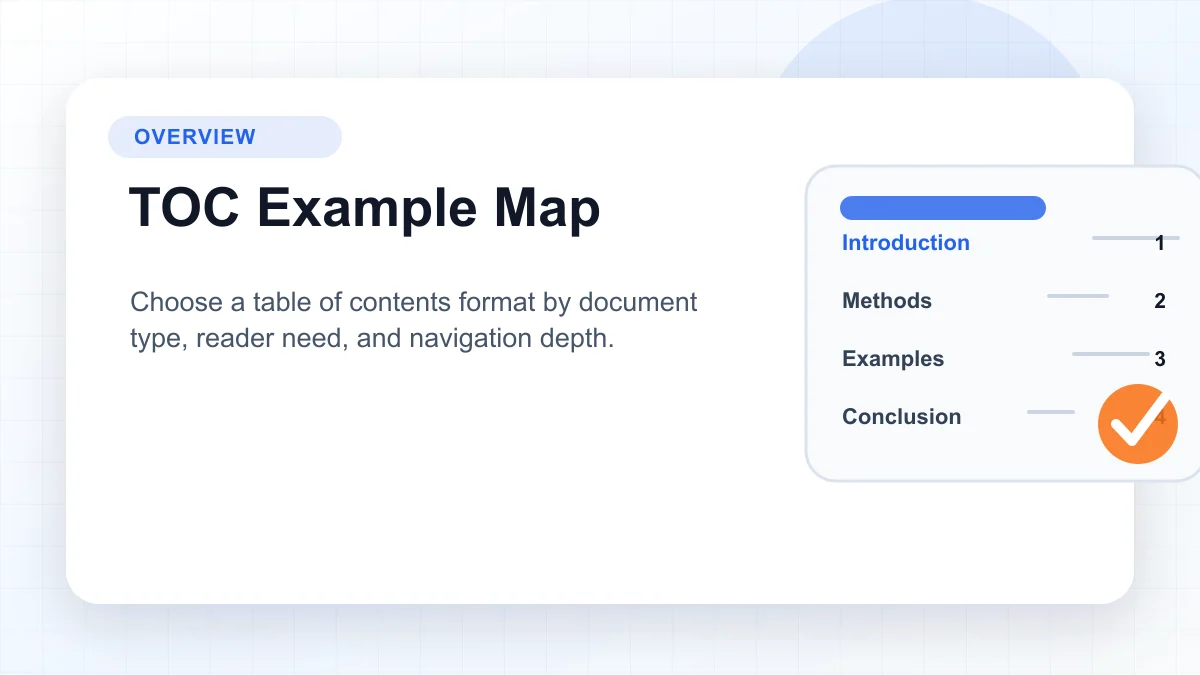
Need a faster starting point? Open AFFiNE's Table of Contents template beside this guide, then adapt the examples below to your document type. For adjacent examples, see the APA template, clickable table of contents guide, and creative table of contents ideas.
What Makes a Table of Contents Work?
A useful table of contents has four jobs:
- Orient the reader. The TOC should make the document's scope obvious before someone reads the first section.
- Expose the hierarchy. Main sections, subsections, appendices, tables, and figures should appear at the right depth.
- Support navigation. Printed documents need page numbers. Digital documents need links or anchors that survive export.
- Stay accurate. A TOC loses trust quickly when headings, page numbers, or links do not match the final document.
The right TOC is not always the longest one. A one-page proposal may need only five top-level entries. A 70-page research report may need level 1 and level 2 headings, appendices, table lists, and figure lists. Choose based on how readers will search, skim, and return to the document.
How to Create a Useful Table of Contents
- Choose the TOC level. Decide whether readers need only major sections or a deeper map with subsections, appendices, tables, and figures.
- Apply consistent heading styles. Use one heading system across the document so the TOC can be generated, updated, and exported reliably.
- Add page numbers or links. Use right-aligned page numbers for print and clickable anchors for digital documents.
- Check hierarchy and labels. Make section names specific enough that readers know what they will find before clicking or turning pages.
- Update the TOC before export. Refresh fields, page numbers, and links after final edits, not before.
- Test the reader path. Click or scan each entry and confirm that the TOC takes readers to the expected section.
1. Academic Paper Table of Contents
An academic paper TOC should help instructors, reviewers, or committee members move through a formal argument. It usually includes the introduction, literature review, methodology, results, discussion, conclusion, references, and appendices.
Use this structure when: the document has multiple formal sections, uses required heading levels, or includes supporting materials that readers must locate quickly.
Example format:
| Entry | Page |
|---|---|
| Introduction | 1 |
| Literature Review | 4 |
| Methodology | 12 |
| Results | 18 |
| Discussion | 26 |
| References | 34 |
| Appendix A: Survey Questions | 39 |
Quality tip: do not include every paragraph-level heading. Academic TOCs work best when they reveal the argument structure without overwhelming the reader.
2. APA Style Table of Contents
An APA style TOC is not required for every APA paper, but it is useful for longer assignments, capstones, theses, and reports. The key is consistency: headings in the TOC should mirror the heading levels used in the body.
Use this structure when: the paper follows APA formatting, includes multiple sections, or needs a clean academic navigation page.
Example format:
| Level | TOC entry style | Notes |
|---|---|---|
| Level 1 | Methodology | Left aligned |
| Level 2 | Participants | Indented under the parent section |
| Level 2 | Measures | Same indentation as peer subsections |
| Level 1 | Results | Returns to parent alignment |
Quality tip: use heading styles instead of typing the TOC manually. Manual TOCs often drift when section titles change.
3. Research Paper Table of Contents
A research paper TOC should make the study logic visible. Readers should see how the document moves from question to evidence, analysis, and conclusion.
Use this structure when: your paper has research questions, a methodology, findings, appendices, data tables, or a literature review.
Example format:
| Section | Why it belongs in the TOC |
|---|---|
| Abstract | Gives a high-level summary |
| Research Questions | Shows the scope of inquiry |
| Literature Review | Places the work in context |
| Methods | Explains how evidence was collected |
| Results | Shows findings without interpretation overload |
| Discussion | Interprets the findings |
| Limitations | Builds trust by naming constraints |
Quality tip: if a section is important enough to help readers evaluate the research, it probably belongs in the TOC.
4. Business Report Table of Contents
A business report TOC should help busy stakeholders jump to the decision layer. Executives may read the summary, finance may scan the numbers, and operators may need the action plan.
Use this structure when: the document supports a decision, shares performance results, or recommends changes.
Example format:
| Entry | Reader need |
|---|---|
| Executive Summary | Decision context |
| Current State | Baseline and facts |
| Key Findings | What changed or matters |
| Recommendations | What to do next |
| Budget Impact | Cost and resource implications |
| Implementation Plan | Owners, milestones, timing |
| Appendix | Supporting data |
Quality tip: business TOCs should use action-oriented labels. "Recommendations" is clearer than "Next Part"; "Budget Impact" is clearer than "Numbers."
5. Book and Magazine Table of Contents
Books and magazines need a TOC that balances navigation and editorial tone. A textbook TOC may prioritize hierarchy and page numbers. A magazine TOC may group features, columns, interviews, and recurring departments.
Use this structure when: the publication has chapters, recurring departments, visual features, or editorial sections.
Example format:
| Publication type | TOC focus |
|---|---|
| Nonfiction book | Chapters, parts, foreword, notes |
| Textbook | Units, chapters, exercises, references |
| Magazine | Features, interviews, columns, departments |
| Ebook | Clickable chapter anchors and reader-friendly labels |
Quality tip: visual styling should support scanning. If the page looks creative but readers cannot find a chapter or feature, the design is failing its main job.
6. Portfolio Table of Contents
A portfolio TOC frames the work before a reviewer starts clicking. It should make your strongest proof easy to find: case studies, outcomes, skills, testimonials, process notes, and contact information.
Use this structure when: the document is a PDF portfolio, design case-study deck, writing portfolio, consulting profile, or student submission.
Example format:
| Entry | What it signals |
|---|---|
| Selected Work | Curated strongest projects |
| Case Study 1: Problem and Outcome | Depth and decision-making |
| Case Study 2: Process | How the work happened |
| Results | Measurable impact |
| Skills and Tools | Capability summary |
| Contact | Clear next step |
Quality tip: do not list every project equally. A portfolio TOC should guide attention toward the work most relevant to the audience.
7. Operations Manual Table of Contents
An operations manual TOC is a working navigation system, not decoration. It helps employees find procedures, responsibilities, safety notes, escalation paths, and troubleshooting steps.
Use this structure when: the document explains repeatable processes, team policies, training steps, or compliance workflows.
Example format:
| Entry | Why it matters |
|---|---|
| Purpose and Scope | Prevents misuse |
| Roles and Responsibilities | Clarifies ownership |
| Standard Procedures | Main operating steps |
| Safety or Compliance Notes | Reduces risk |
| Troubleshooting | Speeds up problem solving |
| Change Log | Shows what changed and when |
Quality tip: add a change log or review date for manuals. Operational documents lose value when teams cannot tell whether the instructions are current.
8. Digital Table of Contents for Docs, PDFs, and Web Pages
A digital TOC needs links that work after publishing, sharing, or exporting. The format can be simple, but the behavior matters: each entry should move readers to the right heading.
Use this structure when: the document is a web page, PDF, knowledge-base article, Notion-style page, markdown guide, or shareable online doc.
Example format:
| Entry | Digital behavior |
|---|---|
| Overview | Jumps to summary |
| Requirements | Jumps to prerequisites |
| Step-by-Step Guide | Jumps to instructions |
| Examples | Jumps to reusable samples |
| FAQ | Jumps to short answers |
Quality tip: test links after export. A TOC that works in the editor can still break in PDF, HTML, or copied markdown.
TOC Tools: Word, AFFiNE, and Template-Based Workflows
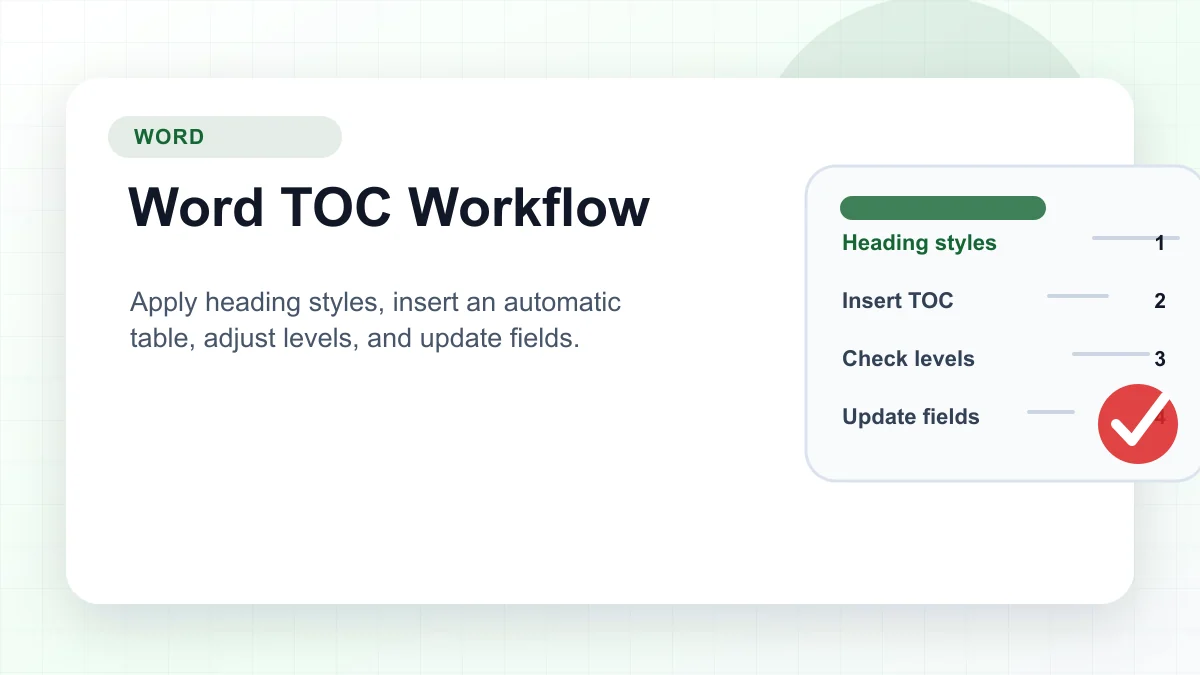
Microsoft Word is useful when the document is print-heavy and page numbers matter. Apply heading styles first, insert an automatic TOC, choose how many heading levels to show, and update fields after every major edit.
AFFiNE is useful when the table of contents is part of a broader writing workflow. You can outline the document, map sections visually, draft the content, and keep the TOC aligned with the final structure. Start with AFFiNE's Table of Contents template when you want a reusable layout instead of rebuilding the same structure for every report or guide.
Common Table of Contents Mistakes
- Using vague headings. "Details" and "More Information" do not help readers decide where to go.
- Showing too many levels. A TOC with every small subsection becomes harder to scan than the document itself.
- Forgetting digital links. PDF and web readers expect clickable navigation.
- Leaving stale page numbers. Update the TOC after final edits, layout changes, and export.
- Designing for decoration only. Visual TOCs still need readable text, hierarchy, and clear page or link targets.
- Ignoring accessibility. Use descriptive headings, sufficient contrast, and logical reading order.
Conclusion
The best table of contents example is the one that matches the reader's job. Academic papers need clean hierarchy. Business reports need decision-first navigation. Books and magazines need editorial clarity. Portfolios need proof-oriented structure. Manuals need reliable operating references. Digital documents need links that survive publishing.
If you want a practical starting point, use AFFiNE to create a reusable document hub: outline the sections, add a TOC template, review the hierarchy visually, and export the final version only after links and headings are tested.
Frequently Asked Questions About Table of Contents Examples
What is a good table of contents example?
A good table of contents example lists the document's main sections in order, shows the right heading depth, and gives readers a reliable way to reach each section. Printed documents usually need page numbers. Digital documents should use clickable links or anchors.
How many levels should a table of contents include?
Most documents should include one or two heading levels. Long academic papers, manuals, and technical reports may need three levels, appendices, tables, or figure lists. Short proposals and portfolios usually work better with fewer entries.
Should a table of contents include page numbers?
Use page numbers for printed documents and PDFs where page location matters. Use clickable links for web pages, online docs, and knowledge-base articles. Some documents need both, especially when they will be exported or printed.
What is the difference between a table of contents and an outline?
An outline helps the writer plan the document before drafting. A table of contents helps the reader navigate the finished document. They often share the same structure, but the TOC should be cleaned, updated, and tested before publishing.
How can AFFiNE help create a table of contents?
AFFiNE helps you plan the document structure, draft sections, map the hierarchy visually, and reuse a table of contents template across projects. It works well when the TOC needs to stay connected to notes, outlines, and final export formats.