10 Best Free Travel Planner Apps and Websites for 2026
Travel planning now happens across too many tabs: flight search, hotel bookings, maps, restaurant lists, group chats, and half-finished spreadsheets. The best free travel planner app is the one that turns that scattered research into a plan you can actually follow when you are tired, offline, or traveling with other people.
This guide was refreshed in June 2026. It focuses on free travel planner apps and websites that are still useful before you pay: itinerary builders, map tools, booking organizers, route planners, and visual template tools. Prices, limits, and paid features change often, so use this as a decision guide and verify the final booking details inside each app before you pay.
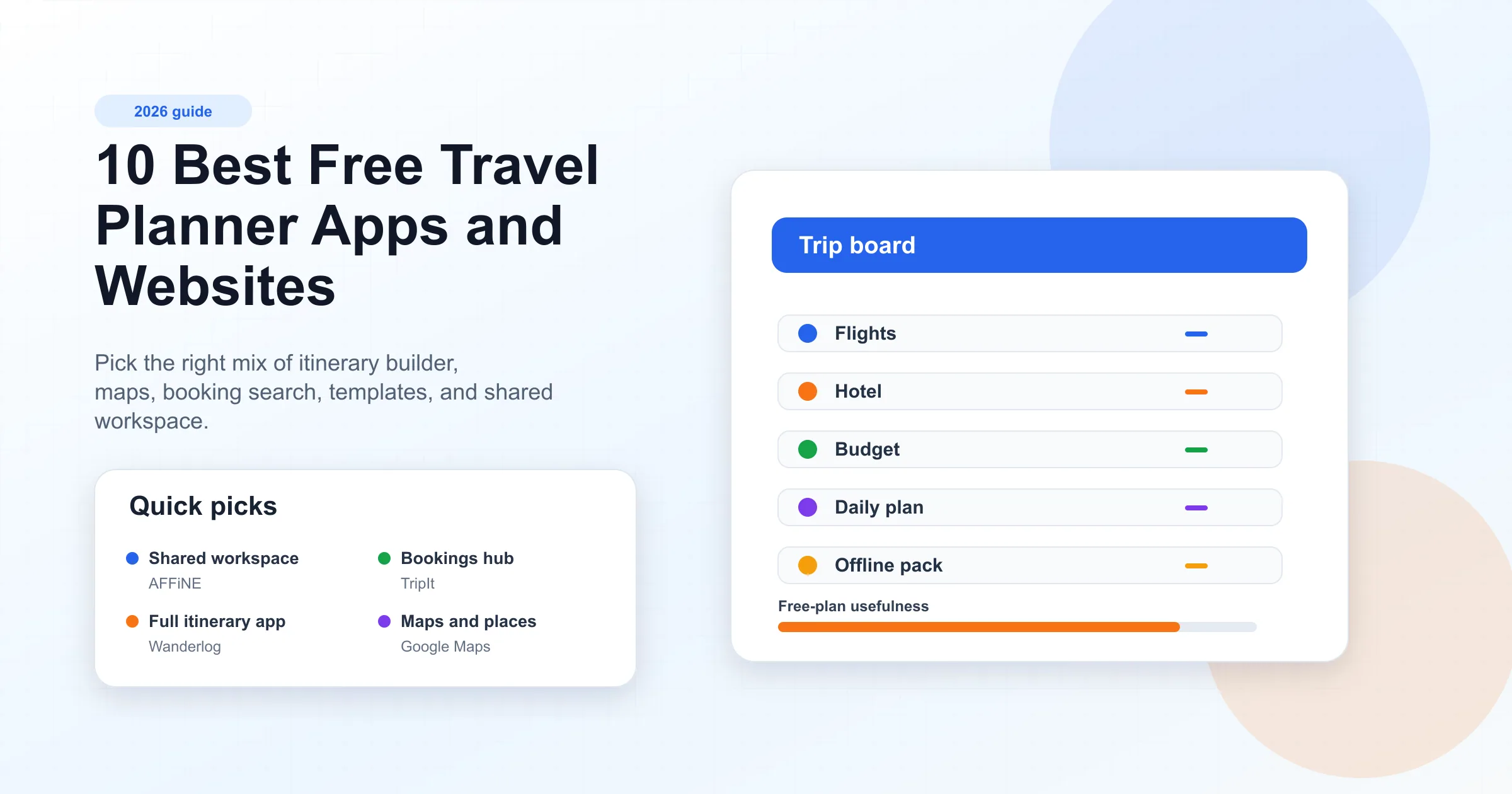
Quick Picks
| Need | Best free option | Why it fits |
|---|---|---|
| One shared trip workspace | AFFiNE | Combines notes, tables, whiteboards, task boards, and exportable planning pages. |
| Full itinerary builder | Wanderlog | Strong for routes, reservations, daily plans, and group planning. |
| Booking confirmation hub | TripIt | Turns reservation emails into one chronological itinerary. |
| Saved places and offline maps | Google Maps | Best everyday map layer for places, directions, and offline city access. |
| Flight and hotel price discovery | KAYAK or Skyscanner | Better for comparing options than writing the final itinerary. |
| Road trip routing | Roadtrippers | Good when stops, drive time, and scenic detours are the core plan. |
| Printable trip handout | Canva | Fastest way to turn a finished plan into a visual itinerary. |
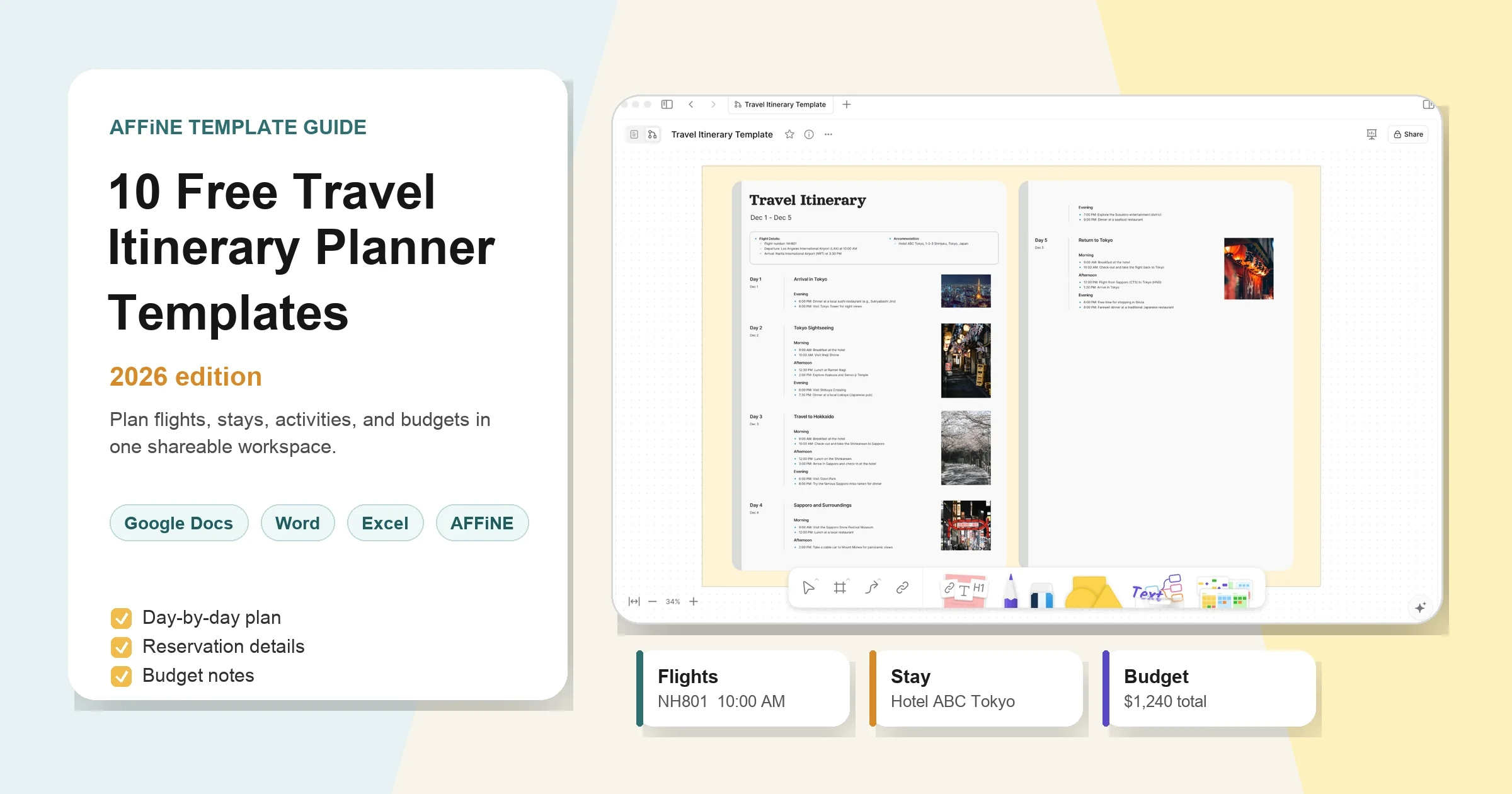
If you want a reusable planning structure, start from a travel itinerary template. If you want deeper template comparisons, use AFFiNE's guide to free travel itinerary planner templates or the shorter trip itinerary templates collection.
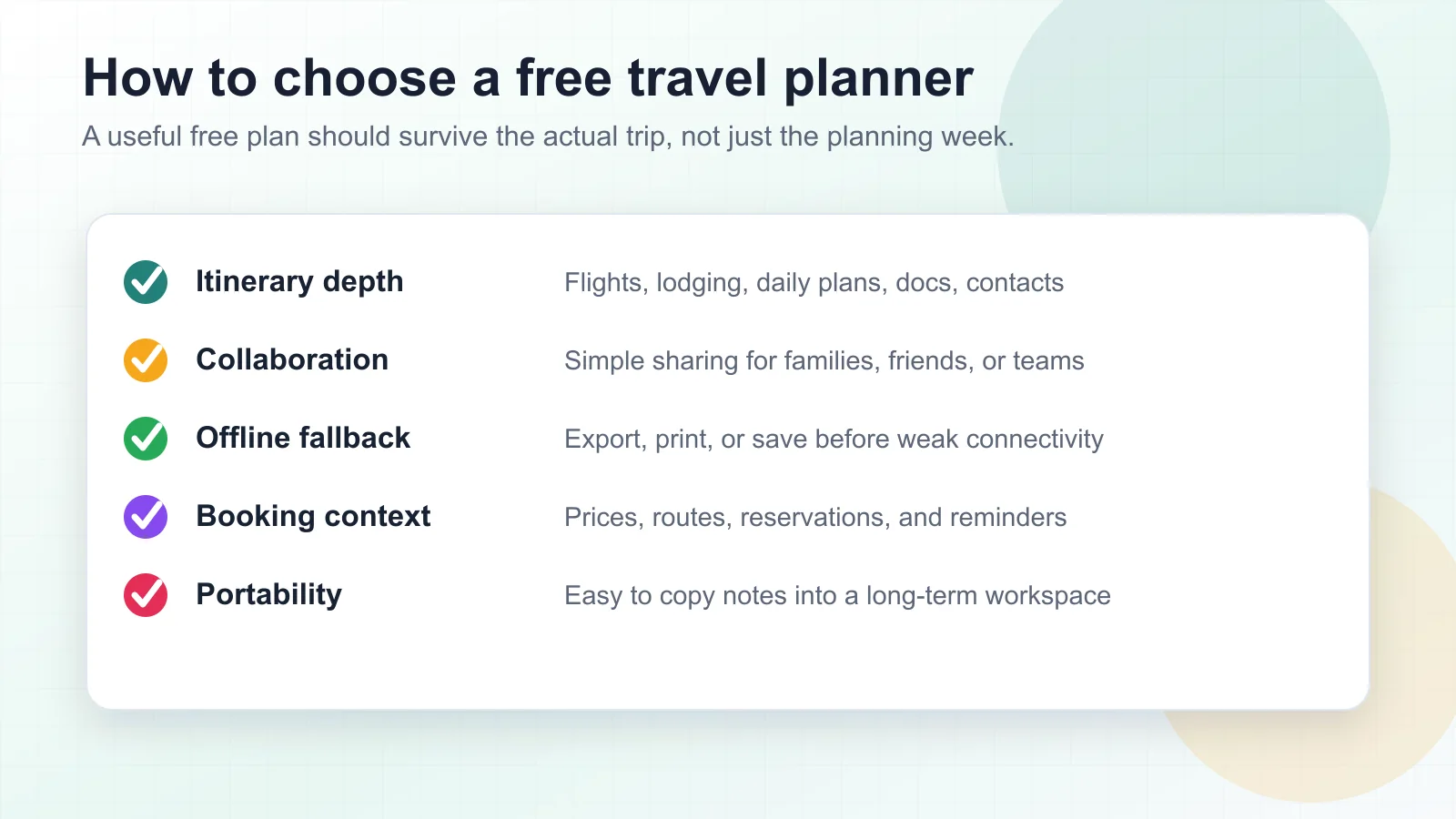
How We Chose These Free Travel Planner Apps
A travel planner app should solve at least one real planning job:
- Itinerary depth: flights, lodging, daily activities, reservation notes, contacts, and documents.
- Collaboration: a way for companions, family members, or coworkers to review and update the plan.
- Offline fallback: export, print, save, or download enough context before departure.
- Booking context: prices, routes, confirmations, reminders, or operator links.
- Portability: a way to keep useful notes after the trip instead of trapping them in one app.
No single free app wins every category. A practical stack is usually one search app, one map app, and one workspace for the final shared plan.
1. AFFiNE - Best Shared Travel Planning Workspace
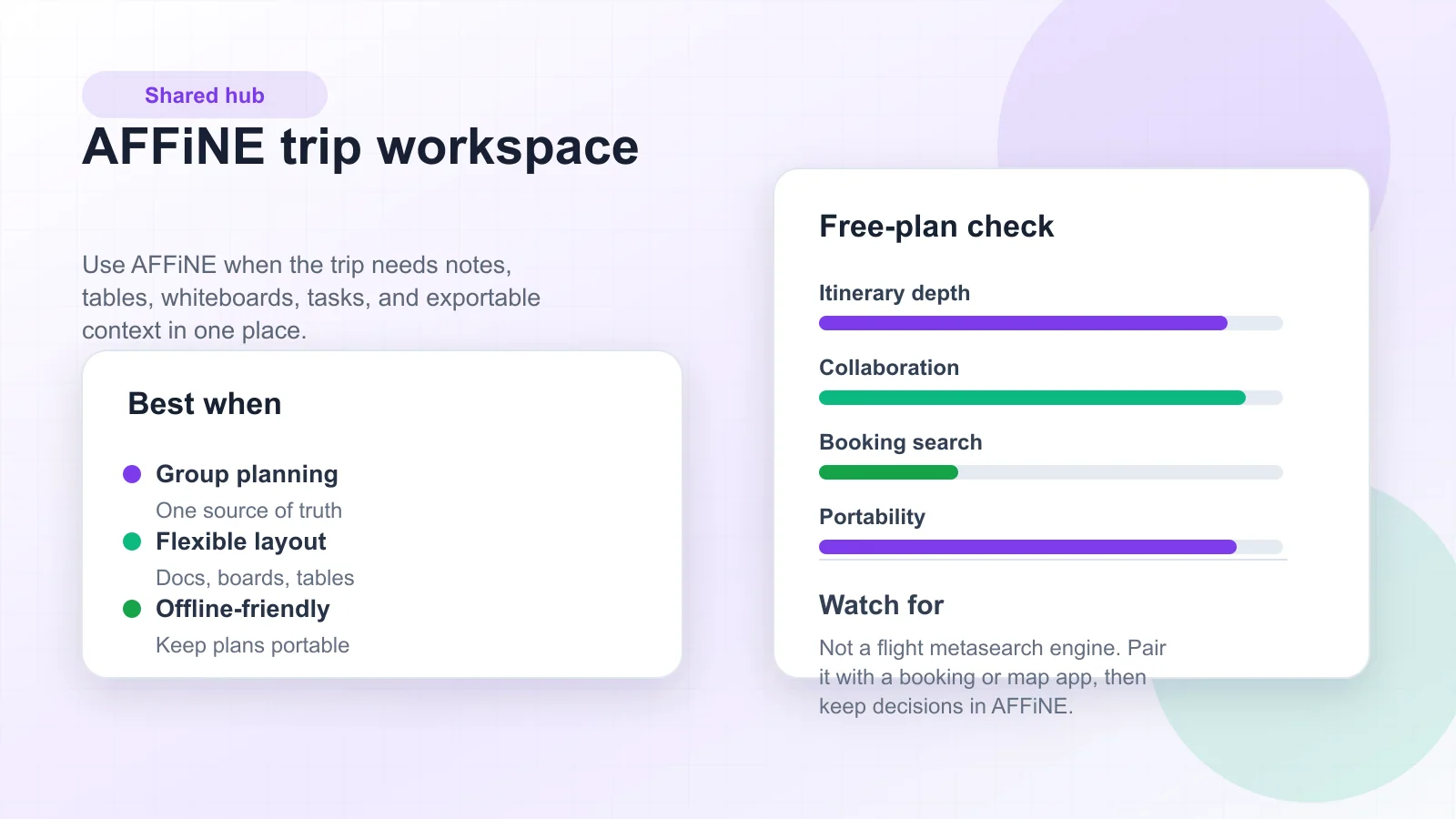
AFFiNE is the best fit when the travel plan needs to become a shared workspace rather than a booking receipt. You can draft the itinerary in a document, compare options in a table, brainstorm places on a whiteboard, assign tasks, and keep packing lists or travel documents near the daily plan.
AFFiNE is especially useful for group trips, business travel, long trips, and any plan where people keep adding links, screenshots, questions, and backup ideas. It is not a flight metasearch engine. Use KAYAK, Skyscanner, Google Maps, or Rome2Rio for discovery, then use AFFiNE as the place where decisions become the final plan.
Best for
- A shared source of truth for flights, hotels, activities, documents, and notes.
- Travelers who want an open-source Notion alternative with flexible planning pages.
- Teams or families who need docs, boards, tables, and visual planning together.
Watch out for
- AFFiNE does not replace live fare search or operator booking pages.
- You still need to export or save critical confirmations before travel.
2. Wanderlog - Best All-Around Itinerary Builder
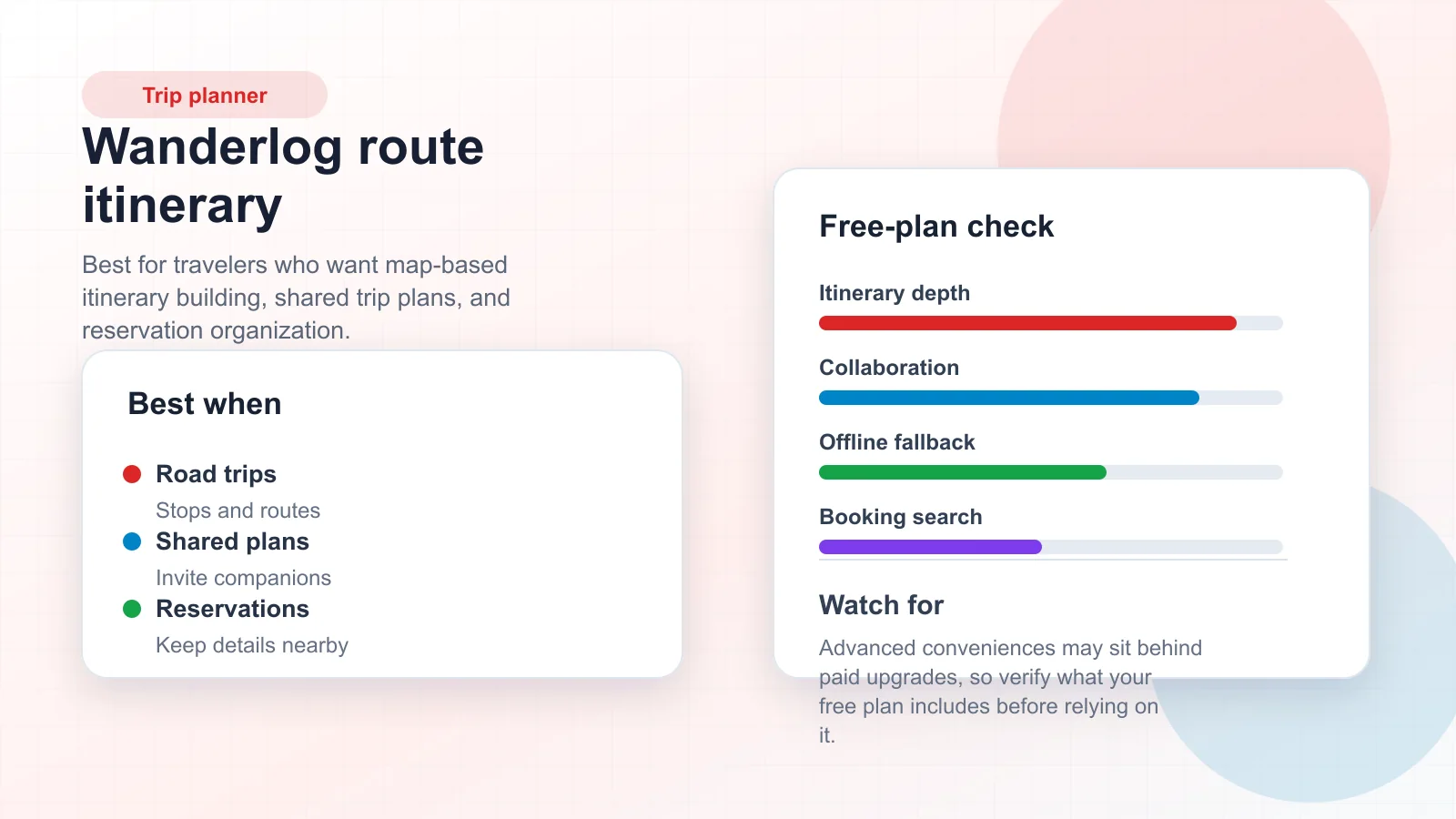
Wanderlog is a strong all-around travel planner for people who want the itinerary, map, route, reservations, and companion collaboration in one app. It is particularly useful for road trips and multi-stop vacations because the plan is naturally organized around places and days.
Use Wanderlog when you want to build the trip directly inside a travel-first app. Use AFFiNE alongside it when you also need broader planning notes: budget assumptions, packing decisions, visa research, client requirements, or a post-trip summary.
Best for
- Multi-city trips and route-heavy vacations.
- Shared itineraries where companions need to see the plan.
- Keeping hotels, flights, activities, and route ideas in one travel-specific app.
Watch out for
- Some convenience features may depend on paid upgrades.
- Long-term notes and reusable planning systems may be easier to keep in a workspace.
3. TripIt - Best for Organizing Booking Confirmations
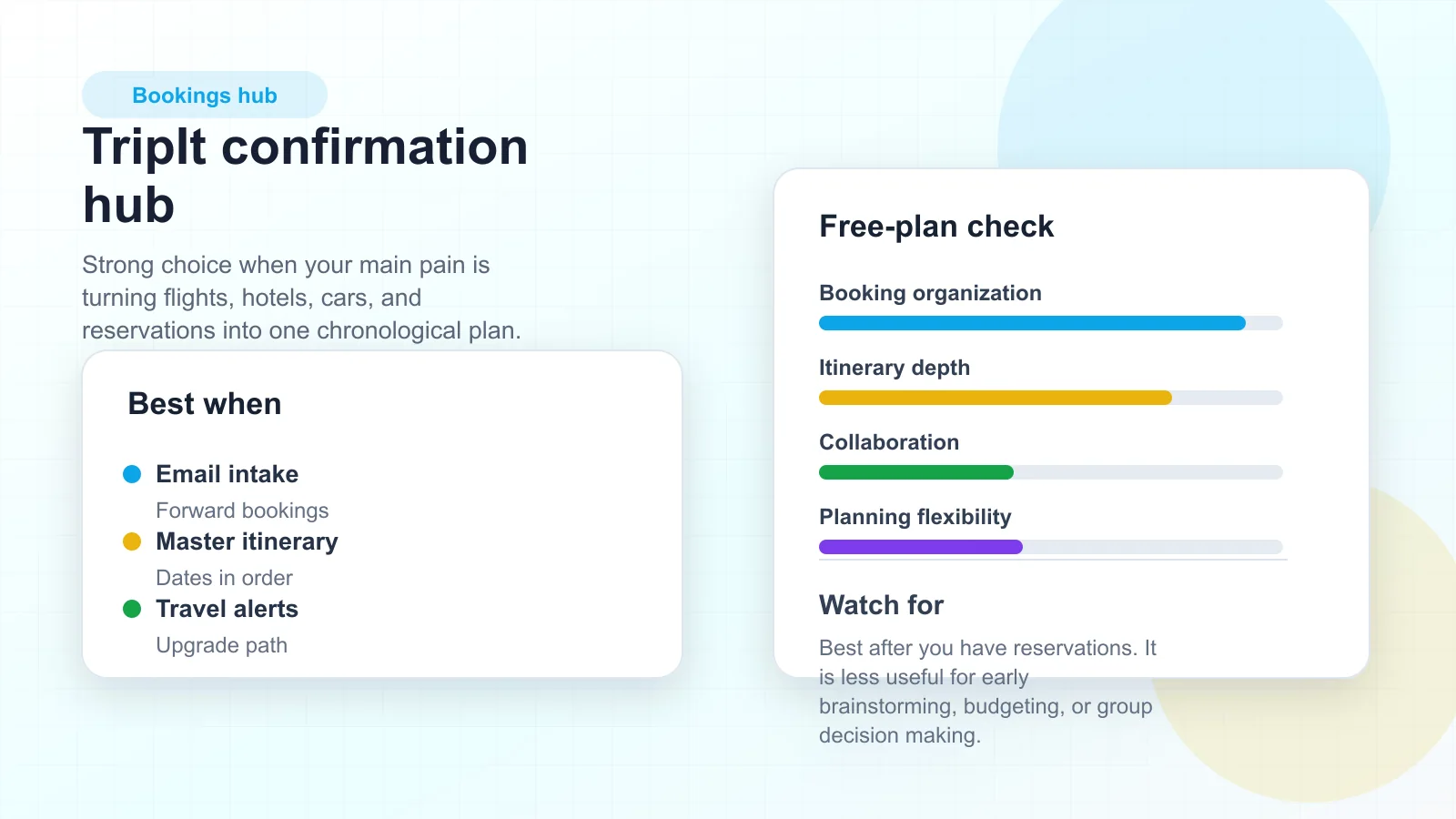
TripIt is best after you already have bookings. Forward confirmation emails and TripIt turns them into a master itinerary with dates, times, addresses, and reservation details. That makes it useful for frequent travelers who care less about brainstorming and more about having the final logistics in order.
TripIt is not the best place to compare destinations or design a day-by-day group plan from scratch. Pair it with a map tool and a shared workspace if the trip still has open decisions.
Best for
- Turning flight, hotel, rental car, and activity confirmations into one timeline.
- Travelers who already book in several places and need one organizer.
- Business travel where the confirmed logistics matter most.
Watch out for
- TripIt Pro and other paid features can change the value calculation.
- It is a confirmation hub, not a visual brainstorming or template system.
4. Google Maps - Best for Saved Places and Offline Navigation
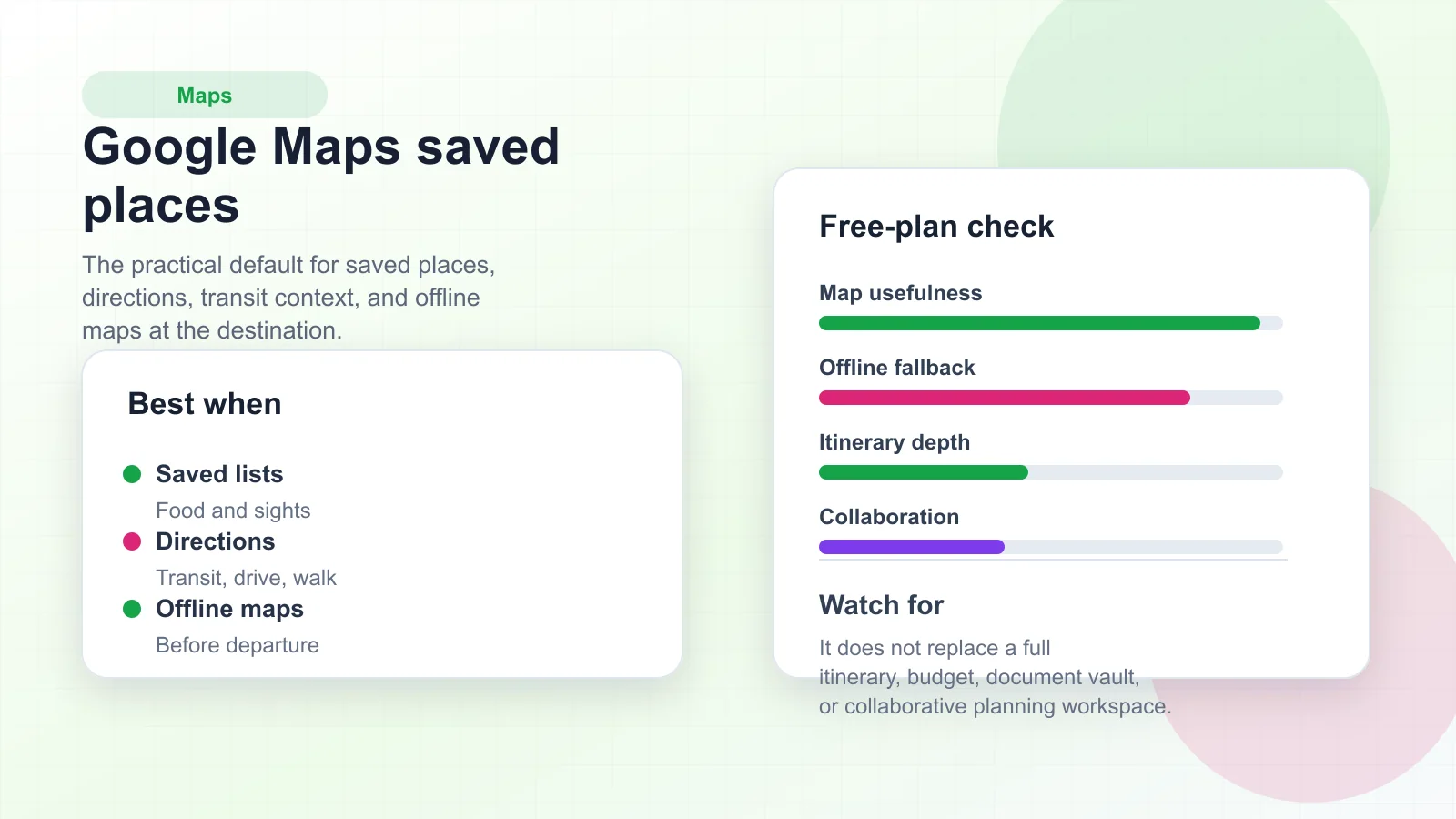
Google Maps is often the map layer of the trip, even when another app owns the itinerary. It is useful for saved places, walking directions, transit checks, restaurant research, offline map downloads, and quick answers while you are moving.
Use Google Maps for location decisions. Keep the final schedule, booking links, budget, and companion tasks somewhere else, because saved lists alone do not make a complete itinerary.
Best for
- Saving attractions, restaurants, hotels, and transit options.
- Downloading offline maps before a city trip or road trip.
- Checking realistic travel time between planned stops.
Watch out for
- Saved places can become a long list without priorities.
- It is not designed to manage documents, budgets, approvals, or packing tasks.
5. KAYAK - Best for Flight, Hotel, and Car Search
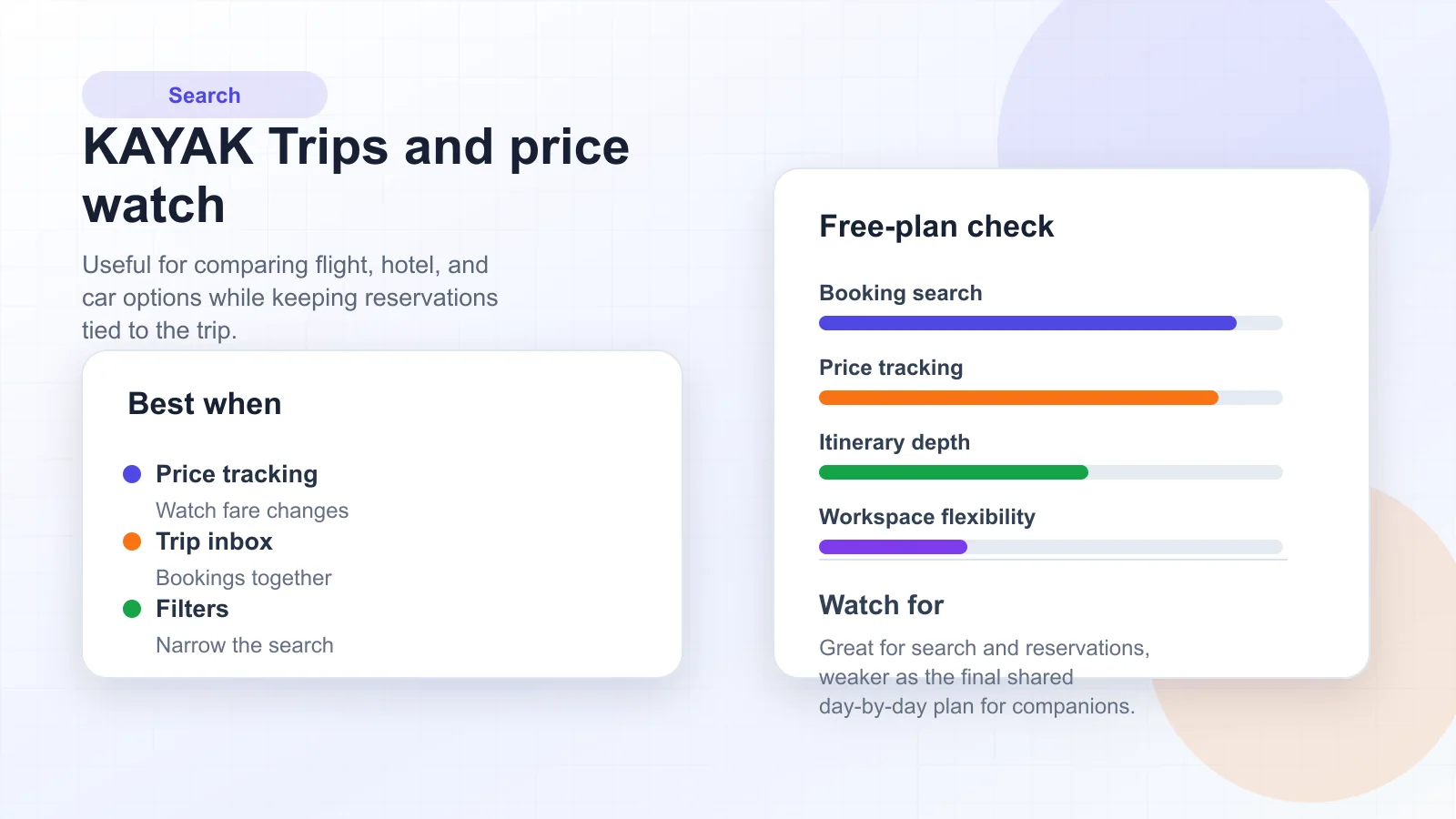
KAYAK is useful when you are still comparing flights, hotels, car rentals, and travel dates. Its value is discovery and price context: filters, alerts, trip organization, and booking links. It helps answer "what can we book?" before you decide "what are we actually doing each day?"
Once you choose the options, move the confirmed details into your final itinerary so companions do not need to search through fare results.
Best for
- Flexible flight and hotel comparison.
- Price alerts and booking research.
- Keeping reservation context connected to the trip.
Watch out for
- A search result is not a final itinerary.
- Always verify baggage, cancellation, and operator terms before booking.
6. Skyscanner - Best for Flexible Destination Discovery
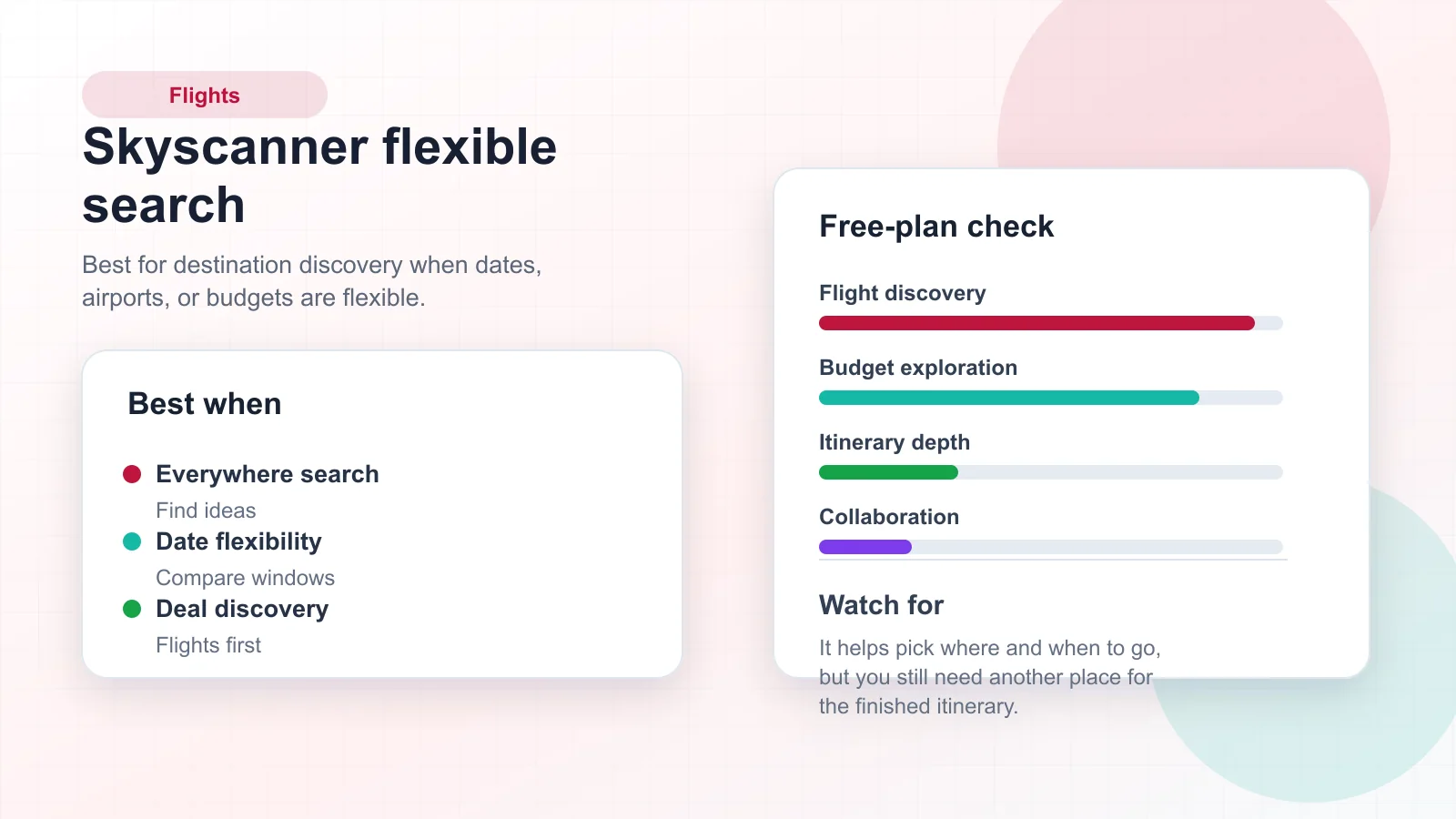
Skyscanner is strongest when you know the budget or dates but not the destination. Its flexible search patterns help you compare where and when to fly. That makes it useful at the inspiration stage, before the daily itinerary exists.
Use Skyscanner to narrow the destination and timing. Then move the chosen flights, lodging, places, and backup options into a trip planner or workspace.
Best for
- Flexible dates and flexible destinations.
- Early-stage flight research.
- Comparing route options before the destination is locked.
Watch out for
- It is not a complete trip workspace.
- Fare availability and conditions can change quickly.
7. Tripadvisor - Best for Review-Based Destination Research
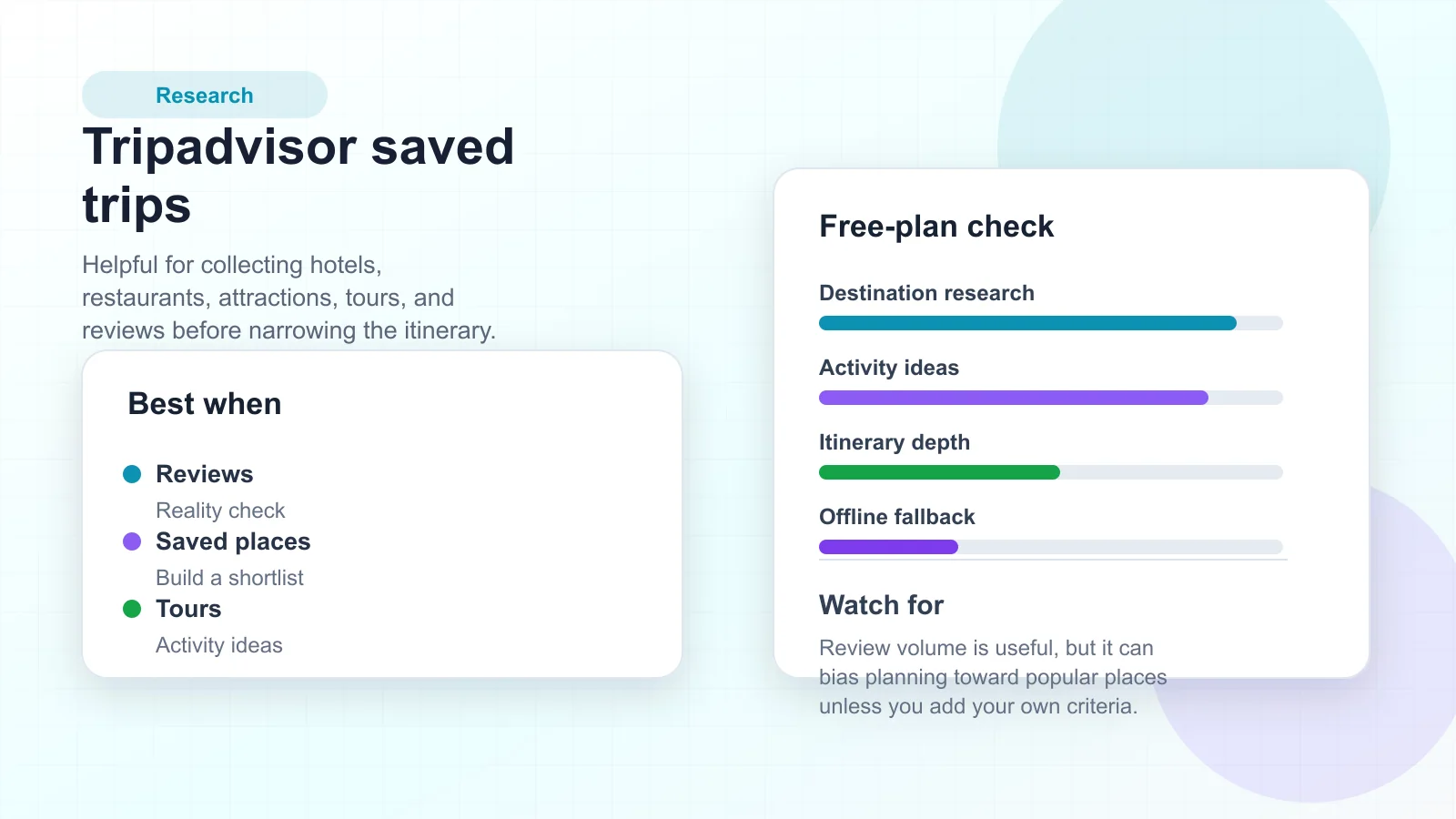
Tripadvisor is useful for building a shortlist of hotels, restaurants, tours, landmarks, and activities. Its strength is review-based research: it helps you decide what deserves a spot on the itinerary.
Use it as a research layer, then apply your own filters: travel time, accessibility, budget, reservation requirements, and whether the activity fits the actual group.
Best for
- Comparing attractions, tours, restaurants, and hotels.
- Saving destination ideas before the itinerary is final.
- Checking review patterns before committing time or money.
Watch out for
- Popular does not always mean right for your trip.
- Reviews should inform the plan, not replace your criteria.
8. Roadtrippers - Best for Road Trip Routes
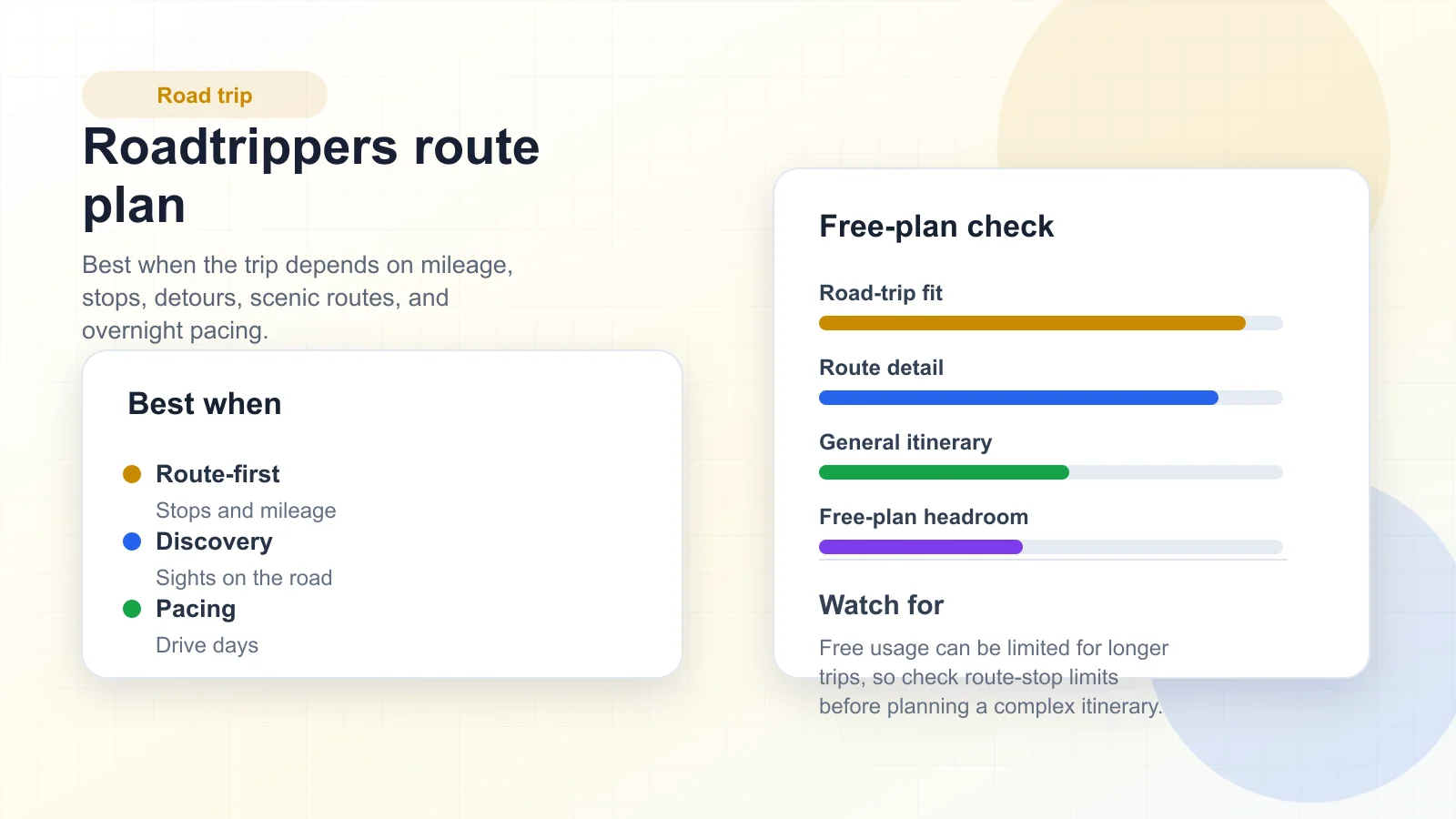
Roadtrippers is built for route-first planning: drive days, stops, scenic detours, overnight stays, and mileage. It is more focused than a generic planner, which is exactly why it can be useful for road trips.
Before committing to a long route, check the current free-plan limits and make sure your route length and number of stops fit your plan.
Best for
- Multi-stop road trips.
- Finding stops between destinations.
- Planning drive time, overnight pacing, and route shape.
Watch out for
- Longer or more complex routes may require a paid plan.
- Keep reservations, emergency notes, and final documents outside the route map too.
9. Rome2Rio - Best for Comparing How to Get There
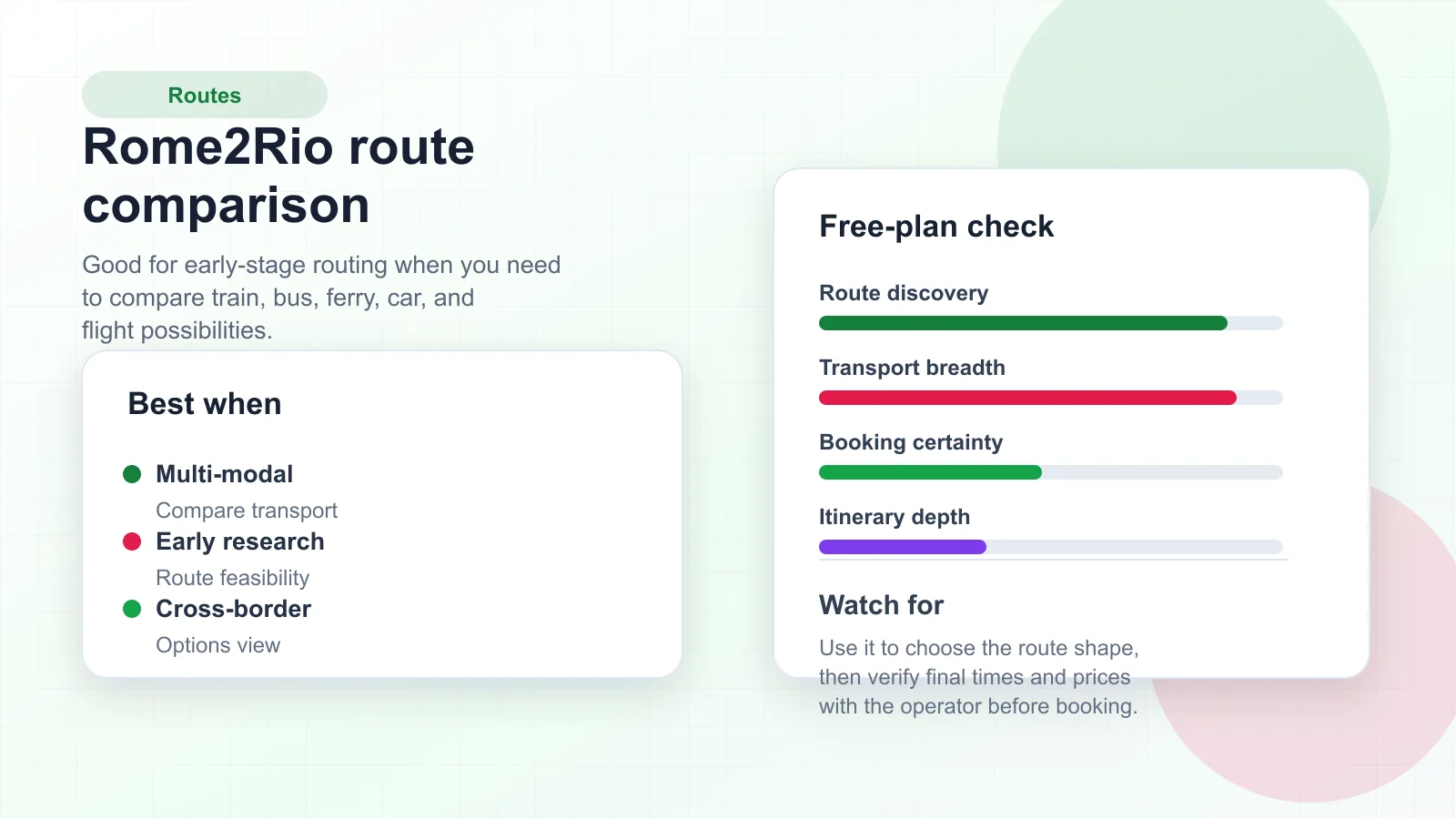
Rome2Rio is useful when you need to understand the possible ways to move between cities: flights, trains, buses, ferries, cars, and combinations. It is a good early planning tool because it shows route shape before you commit.
Treat Rome2Rio as a routing research source. Before you book, verify times, prices, visa requirements, luggage rules, and operator conditions on the official provider site.
Best for
- Comparing transport modes between cities or countries.
- Planning complex routes where one search engine may miss options.
- Understanding whether a destination pair is realistic.
Watch out for
- Route data is a starting point, not final booking proof.
- Operator schedules can change.
10. Canva - Best for Printable Travel Itineraries
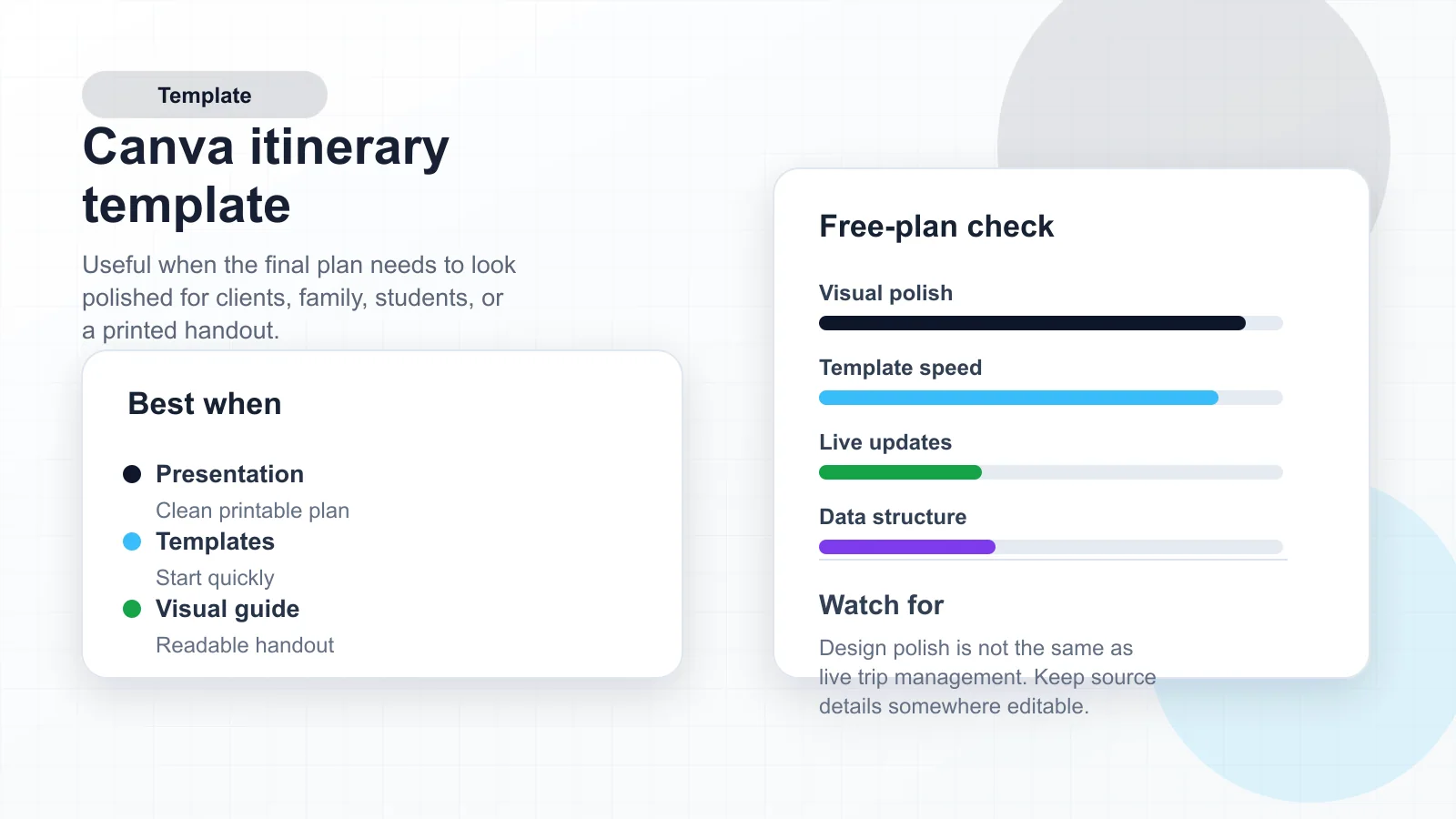
Canva is not a logistics engine, but it is useful when the final plan needs to look polished. A visual itinerary is helpful for client trips, family vacations, student travel, retreats, or any trip where people need a readable handout.
Use Canva after the plan is mostly decided. Keep the source details in a structured planner so you can update them without redesigning the whole document.
Best for
- Printable daily schedules and trip handouts.
- Travel brochures, destination guides, and packing lists.
- Presenting a finished itinerary to people who do not want another app.
Watch out for
- Design templates do not manage live reservations.
- A beautiful itinerary can still be wrong if the source data is not maintained.
Comparison Table
| App or website | Best use | Free-plan value | Weak spot |
|---|---|---|---|
| AFFiNE | Shared trip workspace | High for planning, notes, tables, and collaboration | Not a booking engine |
| Wanderlog | Full itinerary builder | High for trip-first planning | Some advanced features may be paid |
| TripIt | Confirmation organizer | High after bookings exist | Less useful for brainstorming |
| Google Maps | Saved places and directions | High for maps and offline city context | Not a full itinerary system |
| KAYAK | Flight, hotel, and car search | High for price discovery | Search results need a final plan elsewhere |
| Skyscanner | Flexible flight discovery | High for destination ideas | Flights-first, not itinerary-first |
| Tripadvisor | Reviews and attraction research | High for shortlisting | Popularity can distort priorities |
| Roadtrippers | Road trip routing | Medium to high, depending on route limits | Complex routes may need paid features |
| Rome2Rio | Multi-modal route research | High for early feasibility checks | Verify details with operators |
| Canva | Visual itinerary templates | High for presentation and printing | Not a live planning database |
Best Travel Planner Stack for Different Trips
| Trip type | Recommended stack |
|---|---|
| Weekend city break | Google Maps for saved places, TripIt for bookings, AFFiNE for the final plan. |
| Family vacation | Wanderlog for itinerary structure, AFFiNE for packing lists, documents, and shared notes. |
| Business travel | TripIt for confirmations, KAYAK for booking research, AFFiNE for agenda and meeting notes. |
| Road trip | Roadtrippers for route design, Google Maps for navigation, AFFiNE for budget and backup plans. |
| Flexible budget trip | Skyscanner for destination discovery, Rome2Rio for route feasibility, AFFiNE for decision tracking. |
| Client-facing itinerary | AFFiNE for source planning, Canva for the polished handout. |
For a broader productivity setup beyond travel, compare these digital planner apps and AFFiNE's general planner app workflow. If the trip includes a printed or promotional asset, the travel brochure design guide pairs well with the itinerary tools above.
FAQ
What is the best free travel planner app overall?
Wanderlog is the strongest travel-first itinerary app for many vacation planners. AFFiNE is the better shared workspace when your trip needs notes, tables, whiteboards, documents, and tasks in one place. Most travelers should use both a travel-first app and a general workspace rather than expecting one app to do everything.
Is AFFiNE a travel booking app?
No. AFFiNE is a planning workspace. Use it to organize decisions, itineraries, budgets, packing lists, maps research, and companion tasks. Use booking or route tools such as KAYAK, Skyscanner, Google Maps, TripIt, Roadtrippers, or Rome2Rio for live travel data.
Which app is best for road trips?
Roadtrippers is the most road-trip-specific option in this list. Wanderlog and Google Maps are also useful for route planning, saved places, and day-by-day trip structure.
Which travel planner works offline?
Google Maps is useful for offline map downloads. AFFiNE can help keep exported or locally available planning notes. TripIt, Wanderlog, and other apps may offer different offline behavior depending on plan and device, so check the current app settings before the trip.
How many travel planner apps should I use?
Use the smallest stack that covers the job: one search or booking app, one map app, and one final itinerary workspace. More apps create more places for outdated information to hide.
Final Recommendation
The best free travel planner is a stack, not a single app. Use Skyscanner, KAYAK, Rome2Rio, Google Maps, Tripadvisor, or Roadtrippers to research the trip. Use TripIt or Wanderlog when you want travel-specific itinerary structure. Use AFFiNE as the shared source of truth where the final itinerary, budget, documents, packing list, and notes stay together.
You can start with the AFFiNE travel itinerary template, then download AFFiNE when you are ready to keep the trip plan in a reusable workspace.