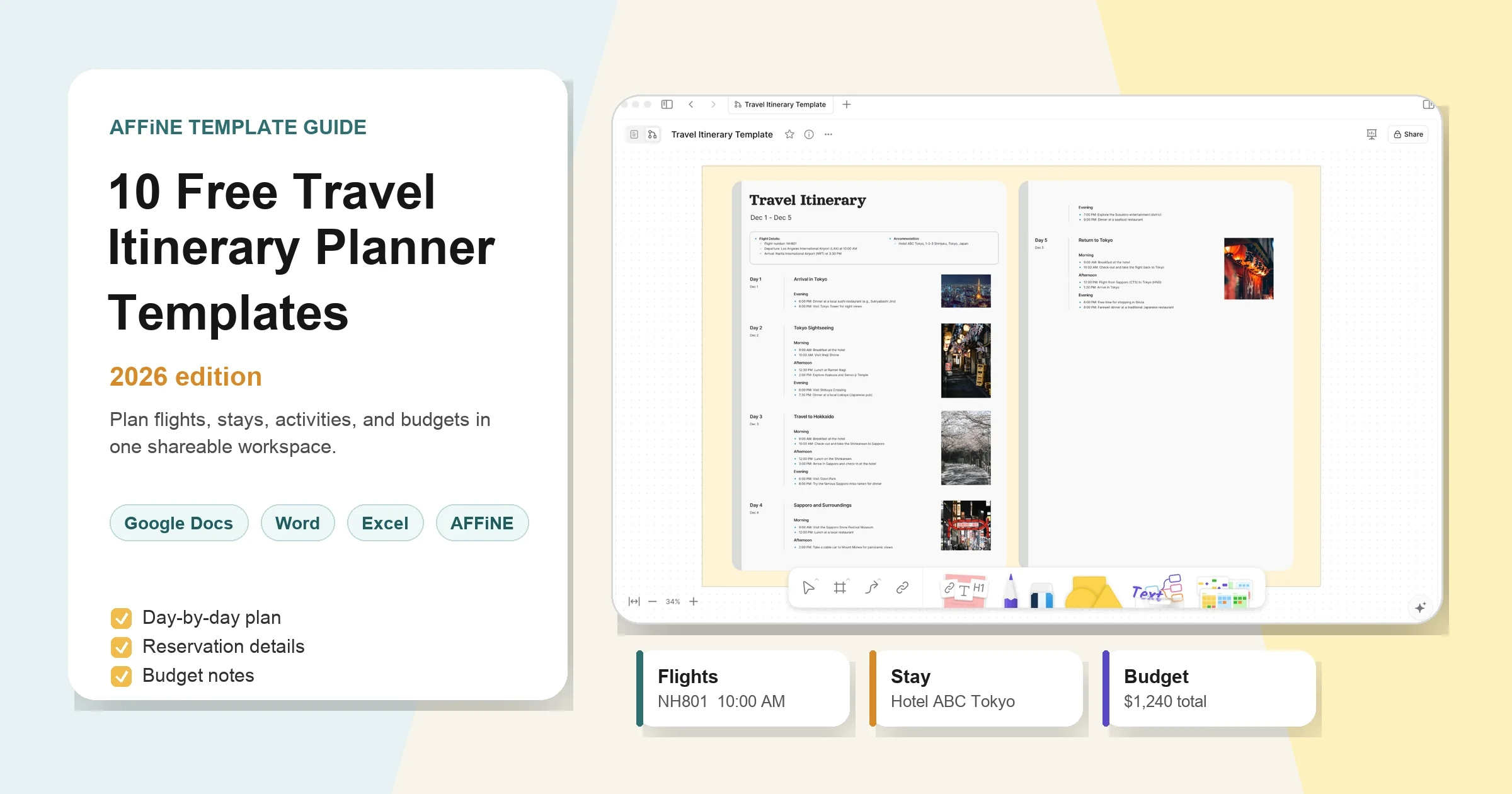
10 Free Travel Itinerary Planner Templates 2026
A free travel itinerary planner template should do more than list attractions. It should keep flights, hotel confirmations, activities, budgets, documents, and backup plans in one place so the trip still works when plans change.
This guide compares 10 free and customizable travel itinerary planner templates for Google Docs, Word, Excel, Google Sheets, AFFiNE, ClickUp, Canva, Jotform, Notion, and printable planners. It focuses on practical travel planning: what each format is best for, what details it should capture, and when to use AFFiNE as the final shared workspace.
Updated June 2026 with new first-party images, descriptive alt text, a clearer evaluation method, and a refreshed template-quality checklist.
Quick Recommendation
| Planning need | Best template type | Why it works |
|---|---|---|
| One shared trip hub | AFFiNE travel itinerary template | Combines docs, tables, whiteboard planning, task boards, and exportable backups. |
| Budget and reimbursement | Excel or Google Sheets itinerary | Tracks estimates, actual costs, paid status, and owners. |
| Printable final plan | Word, Canva, or PDF itinerary | Easy to hand to family, clients, or travel companions. |
| Business travel | ClickUp, Jotform, or AFFiNE | Adds owners, meeting agendas, receipts, and approval fields. |
| Road trip planning | Route-based printable planner | Prioritizes stops, mileage, parking, fuel, and overnight details. |
Why the template matters: travel planning usually happens across many tabs and apps. Expedia Group's Path to Purchase research found that travelers view an average of 141 pages of travel content in the 45 days before booking. A good itinerary template turns that scattered research into one reliable plan.
How We Evaluated These Travel Itinerary Templates
To keep this guide useful, each template was reviewed against five practical criteria:
- Completeness: Does it cover transport, lodging, activities, costs, contacts, and documents?
- Clarity: Can a tired traveler find the next step in a few seconds?
- Collaboration: Can travel companions edit or review the plan without confusion?
- Offline readiness: Can the itinerary be exported, printed, or saved before departure?
- Customization: Can the template adapt to family trips, business trips, road trips, and multi-city travel?
The best template is not always the prettiest one. The best template is the one your group will actually open, update, and trust during the trip.
What Is a Travel Itinerary Template?
A travel itinerary template is a reusable planning document for trip details. It usually includes dates, destinations, flight or train information, hotel addresses, daily activities, booking links, costs, notes, and emergency contacts.
The goal is simple: remove the last-minute search for confirmation emails, screenshots, addresses, and ticket links. Instead of keeping plans in group chats, inboxes, spreadsheets, and browser bookmarks, a template gives the whole trip one source of truth.
What Should a Travel Itinerary Planner Template Include?
A strong itinerary planner should answer five questions quickly:
- Where are we going? Add destinations, dates, travelers, time zones, weather notes, and local context.
- How are we moving? Add flights, trains, rental cars, rideshares, parking, and backup routes.
- Where are we staying? Add hotel names, addresses, check-in times, confirmation numbers, and contact details.
- What are we doing each day? Add morning, afternoon, evening, meals, tickets, maps, and buffer time.
- What happens if something goes wrong? Add emergency contacts, insurance, embassy details, medication notes, and offline backups.
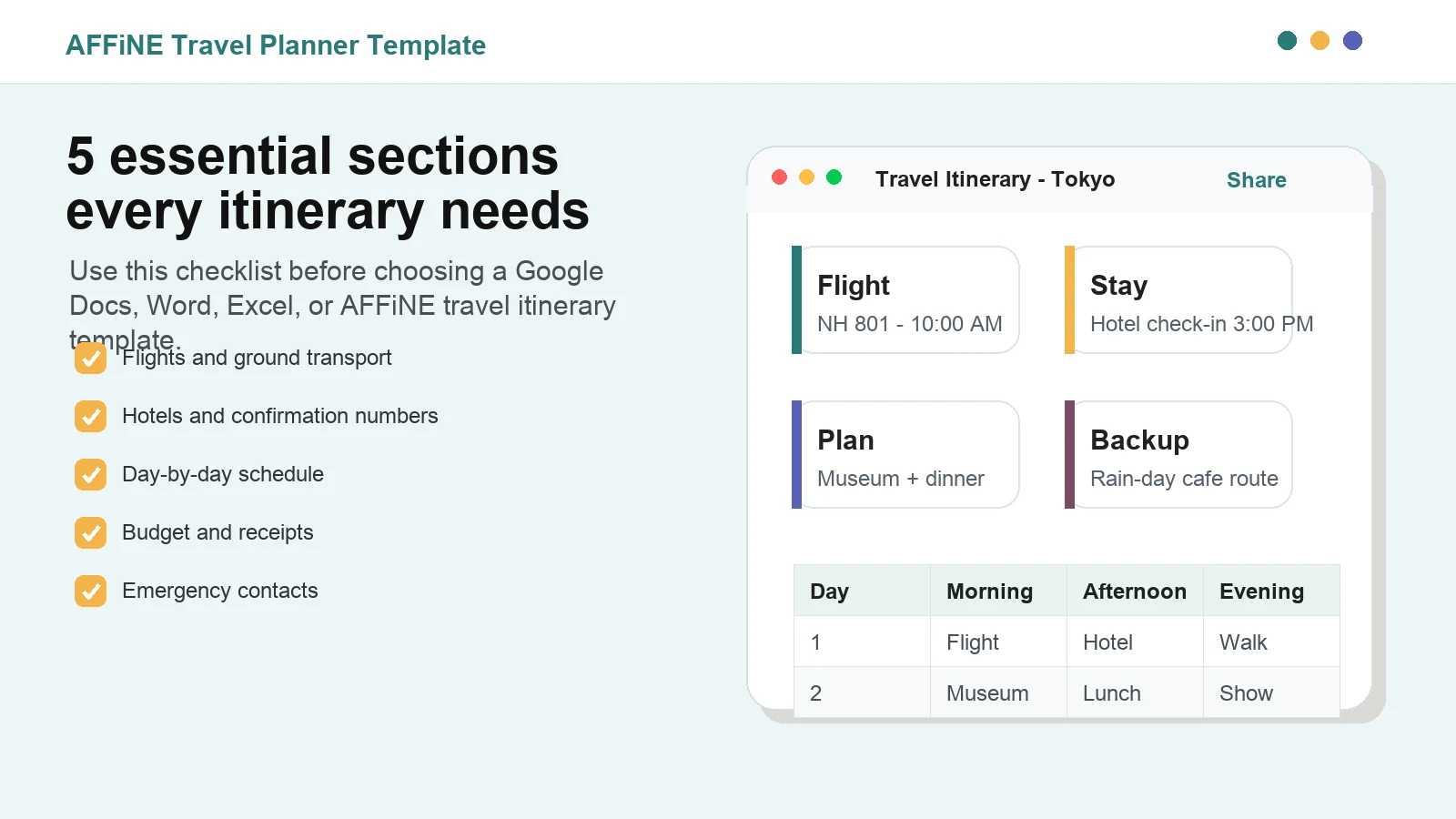
Caption: A useful travel itinerary template starts with the core details travelers need before and during the trip.
10 Free Travel Itinerary Planner Templates
The templates below are not ranked by hype. They are grouped by use case so you can pick the format that matches how your trip will actually be planned.
1. AFFiNE Basic Travel Itinerary Planner Template
Use the AFFiNE free travel itinerary template category when you want one flexible workspace for the whole trip. AFFiNE works well for travelers who want a document view for the final plan, a table view for structured details, and a whiteboard view for brainstorming routes or activities.
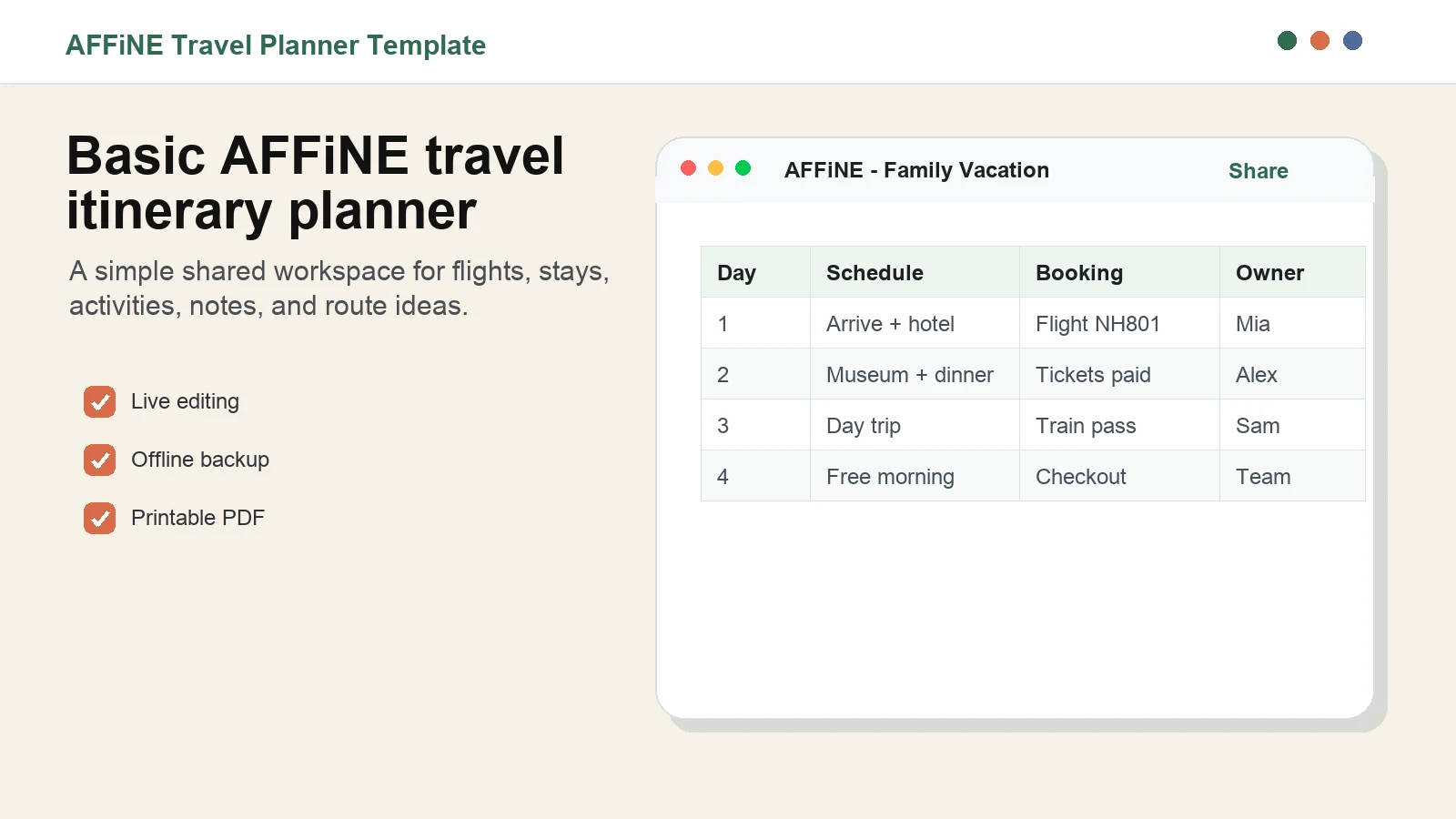
Caption: AFFiNE is strongest when the trip needs both a clean itinerary and flexible planning space.
Best for: family vacations, friend-group trips, multi-city travel, and travelers who want a shareable plan plus offline export.
Include these fields: day, time block, booking reference, owner, location, map link, cost, and backup option.
Watch out for: overbuilding the workspace. Keep the final travel-day version short, even if the planning workspace contains more detail.
2. Business Travel Itinerary Planner Template
A business travel itinerary needs stricter structure than a leisure trip. It should show meeting times, locations, attendees, hotel information, transport details, receipts, and policy notes. This format works in Google Docs, Microsoft Word, AFFiNE, or any tool your company already uses.
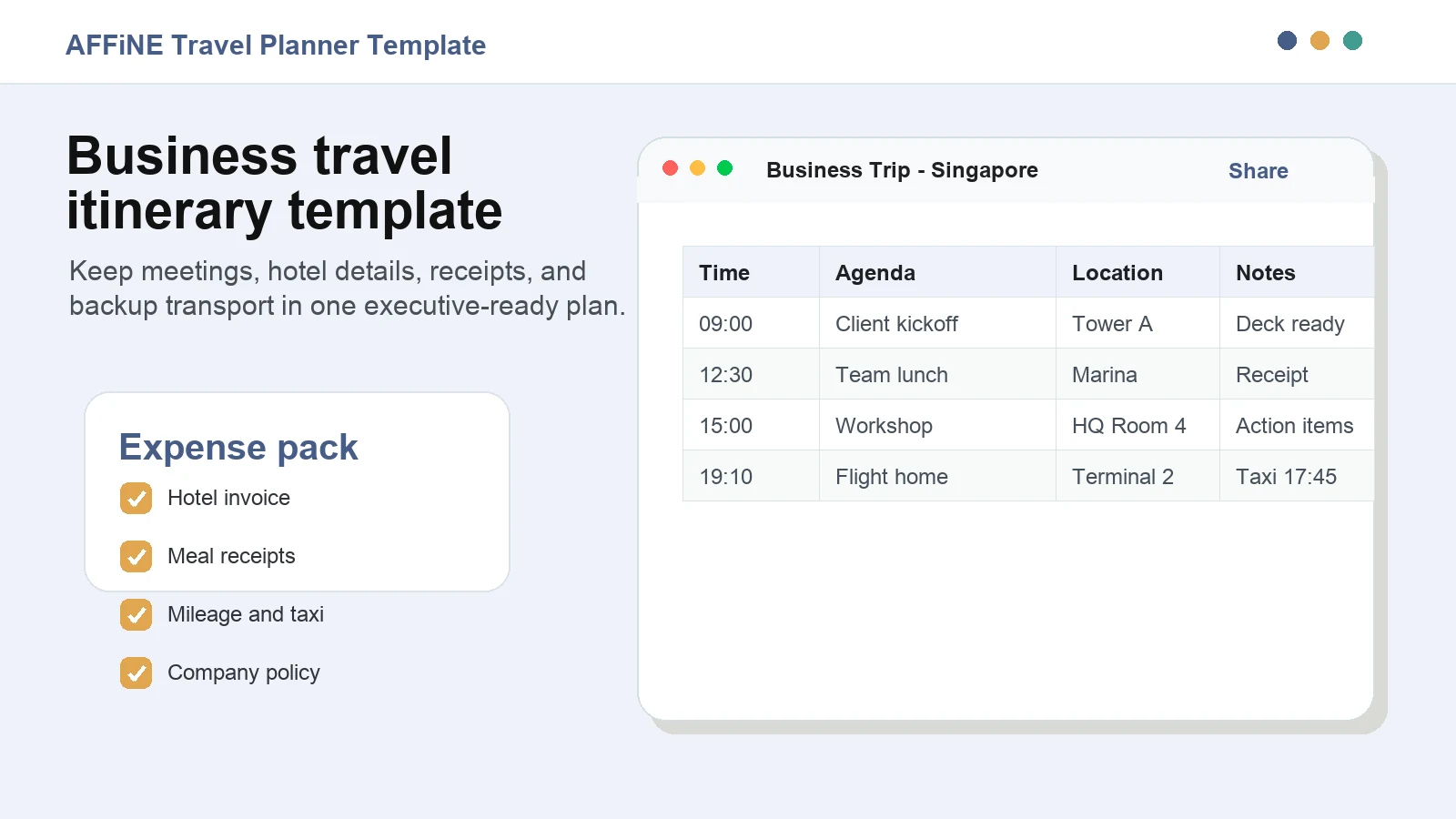
Caption: A business itinerary should make meetings, travel logistics, and expense details easy to scan.
Best for: conferences, sales visits, executive trips, interviews, and client workshops.
Include these fields: flight number, hotel, ground transport, meeting agenda, attendee list, receipt folder, and reimbursement status.
Quality tip: add a one-line objective for each meeting. It makes the itinerary more useful than a calendar export.
3. Microsoft Excel Travel Expense Itinerary Template
An Excel travel itinerary is best when money matters. Use it to track estimates, actual costs, paid status, reimbursement categories, and who paid for shared expenses. It is also a good choice for travelers who want formulas and printable tables.
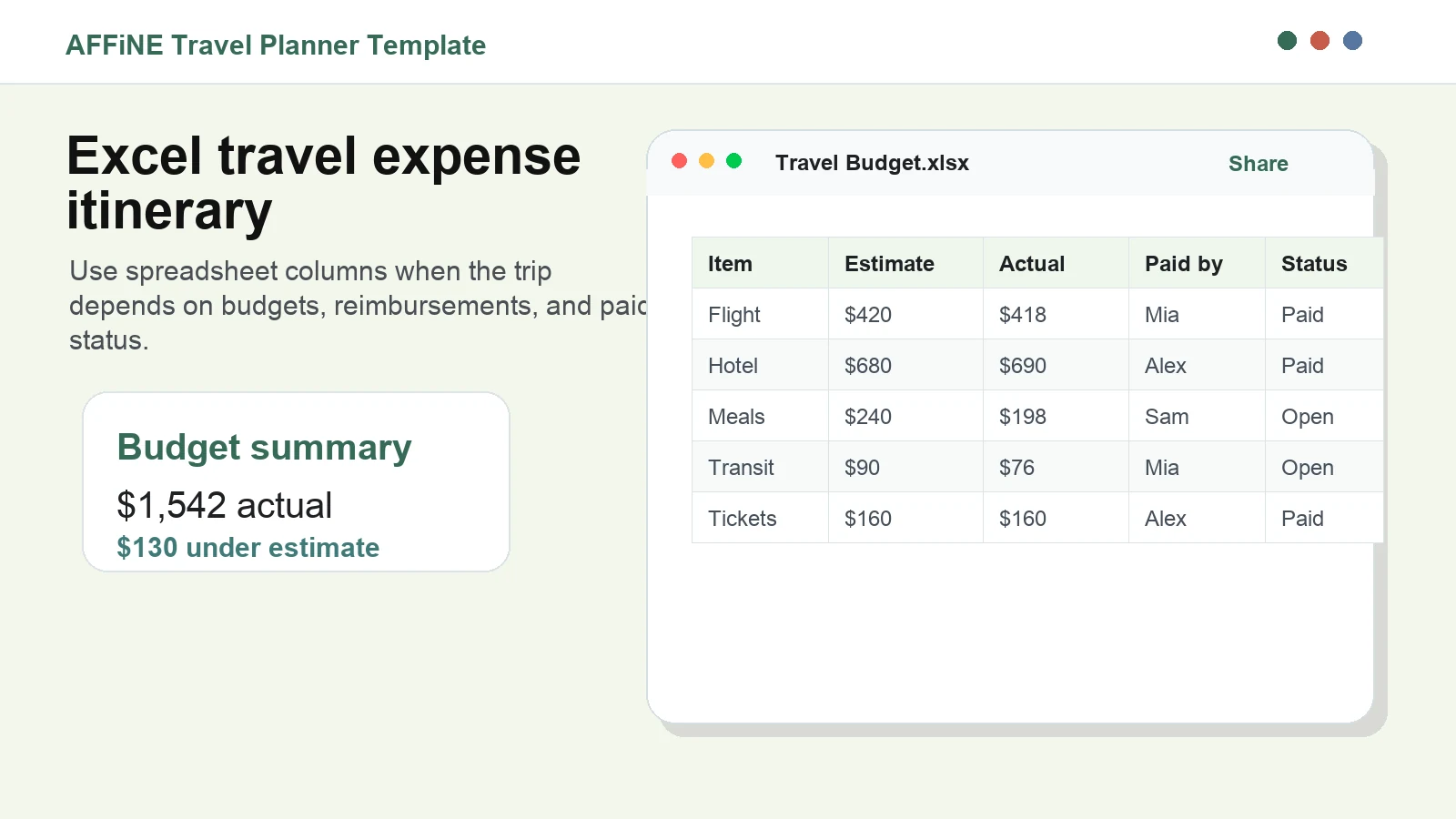
Caption: Excel is useful when the itinerary also needs to function as a budget and reimbursement tracker.
Best for: business trips, group travel, study abroad, and trips with shared payments.
Include these fields: category, estimated cost, actual cost, payment method, owner, currency, receipt link, and paid status.
Watch out for: mobile usability. If the group will check the plan on phones, export a simple PDF after the spreadsheet is final.
4. Google Sheets Travel Itinerary Template
A Google Sheets itinerary is a practical option for groups because everyone can view or edit the same schedule. It works especially well when the plan has repeated rows: day, time, location, owner, cost, and status.
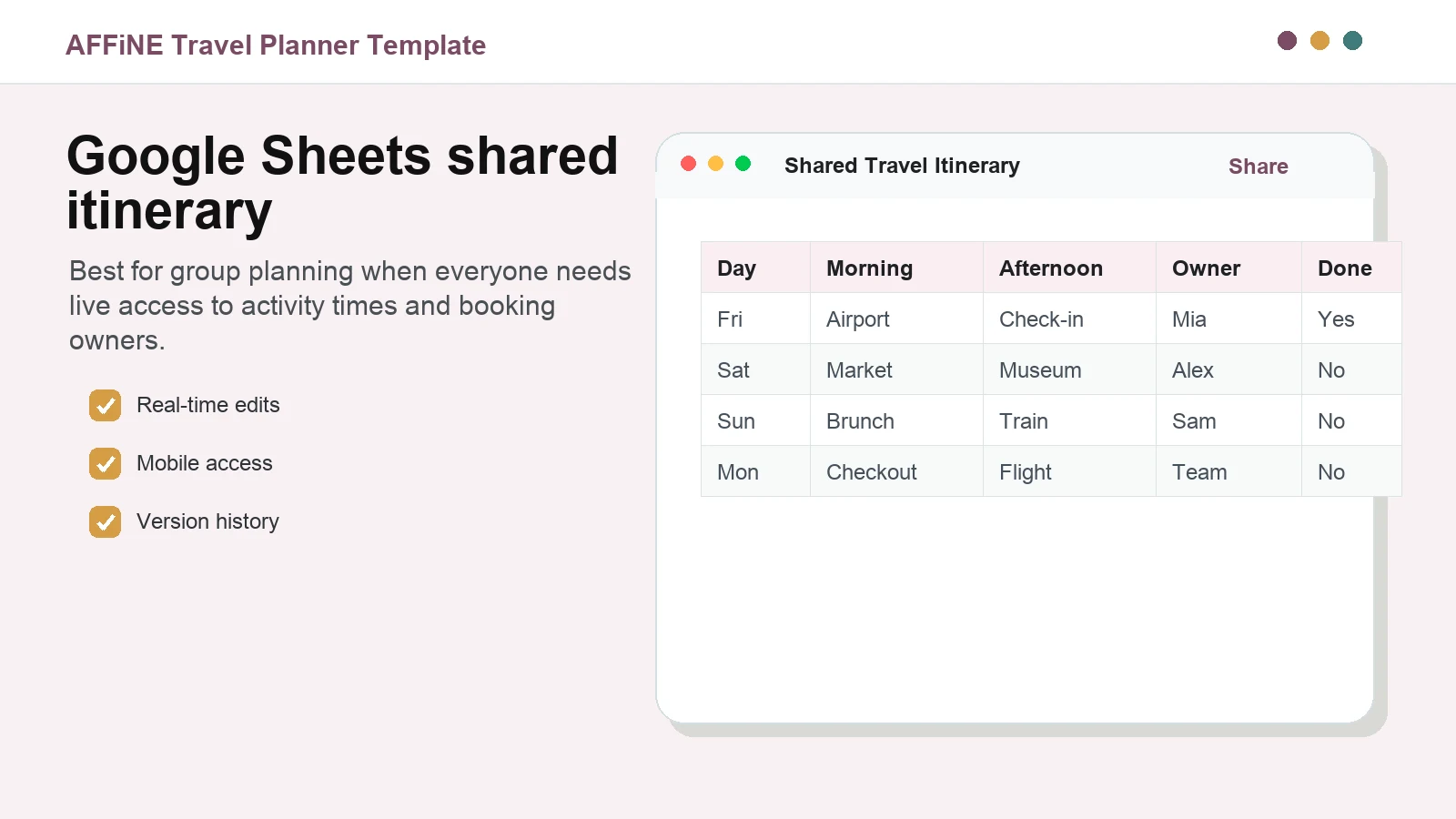
Caption: Google Sheets is a strong fit for shared day-by-day schedules and owner tracking.
Best for: group trips, student travel, wedding weekends, and budget-conscious travelers.
Include these fields: date, time, activity, address, booking link, owner, cost, and status.
Quality tip: freeze the header row and use simple status labels such as planned, booked, paid, and changed.
5. ClickUp Business Travel Itinerary Board
A ClickUp-style board is useful when the trip has many tasks before departure. Instead of treating the itinerary as a static document, you can track what still needs to be booked, what is confirmed, and what must be handled during the trip.
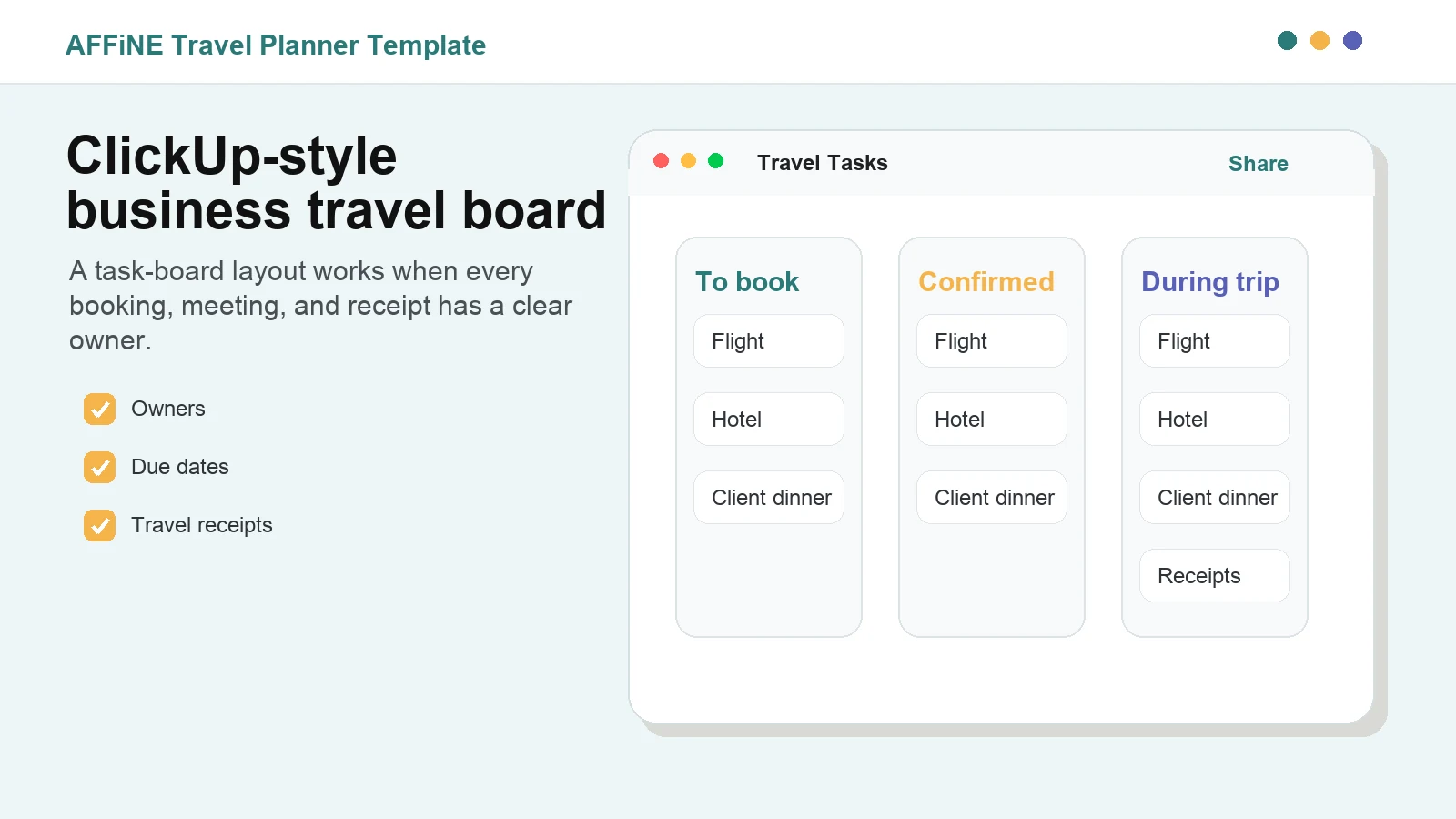
Caption: Task-board itineraries are useful when bookings and travel tasks need owners and due dates.
Best for: business operations, group retreats, company offsites, and event travel.
Include these fields: task, owner, due date, booking link, priority, receipt status, and final travel-day note.
Watch out for: board sprawl. Before departure, convert the board into a concise itinerary that travelers can follow without opening every task.
6. Canva Modern Travel Itinerary Template
A Canva travel itinerary template is best when the final plan needs to look polished. It is useful for printable family plans, destination briefs, travel creator content, or client-facing trip proposals.
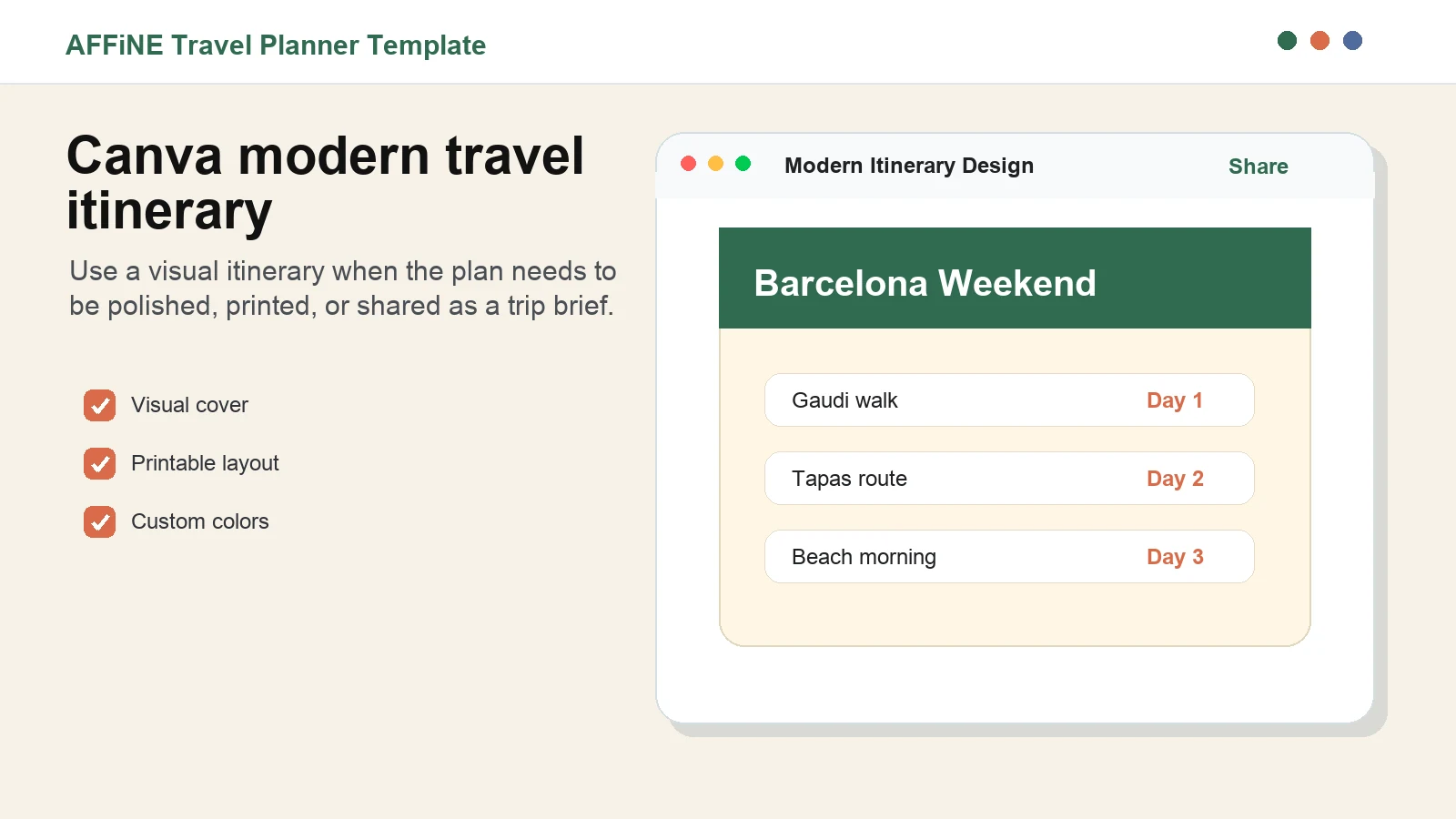
Caption: Visual itinerary templates work best when the finished plan needs to be printed or presented.
Best for: weekend trips, family travel handouts, branded travel proposals, and visual destination guides.
Include these fields: trip title, dates, daily highlights, addresses, reservation notes, and emergency contacts.
Quality tip: do not sacrifice readability for decoration. Use high contrast, large enough text, and a simple daily structure.
7. Printable Travel Planner Template for Word or PDF
A printable itinerary is the simplest backup for travel days. Keep it to one or two pages and include only the details someone might need when their phone battery is low or mobile data is unreliable.
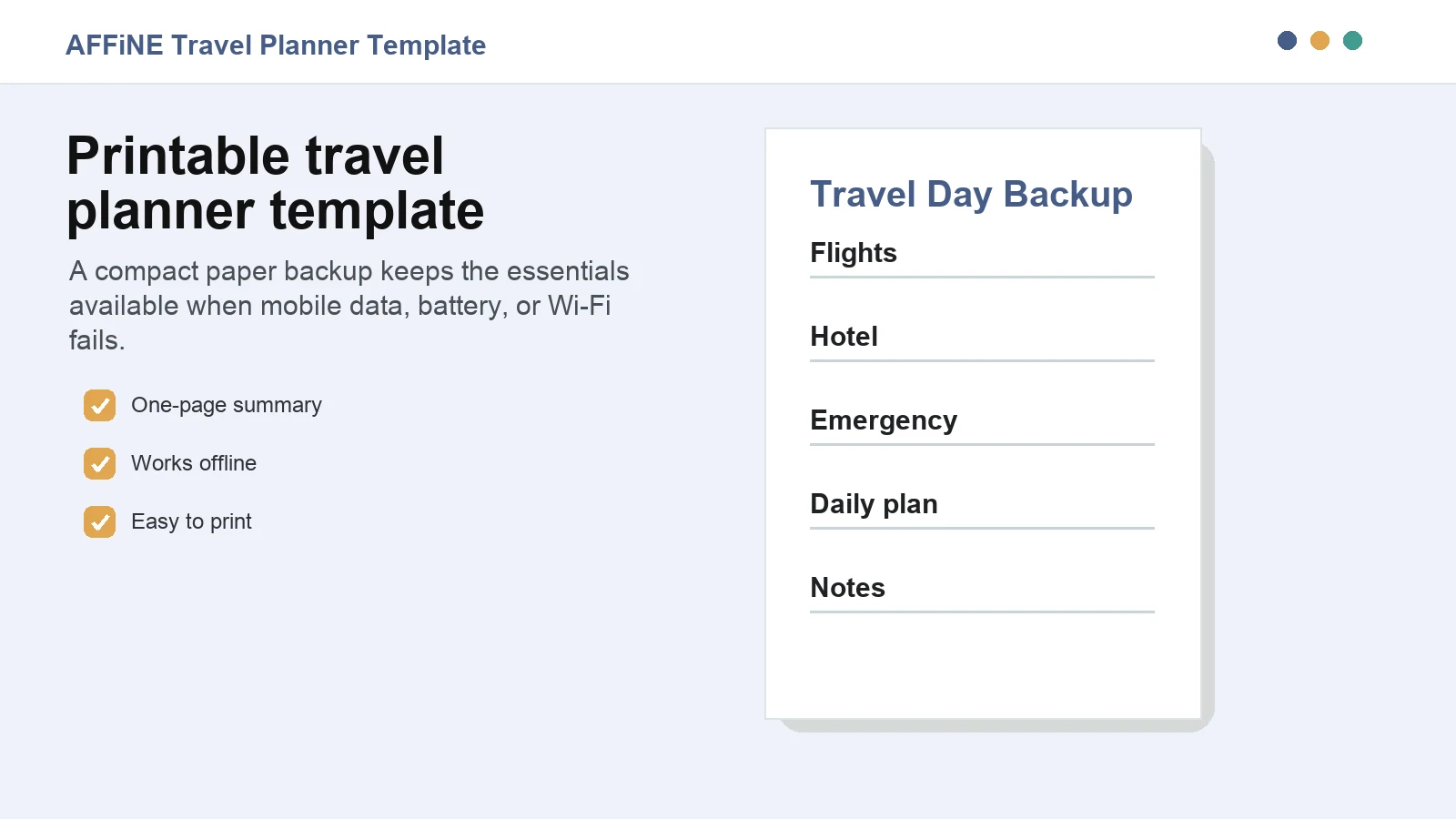
Caption: A printable travel planner should prioritize the essentials over design complexity.
Best for: international travel, family trips, older travelers, school trips, and emergency backup copies.
Include these fields: flight times, hotel address, daily schedule, booking references, emergency contacts, and insurance details.
Watch out for: outdated printouts. Print only after the final booking check, and include a QR code or link to the live version if possible.
8. Jotform Business Travel Itinerary Form
A Jotform itinerary form is useful when you need to collect trip details from multiple people before building the final itinerary. It works well for business travel requests, conference attendance, and group intake workflows.
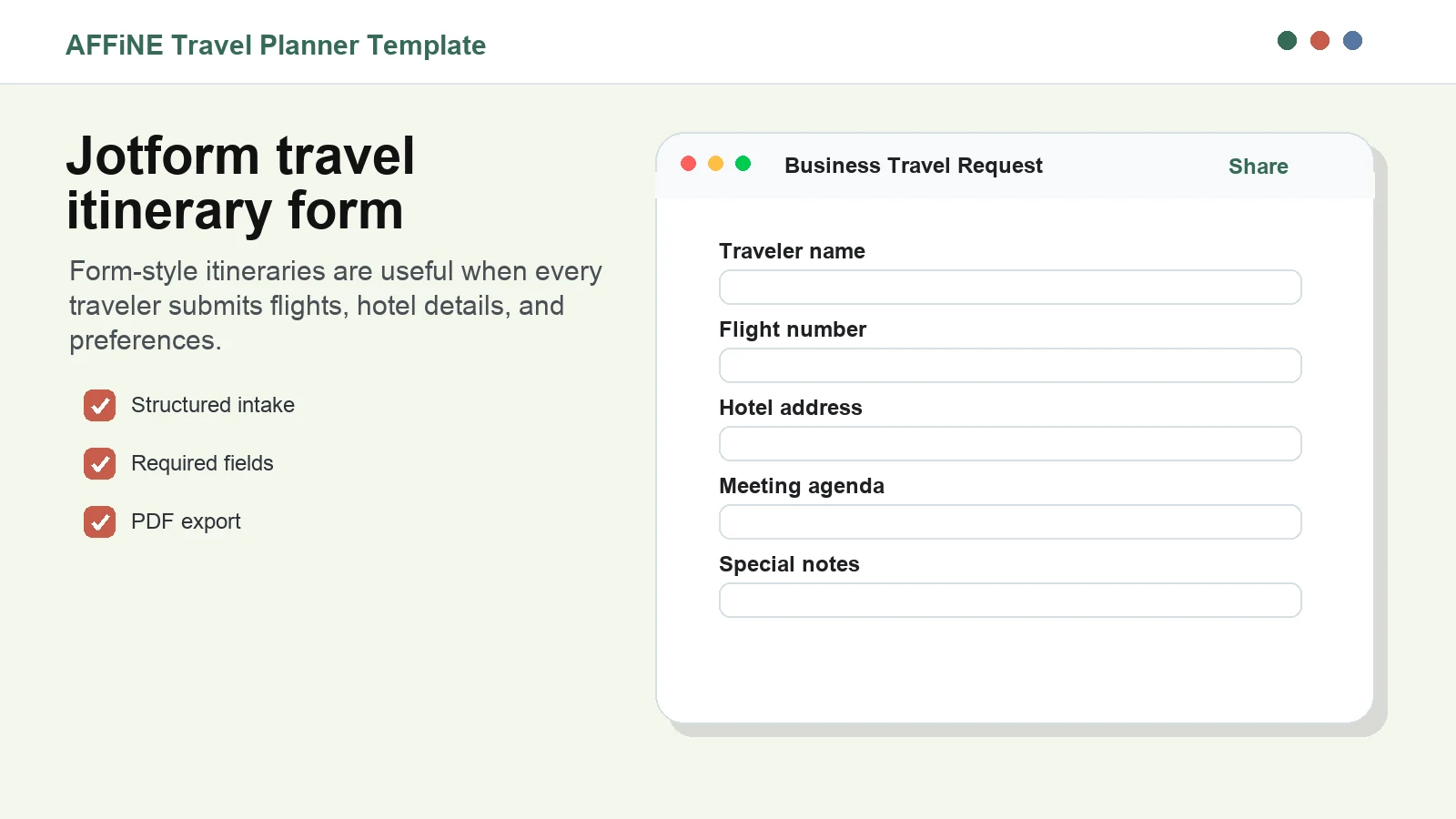
Caption: Form-based itinerary planning helps standardize traveler details before the final plan is created.
Best for: administrative teams, travel coordinators, event organizers, and HR-managed travel.
Include these fields: traveler name, passport or ID requirements, flight preferences, hotel needs, meeting schedule, dietary notes, and emergency contact.
Quality tip: separate intake from the final itinerary. A form gathers data; a final document helps people travel.
9. Notion Travel Itinerary Dashboard
A Notion-style dashboard is useful when you want databases for places, reservations, tasks, documents, and packing lists. It can be powerful for solo travelers and planners who already organize personal projects in Notion.
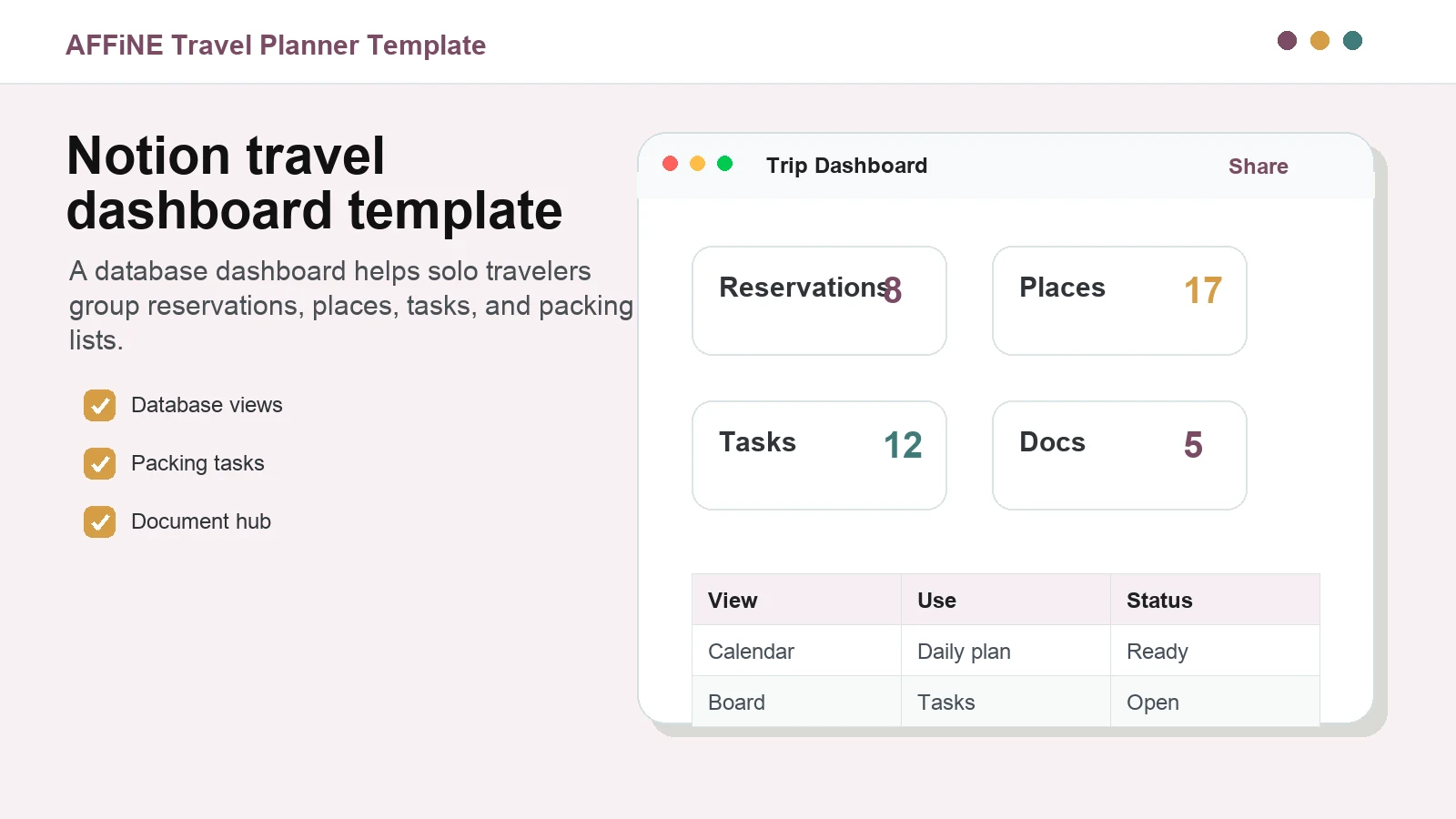
Caption: Dashboard templates are helpful when reservations, places, tasks, and documents need separate views.
Best for: solo travel, digital nomads, long trips, research-heavy trips, and travelers who like database views.
Include these fields: reservation database, places list, packing tasks, document links, map notes, and daily timeline.
Watch out for: complexity. Travel companions may prefer a short PDF even if the planning dashboard is detailed.
10. Onplanners Road Trip Itinerary Template
An Onplanners-style road trip template is built around route logic: stops, mileage, parking, fuel, overnight stays, and backup routes. It is a good fit when the journey itself is the main structure of the trip.
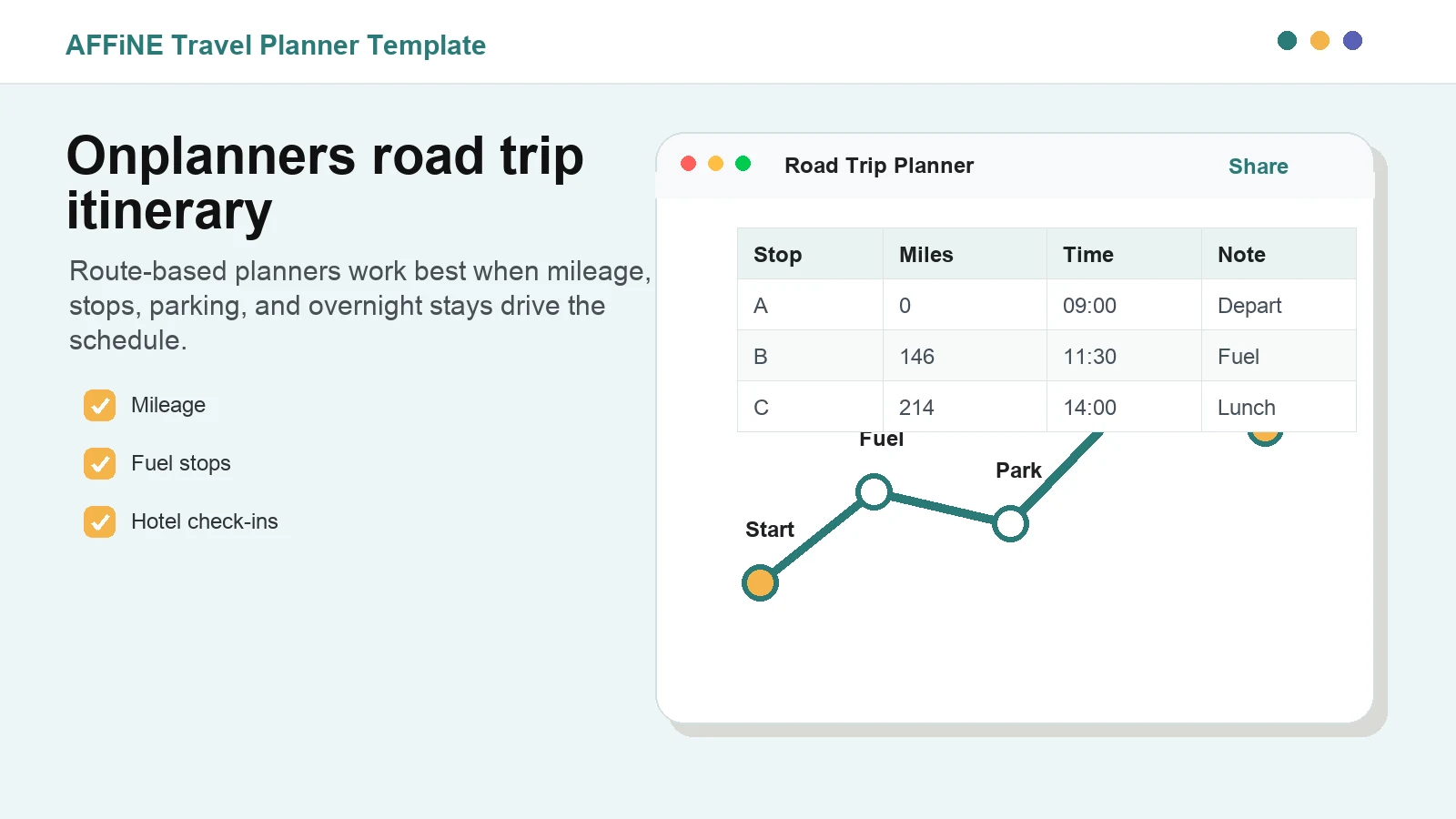
Caption: Route-based itinerary templates are most useful for road trips and multi-stop travel.
Best for: road trips, RV travel, scenic routes, camping trips, and multi-stop family vacations.
Include these fields: start point, stop name, mileage, drive time, fuel, parking, lodging, attraction hours, and weather backup.
Quality tip: add buffer time between stops. Road-trip itineraries fail when every segment assumes perfect traffic, weather, and energy.
Why Plan the Final Itinerary in AFFiNE?
Each tool above can solve a narrow planning problem. AFFiNE is useful when you want to combine those pieces into one final travel workspace. You can draft the plan as a document, organize bookings in a table, brainstorm on an edgeless whiteboard, track tasks in a board, and export the finished version.
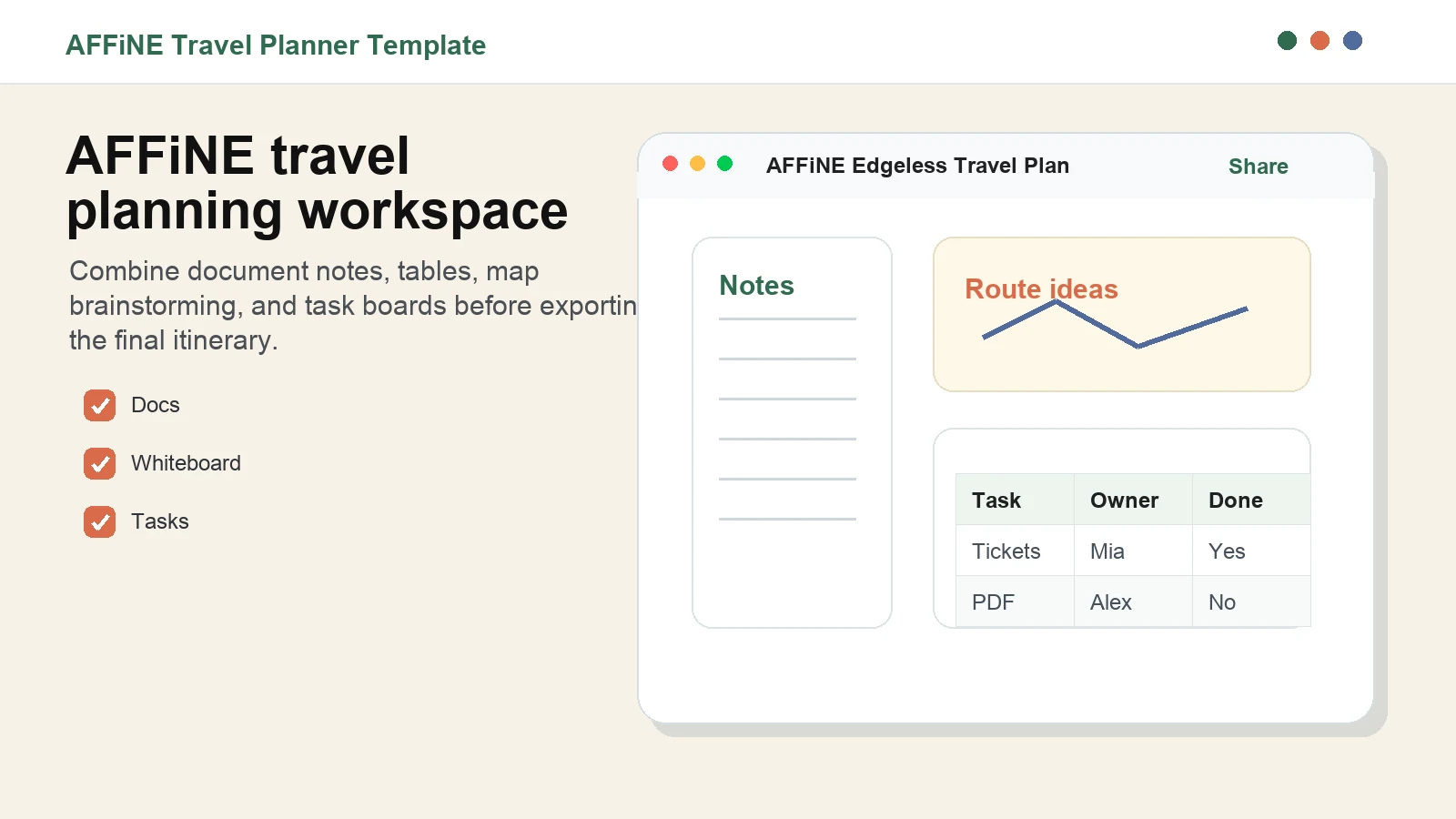
Caption: AFFiNE lets you combine itinerary notes, route planning, and task tracking in one workspace.
This is especially helpful when the group has moved through several planning stages:
- Collect ideas from articles, maps, and social posts.
- Narrow the destination list and dates.
- Book flights, hotels, and activities.
- Assign tasks such as tickets, packing, insurance, and documents.
- Export a short travel-day version before departure.
Build the Trip as a Kanban Workflow
For larger trips, a Kanban layout can make planning easier. Start with columns such as Plan, Book, and Ready. Then move cards as flights are confirmed, hotel reservations are paid, documents are saved, and offline backups are exported.
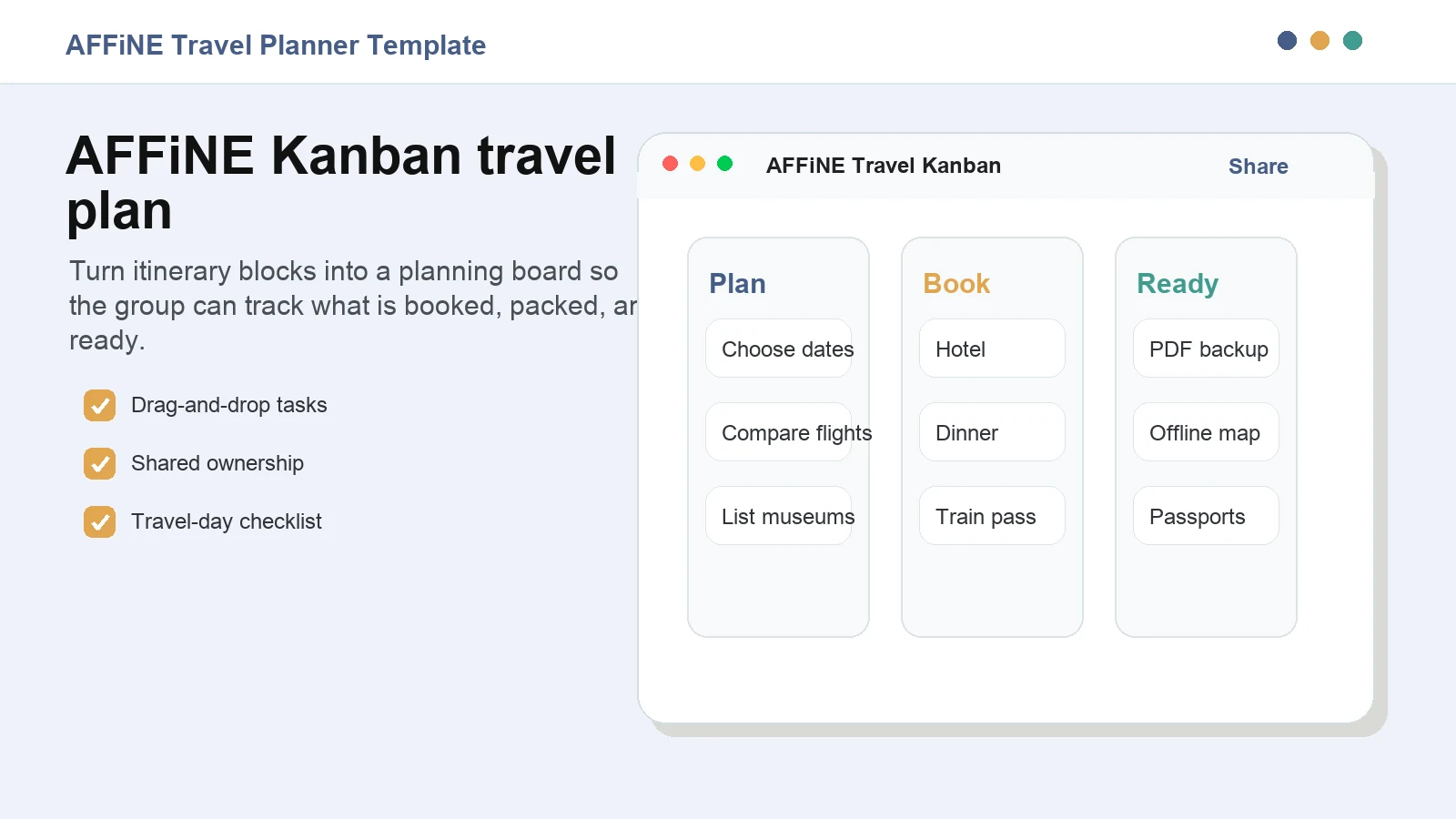
Caption: A Kanban travel workflow makes it clear what still needs to be planned, booked, or checked before departure.
This helps the group avoid the most common itinerary problem: everyone assumes someone else handled the detail. Use owners for tasks such as transport, lodging, restaurants, tickets, packing, documents, and final PDF export.
Travel Itinerary Template Checklist
Before you use any template, make sure it includes these details:
- Flight, train, bus, rental car, or rideshare details.
- Hotel address, check-in time, confirmation number, and contact information.
- Daily schedule with morning, afternoon, evening, and backup options.
- Activity tickets, reservation links, opening hours, and map links.
- Budget estimate, actual cost, paid status, and receipt links.
- Packing list, medication, travel documents, visa, and insurance notes.
- Emergency contacts, local emergency number, embassy or consulate details, and allergies.
- Offline backup as PDF, screenshots, or printout.
Frequently Asked Questions
What is the best free travel itinerary template?
The best free travel itinerary template depends on the trip. Use AFFiNE for one flexible workspace, Google Sheets or Excel for budgets, Word or Canva for printable final plans, ClickUp for task-heavy business trips, and a road-trip planner for route-based travel.
What should a travel itinerary include?
A travel itinerary should include destinations, dates, transport, accommodation, daily activities, booking references, costs, documents, emergency contacts, and a backup plan. For group trips, add owners so everyone knows who is responsible for each booking or task.
Is Google Docs or Google Sheets better for an itinerary?
Google Docs is better for a readable narrative itinerary. Google Sheets is better for structured schedules, budgets, owners, and status tracking. Many travelers use Sheets during planning and export a shorter Docs or PDF version before departure.
Can I make a travel itinerary in Excel?
Yes. Excel is useful for travel schedules and budgets because it can calculate totals, split costs, track paid status, and organize receipts. It is less comfortable than a document for reading the final day-by-day plan, so export a simple PDF for travel days.
How do I share an itinerary with a group?
Share a live planning version first, then send a final short version before departure. In AFFiNE, keep the full workspace for planning and export the essential travel-day itinerary as a PDF or printable backup.
Should I print my travel itinerary?
Yes, if the trip involves airports, international roaming, rural areas, children, older travelers, or important reservations. A printed backup should include flights, hotel address, daily schedule, booking references, and emergency contacts.
Ready to plan the trip in one place? Browse AFFiNE's free travel itinerary templates and customize your next itinerary with docs, tables, whiteboards, and task views.