RAID Log: How to Track Risks, Assumptions, Issues, and Dependencies
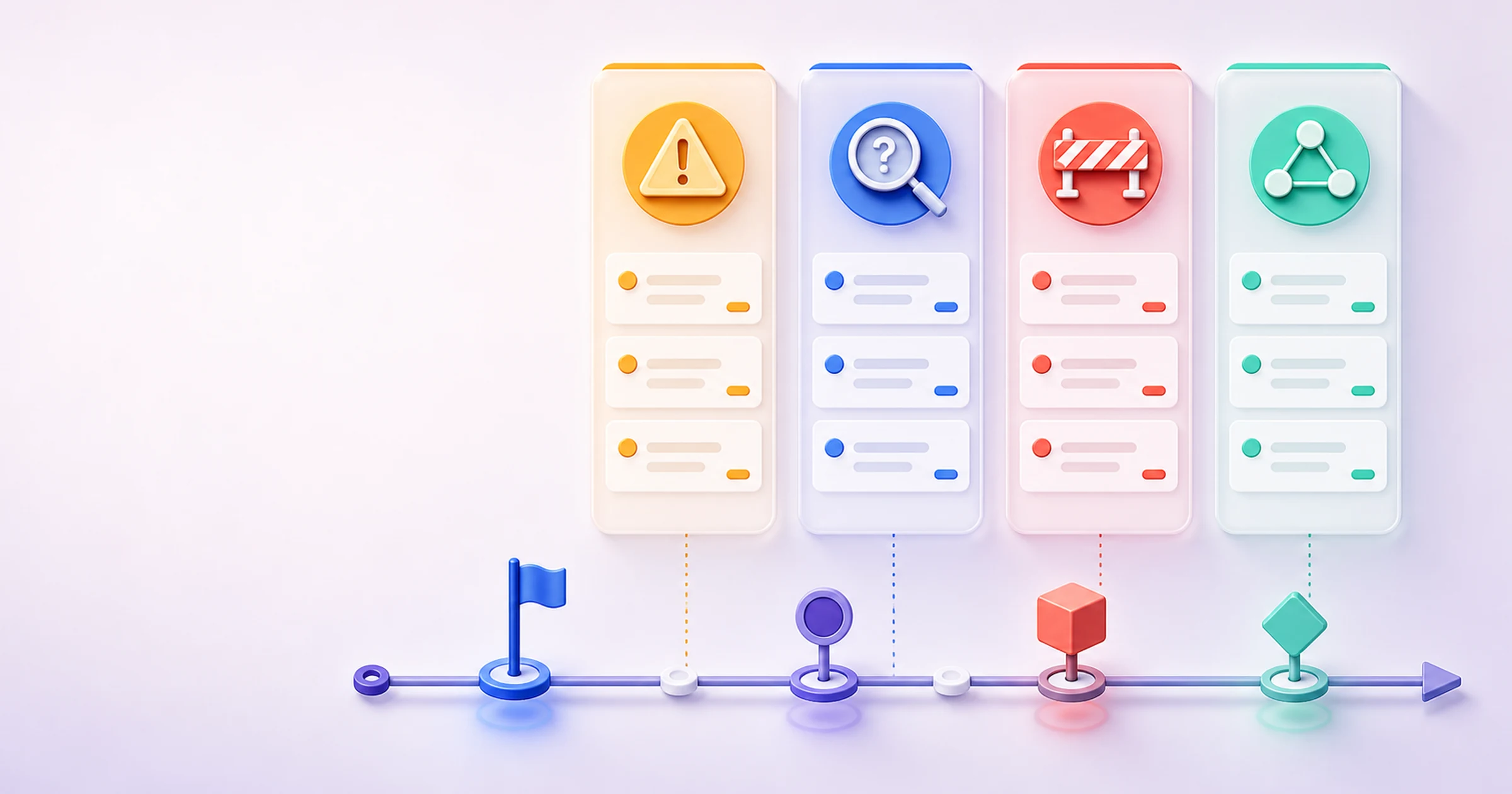
A RAID log is a living project record that keeps risks, assumptions, issues, and dependencies visible in one place. Project managers, program managers, PMO members, startup operators, and cross-functional leads use it when uncertainty, active problems, and outside handoffs can change delivery. Unlike a static kickoff worksheet, a useful RAID log gives every item an owner, response, review date, and status. Teams update it as facts change: a risk may become an issue, an assumption may be validated, and a dependency may be cleared. This guide explains the RAID log meaning, gives you a copyable template and eight-record example, and shows how to review the log in recurring project meetings without turning it into another neglected spreadsheet or disconnected status report.
Definition: A RAID log is a project management register for tracking risks, assumptions, issues, and dependencies. It separates uncertain future events from current problems, records conditions the plan treats as true, and makes outside prerequisites visible. Each entry should have an owner, response, status, and review date.
Key takeaways
- A risk may happen; an issue has already happened.
- An assumption is treated as true for planning but still needs validation; a dependency is something the project needs from another task, team, decision, or supplier.
- Every RAID item needs a named owner, a practical response, a date, and a status—not just a description.
- Review changed, high-priority, overdue, and decision-blocked items in meetings, then close or archive records without deleting their history.
Table of contents
- What does RAID stand for?
- RAID log template (copy and use)
- Risk vs. assumption vs. issue vs. dependency
- How to create a RAID log in 7 steps
- Worked RAID log example
- How to review a RAID log in project meetings
- Common mistakes
- RAID log vs. related project records
- How to keep a living RAID log in AFFiNE
- Frequently asked questions
What does RAID stand for?
Here RAID means Risks, Assumptions, Issues, and Dependencies. It is common but not universally mandatory. Some organizations use Actions for A or Decisions for D; the Institute of Risk Management's short guide to RAID also notes variants. Define your expansion at the top of the log.
Risk
A risk is an uncertain future event or condition that could affect an objective. Write it conditionally: “If the accessibility review finds critical failures, then launch may be delayed.” Record likelihood only for risks and plan a preventive or contingent response. An overdue task or existing problem is not a risk.
Assumption
An assumption is a condition the team temporarily treats as true without complete proof. “Legal review will take three business days” remains an assumption until confirmed. Project Management Institute material recommends assigning ownership and revisiting assumptions. Track the validation method and date, not only the statement.
Issue
An issue is a problem happening now. It needs resolution, escalation, or a decision—not a probability estimate. PMI's risk-versus-issue guidance uses the same boundary. If a risk occurs, mark it “occurred,” link the resulting issue, and carry its context forward.
Dependency
A dependency is a prerequisite: another activity, decision, deliverable, team, or supplier must provide something before work can proceed. Track who controls it, the needed-by date, and affected downstream work. Do not disguise every ordinary task as a dependency.
RAID log template (copy and use)
Use one row per item and one stable ID. Keep likelihood limited to risks; use N/A for the other categories. Define your priority and status scales above the table so the same labels mean the same thing to every reviewer.
| ID | Category | Description | Date raised | Impact | Likelihood (risk only) | Priority | Owner | Response / action | Due or review date | Status | Related decision / task | Last updated |
|---|---|---|---|---|---|---|---|---|---|---|---|---|
| R-01 | Risk | If..., then... | YYYY-MM-DD | Schedule / scope / cost / quality effect | Low / Medium / High | Low / Medium / High | Name | Preventive response and contingency | YYYY-MM-DD | Open / Monitoring / Occurred / Closed | Link or ID | YYYY-MM-DD |
| A-01 | Assumption | We are planning on the basis that... | YYYY-MM-DD | Effect if false | N/A | Low / Medium / High | Name | How and when to validate | YYYY-MM-DD | Unvalidated / Validated / Invalidated / Closed | Link or ID | YYYY-MM-DD |
| I-01 | Issue | Current problem and observed evidence | YYYY-MM-DD | Current effect | N/A | Low / Medium / High | Name | Resolution and escalation | YYYY-MM-DD | Open / In progress / Resolved / Closed | Link or ID | YYYY-MM-DD |
| D-01 | Dependency | Work depends on... | YYYY-MM-DD | Downstream effect | N/A | Low / Medium / High | Name | Confirm, expedite, or create fallback | YYYY-MM-DD | Pending / Confirmed / Cleared / Closed | Link or ID | YYYY-MM-DD |
Make descriptions testable, use a person rather than a department as owner, and record the last meaningful update. Link an existing formal register instead of copying conflicting detail.
Risk vs. assumption vs. issue vs. dependency
Classify the item by the condition you need to manage, not by which column has room.
| Ask this question | If yes | Category | Correct response |
|---|---|---|---|
| Has the unwanted event already happened or is the problem present now? | Yes | Issue | Resolve, escalate, or obtain a decision |
| Could an uncertain future event affect an objective? | Yes | Risk | Estimate likelihood and impact; plan a response |
| Is the plan treating an unverified condition as true? | Yes | Assumption | Validate it by a named date |
| Must another task, team, approval, or supplier deliver something first? | Yes | Dependency | Confirm the handoff and protect the needed-by date |
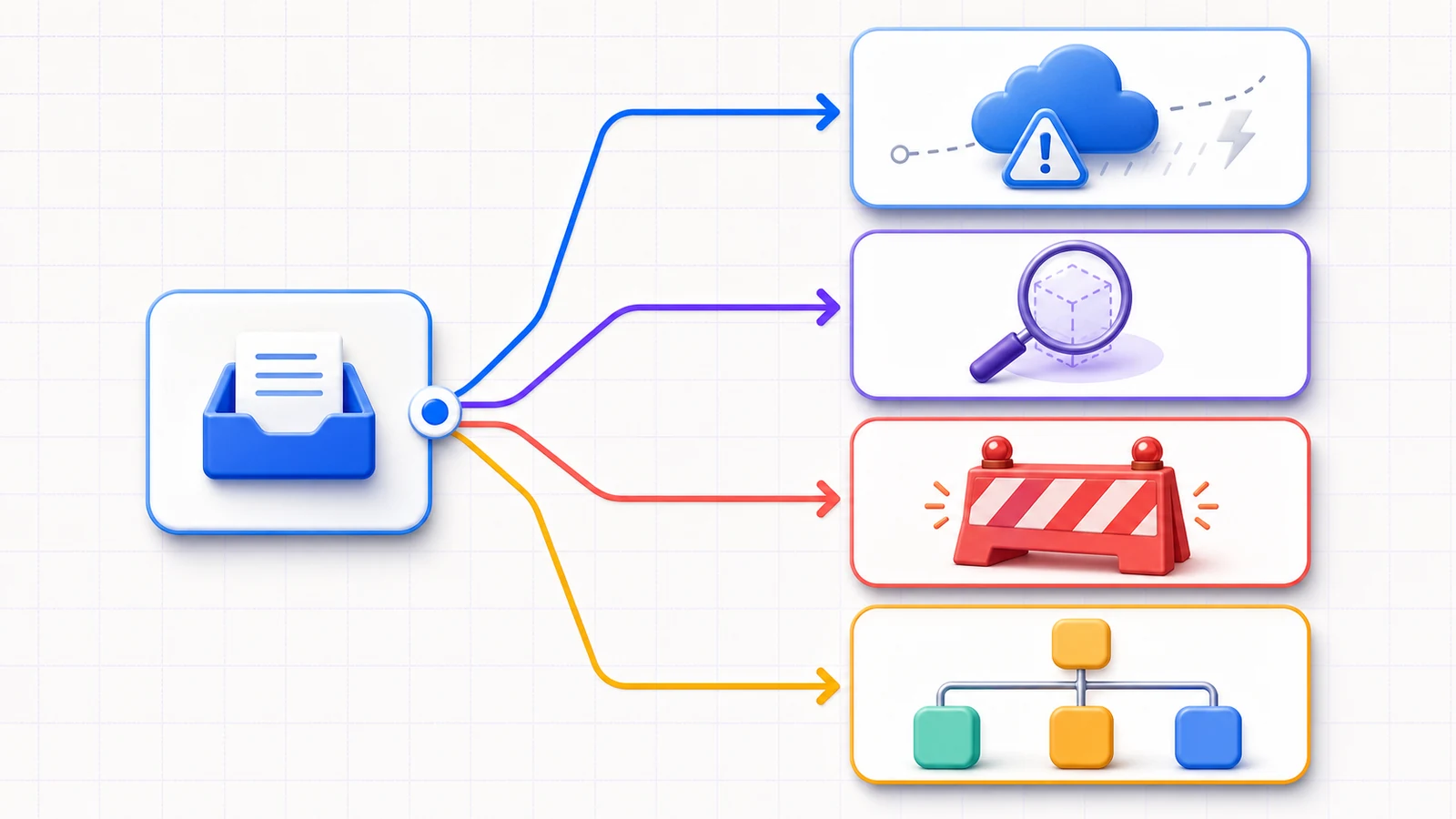
An invalidated assumption may expose a risk or issue; a late dependency may create an issue. Preserve these relationships with linked IDs rather than overwriting the original.
How to create a RAID log in 7 steps
1. Set the scope and rules
Name the project, audience, categories, priority scale, statuses, and review cadence. Routine work belongs in the project plan; clarify responsibilities with a RACI matrix.
2. Collect candidate items
Review the charter, schedule, estimates, prior lessons, commitments, approvals, and open questions. Ask owners what could change the objective, what the plan assumes, what is blocked, and what must arrive externally.
3. Classify and write each item precisely
Phrase risks as condition and impact, assumptions as testable statements, issues as present evidence and effect, and dependencies as prerequisite plus consequence. Split mixed rows when owners or responses differ.
4. Assess impact and priority
Describe the effect on schedule, scope, cost, quality, compliance, or customer outcome. Score likelihood only for risks. Define thresholds; if everything is “High,” the scale cannot guide action.
5. Assign one accountable owner
The owner monitors the item, coordinates the response, and updates the record. They need not perform every action but must drive or escalate it. Link supporting tasks rather than hiding a task list in the row.
6. Set the response and review cadence
Give every row a response and date. Fast-moving work may need weekly review; stable work may use milestone reviews. Review high-priority or rapidly changing items more often.
7. Close, link, and archive
Close a record when the condition is inactive, transferred to a controlled record, or no longer relevant. Keep the outcome, date, and linked decision or task; archive rather than delete it.
Worked RAID log example
The following fictional example covers a cross-functional website launch. It does not describe an AFFiNE customer or claim a real project result.
Core record
| ID | Category | Description | Date raised | Impact | Likelihood | Priority |
|---|---|---|---|---|---|---|
| R-01 | Risk | If CDN caches retain the old release, launch pages may differ by region. | Jul 15 | Quality and launch confidence | Medium | High |
| R-02 | Risk | If review finds critical keyboard failures, launch may move five business days. | Jul 15 | Schedule and compliance | Low | High |
| A-01 | Assumption | Legal can review final privacy copy within three business days. | Jul 15 | Schedule | N/A | Medium |
| A-02 | Assumption | Analytics event names can remain unchanged for the redesigned signup. | Jul 16 | Measurement quality | N/A | Medium |
| I-01 | Issue | Staging serves the previous hero on two regional cache nodes. | Jul 22 | Quality and testing | N/A | High |
| I-02 | Issue | The French confirmation email lacks approved-copy signoff. | Jul 22 | Scope and launch readiness | N/A | Medium |
| D-01 | Dependency | Deployment depends on IT verifying the new domain record. | Jul 15 | Launch schedule | N/A | High |
| D-02 | Dependency | Support enablement depends on approved final screenshots. | Jul 17 | Handoff quality | N/A | Medium |
Ownership and control
| ID | Owner | Response / action | Due or review date | Status | Related decision / task | Last updated |
|---|---|---|---|---|---|---|
| R-01 | Web lead | Pre-warm caches; document purge; run regional checks. | Jul 22 | Occurred → I-01 | Release task 42 | Jul 22 |
| R-02 | Accessibility lead | Run keyboard smoke test; reserve fix window. | Jul 24 | Monitoring | Review A11Y-7 | Jul 22 |
| A-01 | Project manager | Obtain written turnaround confirmation. | Jul 18 | Validated | Legal request 18 | Jul 18 |
| A-02 | Analytics lead | Compare staging flow with the tracking plan. | Jul 23 | Unvalidated | Analytics task 11 | Jul 22 |
| I-01 | Platform engineer | Purge nodes, redeploy, and retest both regions. | Jul 23 | In progress | Originating risk R-01 | Jul 22 |
| I-02 | Localization lead | Complete copy review and record approval. | Jul 24 | Open | Launch gate L-6 | Jul 22 |
| D-01 | IT owner | Verify DNS and confirm rollback contact. | Jul 21 | Cleared | Deployment gate L-2 | Jul 21 |
| D-02 | Product designer | Approve screenshots and notify Support. | Jul 24 | Confirmed | Enablement task 8 | Jul 22 |
This example preserves transitions: R-01 became I-01 and links to the active issue; A-01 was validated by Legal's written confirmation; D-01 was cleared by IT's verification. The history remains useful at closeout.
How to review a RAID log in project meetings
Before the meeting, the RAID owner should sort for changes, high-priority open items, overdue dates, needed decisions, and closure candidates. Do not read every unchanged row aloud.
Use this short agenda:
- New: confirm category, owner, response, and date for new entries.
- Changed: review shifts in impact, likelihood, evidence, or downstream effect.
- Overdue: decide whether to reassign, escalate, replan, or close the action.
- Decisions: state the decision needed, decision owner, options, and deadline.
- Close: record the outcome, link the evidence, and archive without deleting history.
Capture decisions and commitments in the same session. A meeting minutes template can preserve agreements; a progress report can surface RAID items that affect project health.
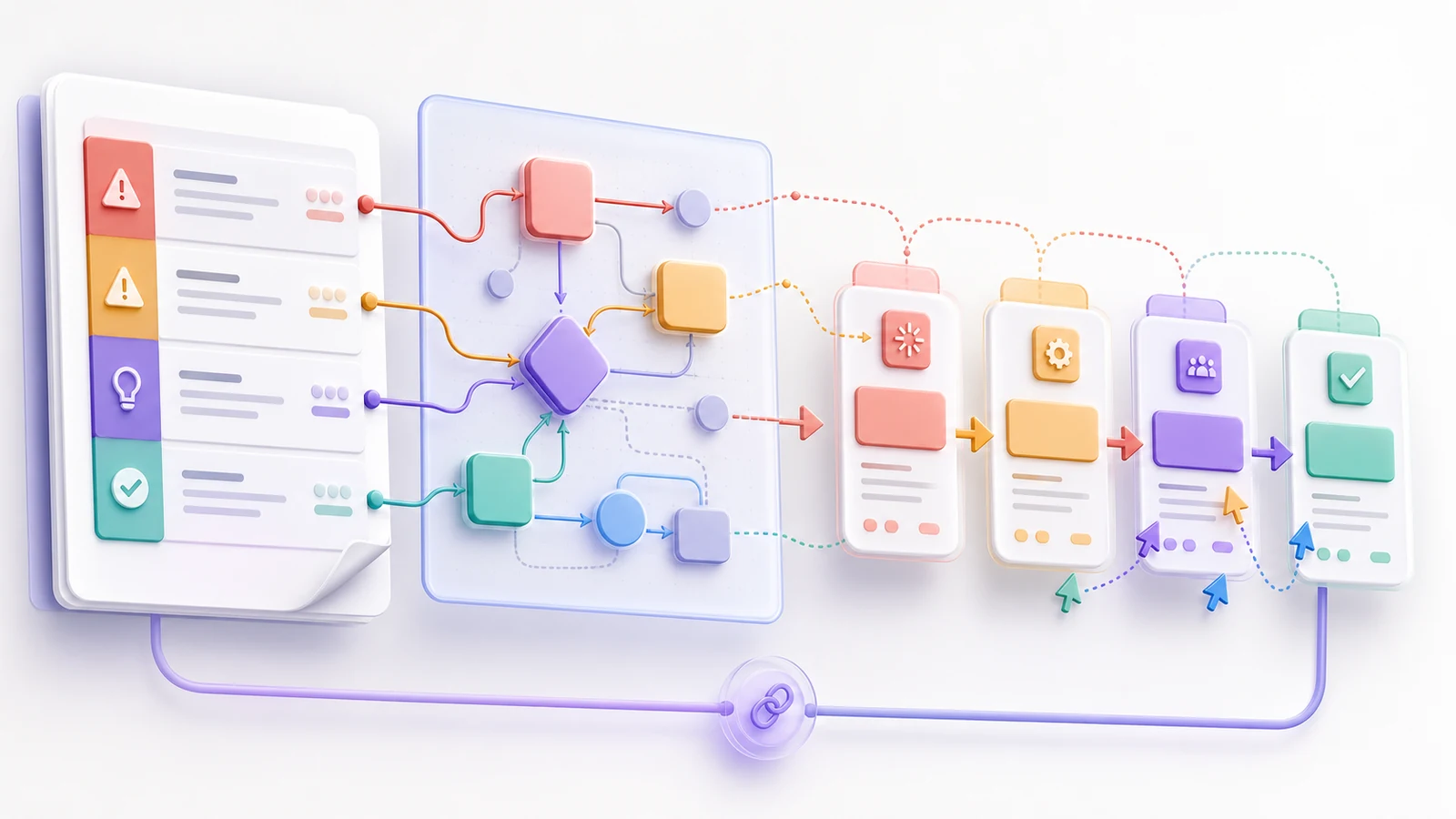
End with a next action for every discussed item. Record changes immediately; item owners complete responses and supply evidence before the next review.
Common RAID log mistakes
- Confusing categories. Do not call an active problem a risk.
- Leaving rows without owners. Name one person who can drive or escalate.
- Writing vague descriptions. “Vendor risk” states neither condition nor effect.
- Marking everything High. Define thresholds that change review order.
- Logging without acting. Every item needs a response, date, and status.
- Turning RAID into the task plan. Link actions to the schedule.
- Letting dates go stale. Confirm due and last-updated dates.
- Deleting closed history. Keep outcomes and related decisions for traceability.
RAID log vs. risk register vs. issue log vs. RACI matrix
| Record | Primary purpose | Best when | Does not replace |
|---|---|---|---|
| RAID log | Consolidate risks, assumptions, issues, and dependencies | A team needs one cross-category operational view | Detailed plans, decisions, or governance required elsewhere |
| Risk register | Analyze and manage uncertain events in depth | Risk exposure, triggers, responses, and formal reporting need more detail | Issue resolution |
| Issue log | Resolve problems that already exist | Active problems need escalation, owners, and target resolution dates | Future-risk analysis |
| RACI matrix | Clarify Responsible, Accountable, Consulted, and Informed roles | Deliverables or decisions have unclear participation | Status, risk, or issue tracking |
A small project may use one RAID log; a regulated program may use it as a linked summary of formal registers. Keep one source of truth per item.
How to keep a living RAID log in AFFiNE
In AFFiNE, build the register in Page mode with headings, tables, checklists, links, and project material. Save a clean template with consistent fields and statuses. Link rows to plans, RACI records, meeting notes, decisions, or actions instead of forcing all detail into one cell.
Use the Edgeless whiteboard to map approvals, handoffs, and milestones, while keeping controlled status and ownership in the Page register. AFFiNE's official pages document real-time collaboration for cloud or self-hosted team workspaces.
AFFiNE provides connected documents, visual planning, templates, links, and collaborative editing. People still define priority, assign owners, review dates, and decide. This guide does not assume automated risk scoring, reminders, Gantt or Jira synchronization, approvals, audit controls, or portfolio reporting.
Frequently asked questions
What is a RAID log in project management?
A RAID log tracks risks, assumptions, issues, and dependencies for a project or program. Each item has a description, owner, response, date, priority, and status. Teams review uncertainty and blockers together while keeping tasks, decisions, or authoritative registers linked and current.
What does RAID stand for in a RAID log?
RAID commonly stands for Risks, Assumptions, Issues, and Dependencies. Some organizations use Actions for A or Decisions for D. Define the categories at the top of your log. This guide uses the four-category version and keeps actions and decisions as linked records.
What is the difference between a RAID log and a risk register?
A risk register focuses on uncertain events, probability, impact, triggers, responses, and residual risk. A RAID log is broader but often lighter because it adds assumptions, current issues, and dependencies. In formal environments, keep the risk register authoritative and link important items into RAID.
How often should a RAID log be updated?
Update the log whenever an item materially changes, then review it according to project volatility. Weekly or milestone reviews suit many active projects; high-risk launches may need more attention. Record the last update and next review date so “no change” is explicit.
Who should own the RAID log?
The project manager or RAID coordinator usually maintains the register and meeting view. Each row still needs an owner who monitors the condition, drives the response, and escalates decisions. Maintenance ownership and item ownership differ; neither belongs to an unnamed team.
Can a RAID log include actions and decisions?
Yes, if your team defines that variant. Many teams keep Risks, Assumptions, Issues, and Dependencies as core categories, then link actions and decisions. Others use Actions or Decisions as letters. Consistency and a clear source of truth matter more than claiming one expansion is universal.
Turn the log into a review habit
A RAID log creates value when it drives a decision, not when it merely records concern. Start with the template, assign one owner and date, and review changes until each item is resolved, validated, cleared, or closed. Use AFFiNE to connect plans, dependencies, evidence, and decisions.