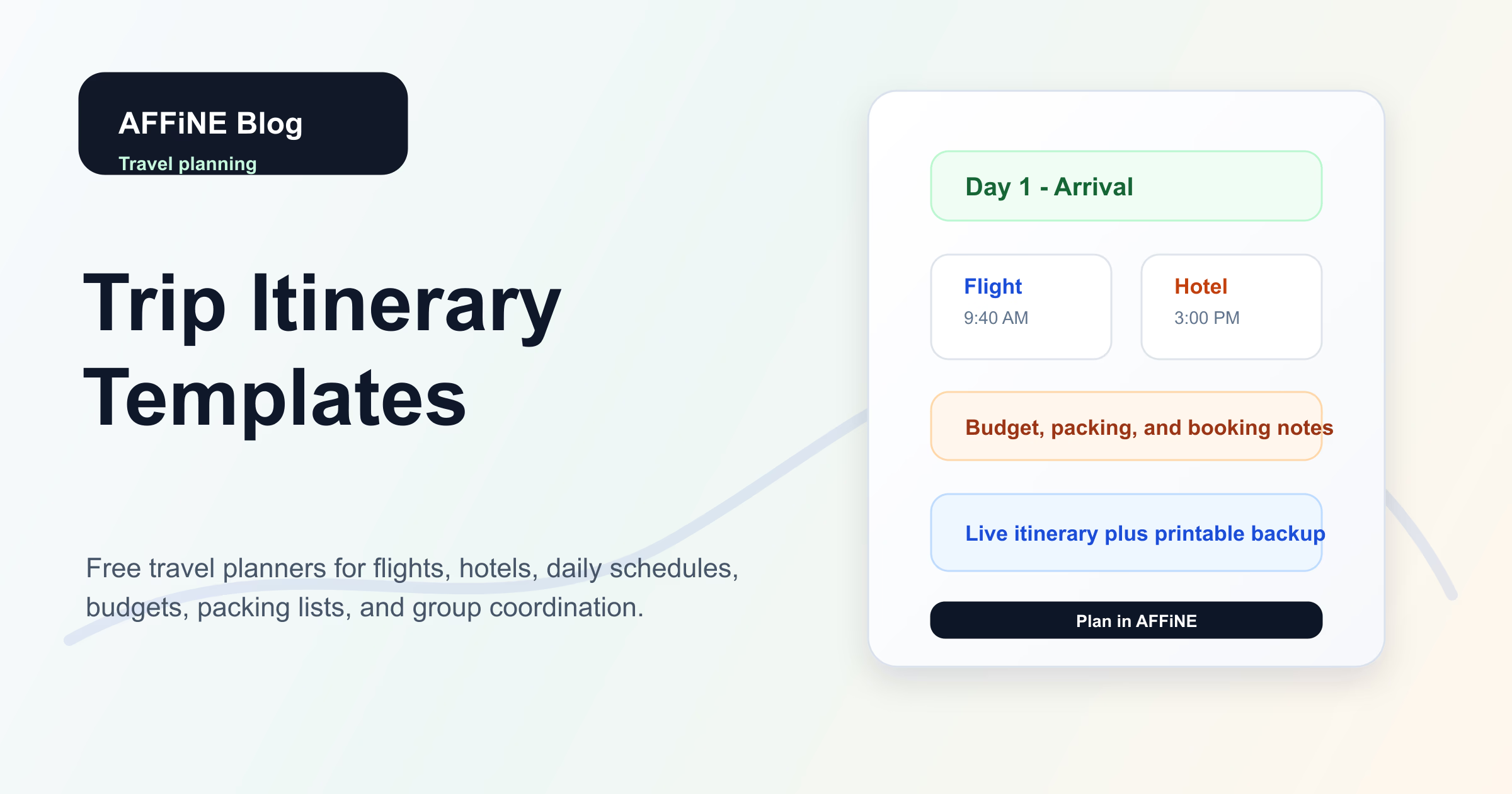
Trip Itinerary Templates: Free Travel Planners
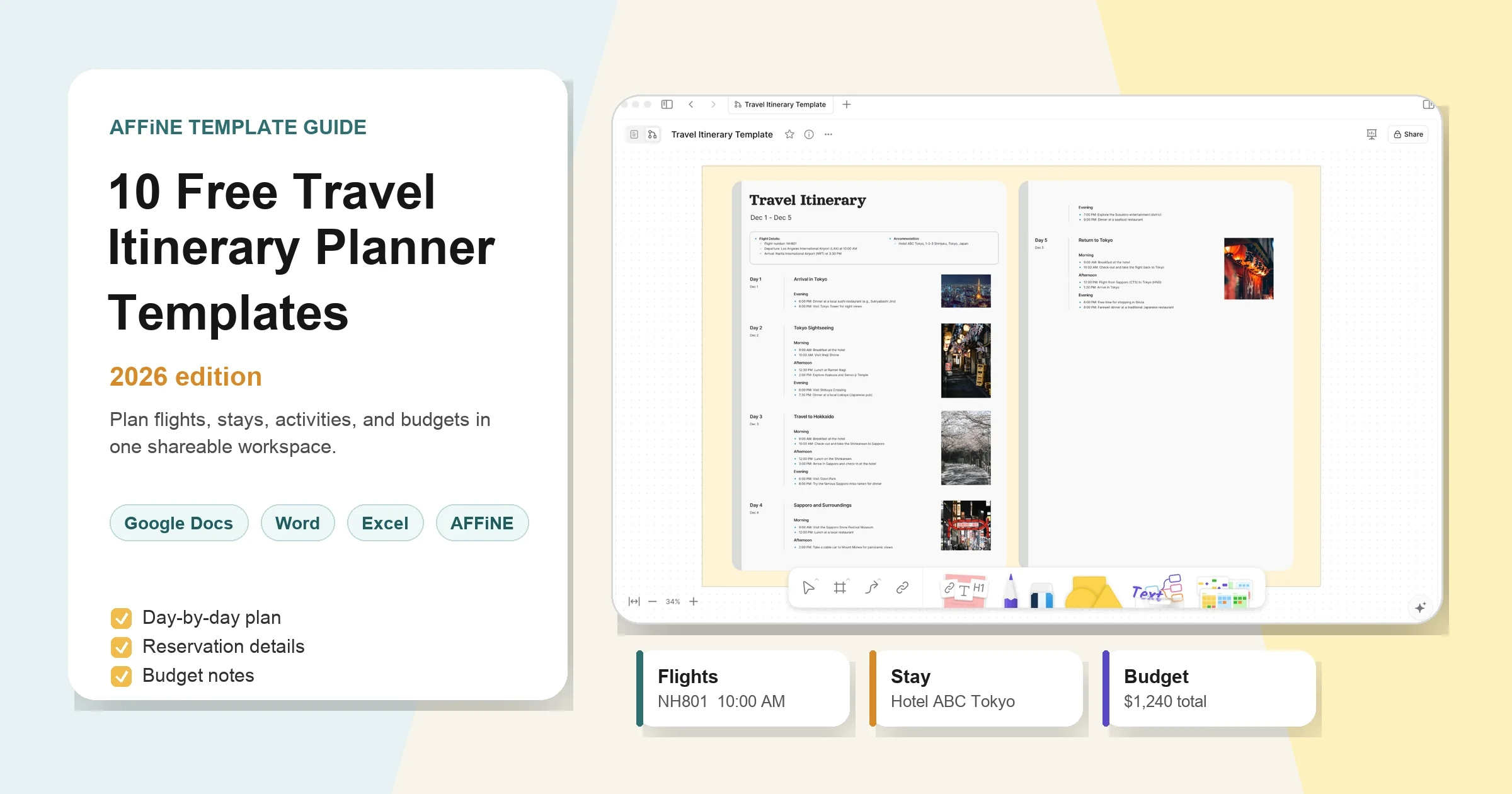
A trip itinerary template is a reusable travel planner for flights, hotels, daily schedules, activities, budgets, documents, and backup plans. Instead of keeping confirmation emails, maps, and notes in different apps, you keep every decision in one place and share the final plan with everyone traveling.
This guide gives you a practical way to choose and customize free trip itinerary templates for AFFiNE and Notion. It focuses on what travelers actually need before and during a trip: clear time blocks, booking details, budget visibility, packing reminders, and a printable backup.
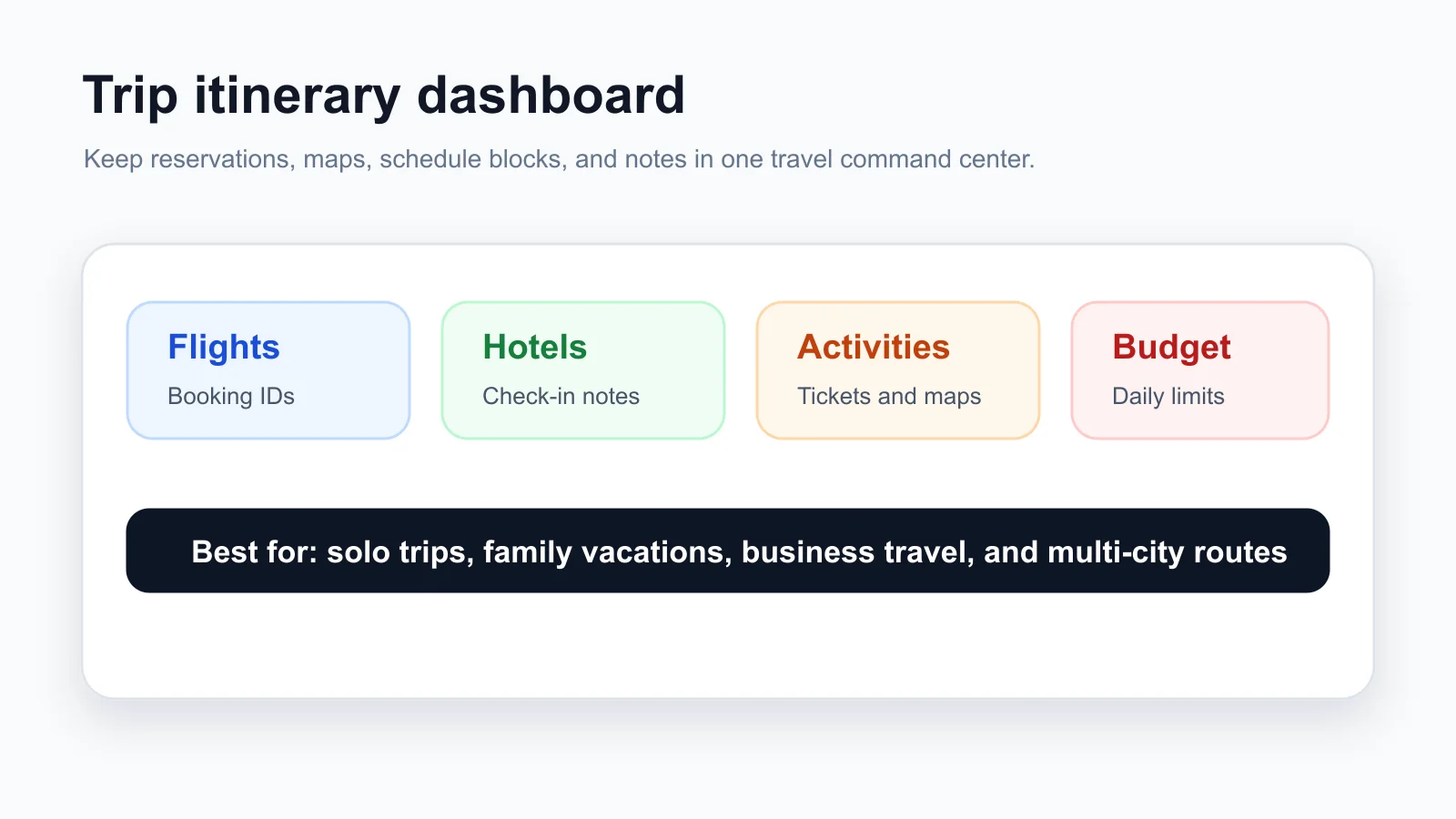
What Should a Trip Itinerary Template Include?
A strong itinerary template should answer five questions quickly: where are we going, when are we moving, where are we staying, what did we book, and what happens if the plan changes?
Use these core sections as your baseline:
- Trip overview: destination, travel dates, travelers, time zone, weather, and local notes.
- Transportation: flights, trains, rental cars, rideshares, parking, booking references, and backup routes.
- Accommodation: hotel address, check-in time, confirmation number, room notes, and contact details.
- Day-by-day schedule: morning, afternoon, evening, meal plans, tickets, maps, and buffer time.
- Budget tracker: estimated and actual costs for transport, lodging, food, activities, and shopping.
- Packing and documents: passport, visa, insurance, medication, chargers, tickets, and emergency contacts.
If your template is missing one of these sections, add it before you travel. The goal is not to over-plan every minute. The goal is to make the important details easy to find when you are tired, offline, or moving between places.
Best Free Trip Itinerary Templates by Travel Type
Different trips need different planning depth. A weekend city break does not need the same template as a three-week multi-country route.
| Travel type | Best template setup | Must-have fields |
|---|---|---|
| Solo trip | Compact daily planner with flexible notes | accommodation, safety contacts, offline maps, budget |
| Family vacation | Shared schedule with meal and kid-friendly activity sections | group tasks, packing, booking owners, downtime |
| Road trip | Route-based planner with mileage and stop tracking | fuel stops, parking, hotel check-ins, backup routes |
| Business trip | Meeting-focused itinerary | flight details, hotel, agenda, conference sessions, receipts |
| Multi-city travel | Destination-by-destination hub | transit days, local addresses, time zones, documents |
For a ready-made starting point, use the AFFiNE free travel itinerary template category. You can also compare broader options in the 10 free travel itinerary planner templates guide.
How to Build a Day-by-Day Travel Schedule
A day-by-day itinerary works best when it uses time blocks instead of a long unstructured list. Time blocks make the plan scannable and help travelers understand what is fixed, what is flexible, and what can move if weather or transit changes.
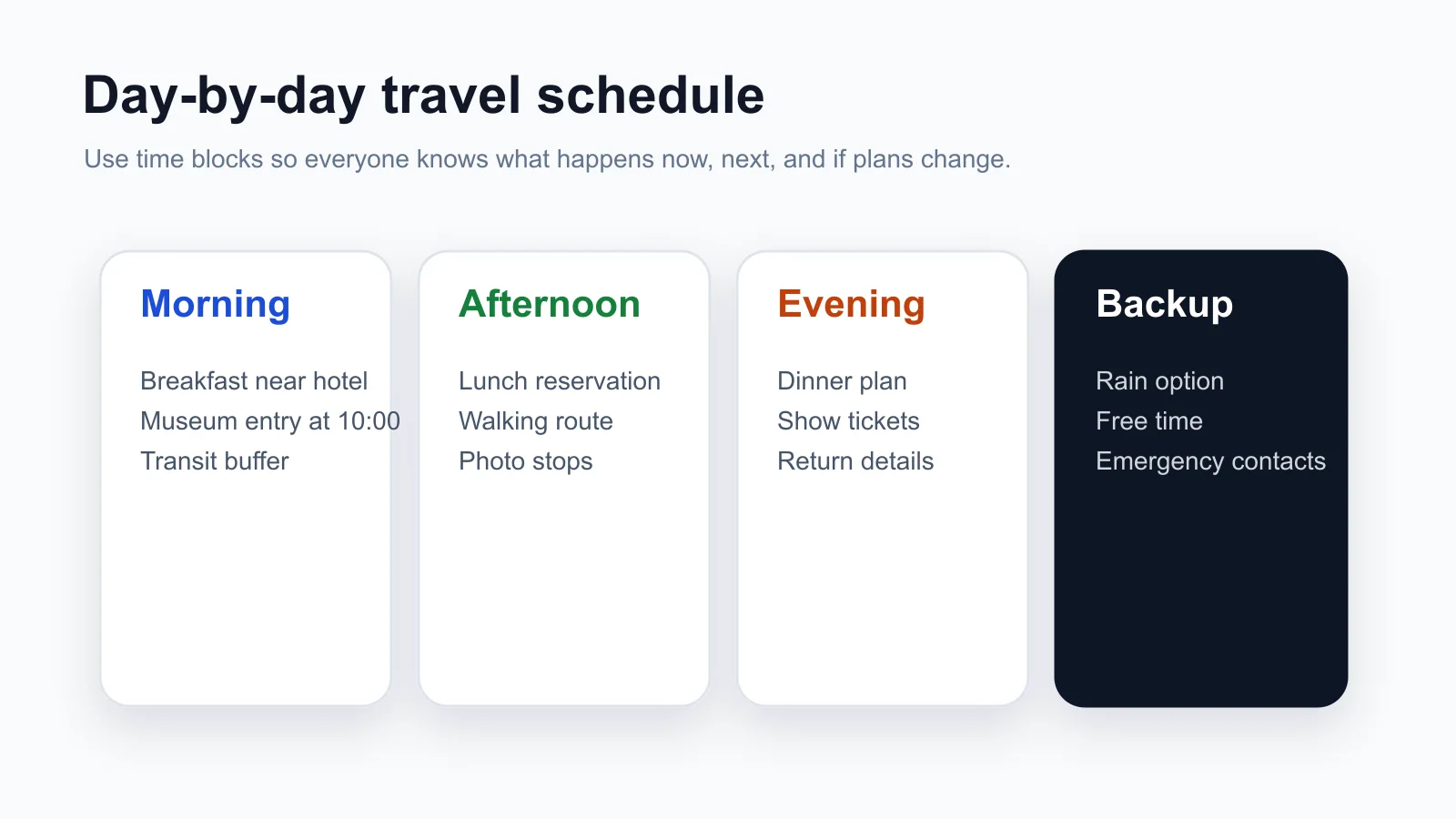
A useful daily schedule includes:
- Morning plan: breakfast, first activity, ticket times, transit route, and walking distance.
- Afternoon plan: lunch, main attraction, shopping, free time, or rest window.
- Evening plan: dinner reservation, show tickets, return route, and late-night transport notes.
- Backup plan: rain option, tired-day alternative, indoor activity, or no-reservation fallback.
- Notes: dress code, local etiquette, accessibility details, and links to maps or tickets.
In AFFiNE, keep each day as a section or page, then link bookings and notes directly inside the schedule. This keeps the itinerary readable while still giving you a place for deeper details.
AFFiNE vs Notion for Trip Itinerary Templates
AFFiNE and Notion can both work for travel planning, but they fit different workflows.
AFFiNE is strong when you want a travel workspace that mixes documents, tables, whiteboard planning, and offline-first editing. It is useful for visual planning, route brainstorming, shared notes, and exporting a clean itinerary before departure.
Notion is strong when you already manage personal tasks there and want a database-style travel dashboard. It can work well for solo planning and simple group collaboration, especially if you already use Notion templates.
The practical choice is simple: use the template that your travel companions will actually open. For group travel, clarity beats complexity. If only one person maintains the itinerary, keep the final shared version short and printable.
Budget, Packing, and Safety Details to Add
A trip itinerary template becomes much more useful when it includes money, packing, and emergency details. These are the details travelers usually need when something goes wrong.
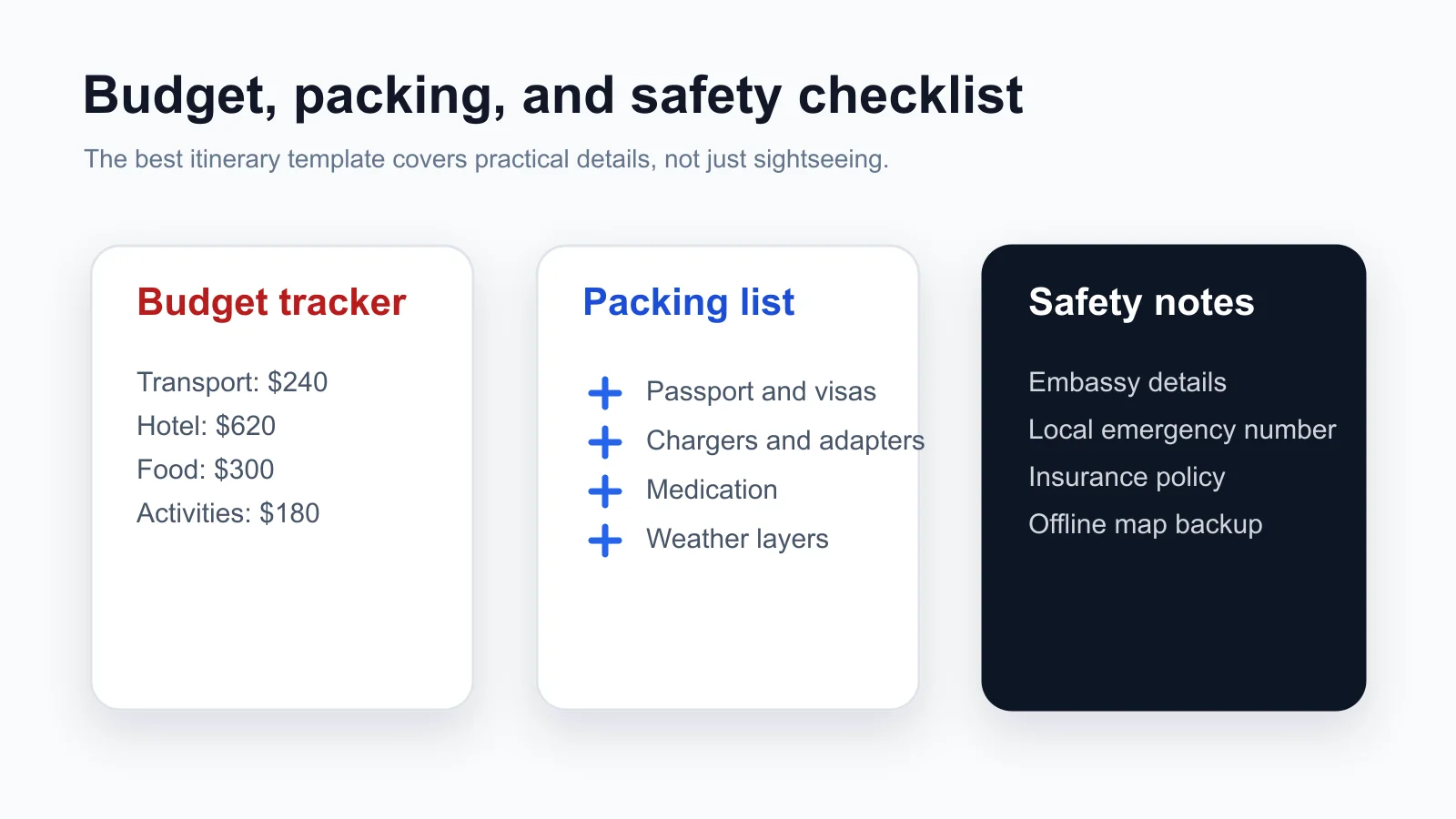
Add these fields before you finalize the plan:
- Budget: estimated cost, paid amount, remaining balance, payment method, and who paid.
- Receipts: flight, hotel, activity tickets, insurance, visa fees, and work expense receipts.
- Packing: documents, chargers, medication, weather layers, shoes, toiletries, and adapters.
- Safety: local emergency number, embassy details, insurance phone number, allergies, and medical notes.
- Offline backup: PDF copy, screenshots, offline maps, and printed hotel address.
This section is especially useful for family travel, business travel, and multi-destination trips where small details can easily get lost.
How to Customize a Trip Itinerary Template in AFFiNE
Start with the template category, then adjust the structure to match the trip instead of forcing every trip into the same layout.
- Pick the right base: choose a road trip, conference, adventure, wedding weekend, or general itinerary template.
- Add the fixed details first: flights, hotels, ticket times, meeting times, and non-refundable bookings.
- Create flexible blocks: meals, optional attractions, shopping, rest windows, and backup activities.
- Assign owners: who books transport, who manages tickets, who tracks budget, and who keeps documents.
- Export a backup: share the live AFFiNE link, then export a PDF or print a one-page version for travel days.
Useful starting points include the road trip itinerary template, conference itinerary template, and adventure travel itinerary template.
Printable vs Digital Trip Itinerary Templates
Digital templates are best for planning because they are easy to edit, duplicate, share, and update. Printable templates are best for travel days because they still work when a phone battery dies or mobile data is unreliable.
Use both. Keep the full itinerary in AFFiNE, then export a shorter travel-day version with the essentials: flight times, hotel address, daily schedule, emergency contacts, and booking references. For visual destination planning before you build the schedule, a travel vision board can help align the trip mood, places, and must-do activities.
Free Trip Itinerary Template FAQ
What is the best free trip itinerary template?
The best free trip itinerary template is the one that matches your trip type. Use a compact schedule for a weekend trip, a route-based planner for a road trip, and a destination-by-destination planner for multi-city travel.
Can a trip itinerary template track budget?
Yes. Add estimated cost, actual cost, paid status, payment method, and who paid. This is helpful for group trips because it keeps shared expenses visible before the final settlement.
Can I use a trip itinerary template offline?
Yes. Keep a digital copy in your planning workspace and export a PDF or screenshots before travel. Offline backups are important for airports, border crossings, remote areas, and international roaming gaps.
How do I share an itinerary with travel companions?
Share a live AFFiNE document for planning, then send a short final PDF before departure. The live version is best for updates; the PDF is best for quick reference during travel.
Can one template handle multi-destination travel?
Yes. Create one overview page for the whole trip, then add a section for each destination. Each destination should include arrival details, accommodation, daily plans, transit to the next stop, and local emergency information.
Ready to plan the trip in one place? Browse the free travel itinerary templates and customize your schedule in AFFiNE.