Free FAQ Templates for Support, Docs & Teams
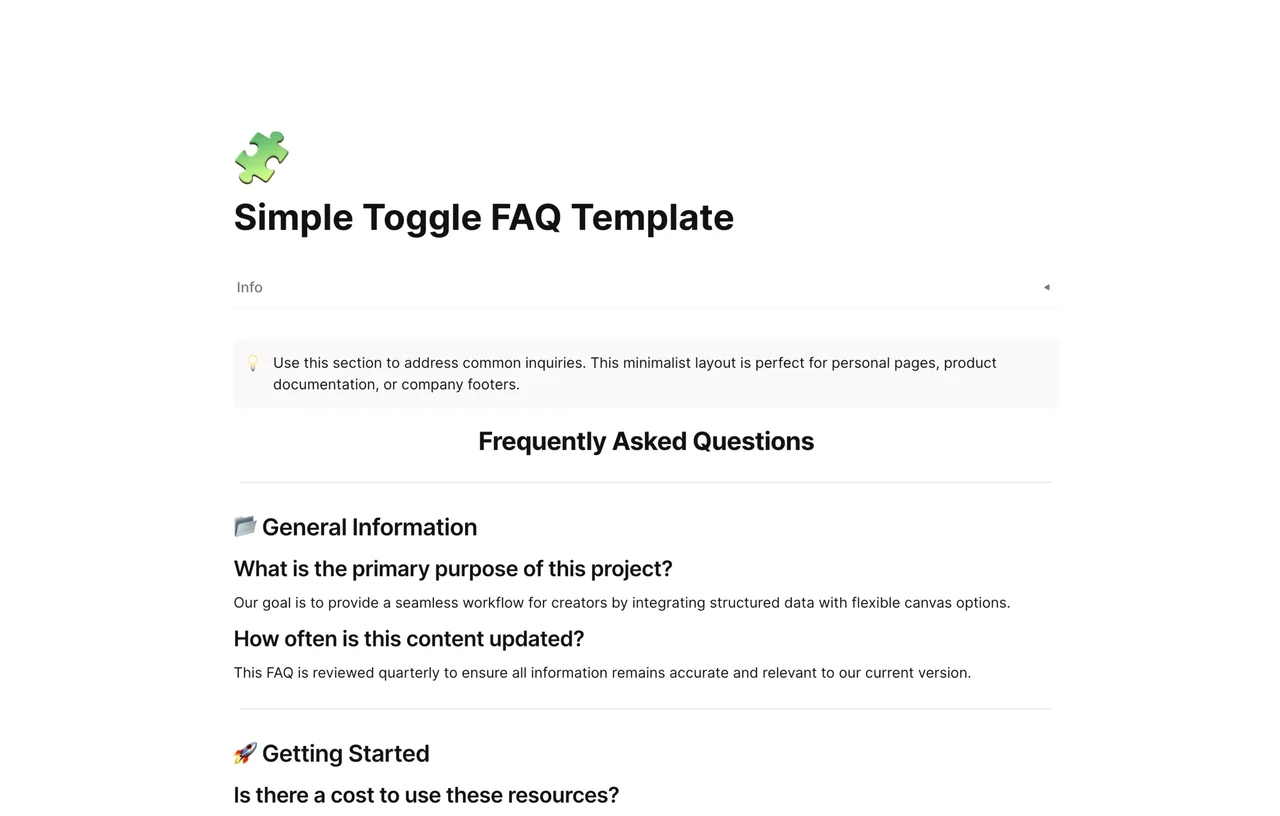
Simple Toggle FAQ Template
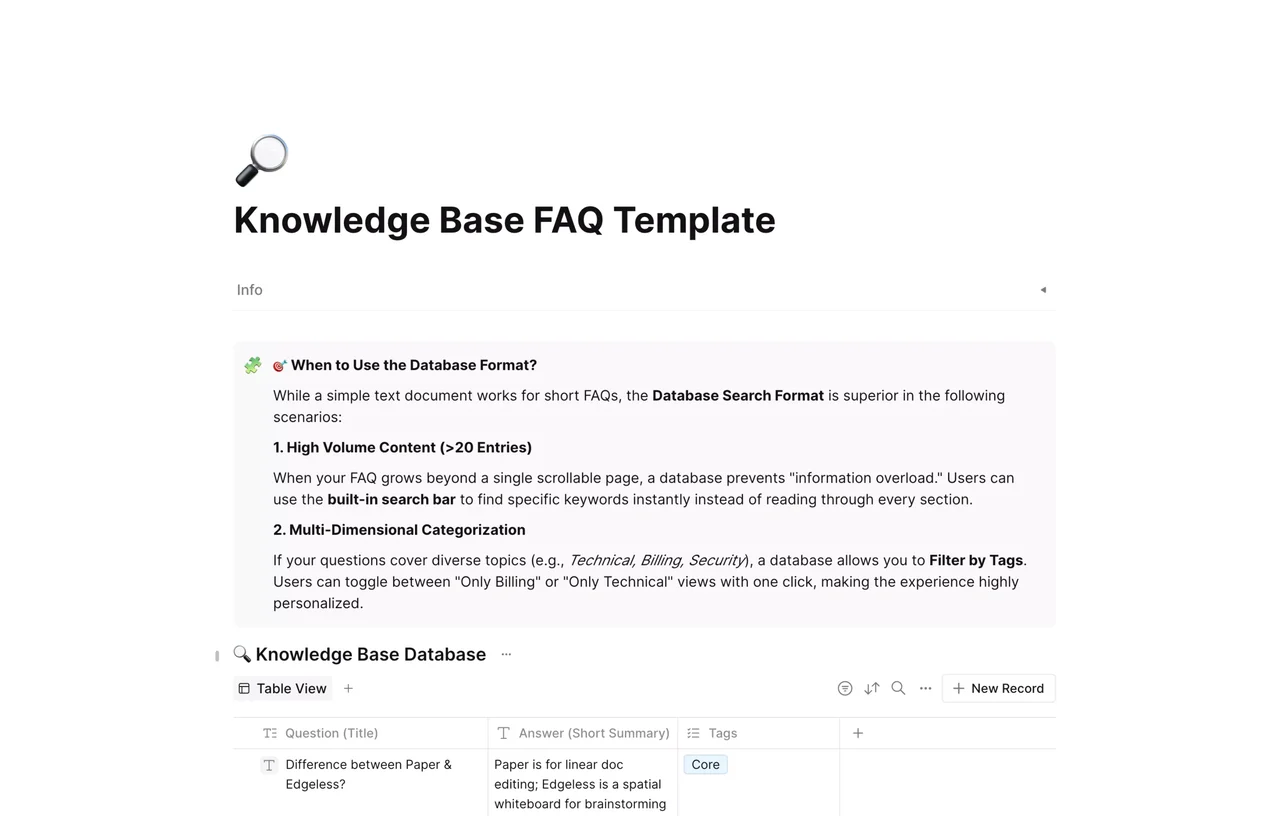
Knowledge Base FAQ Template
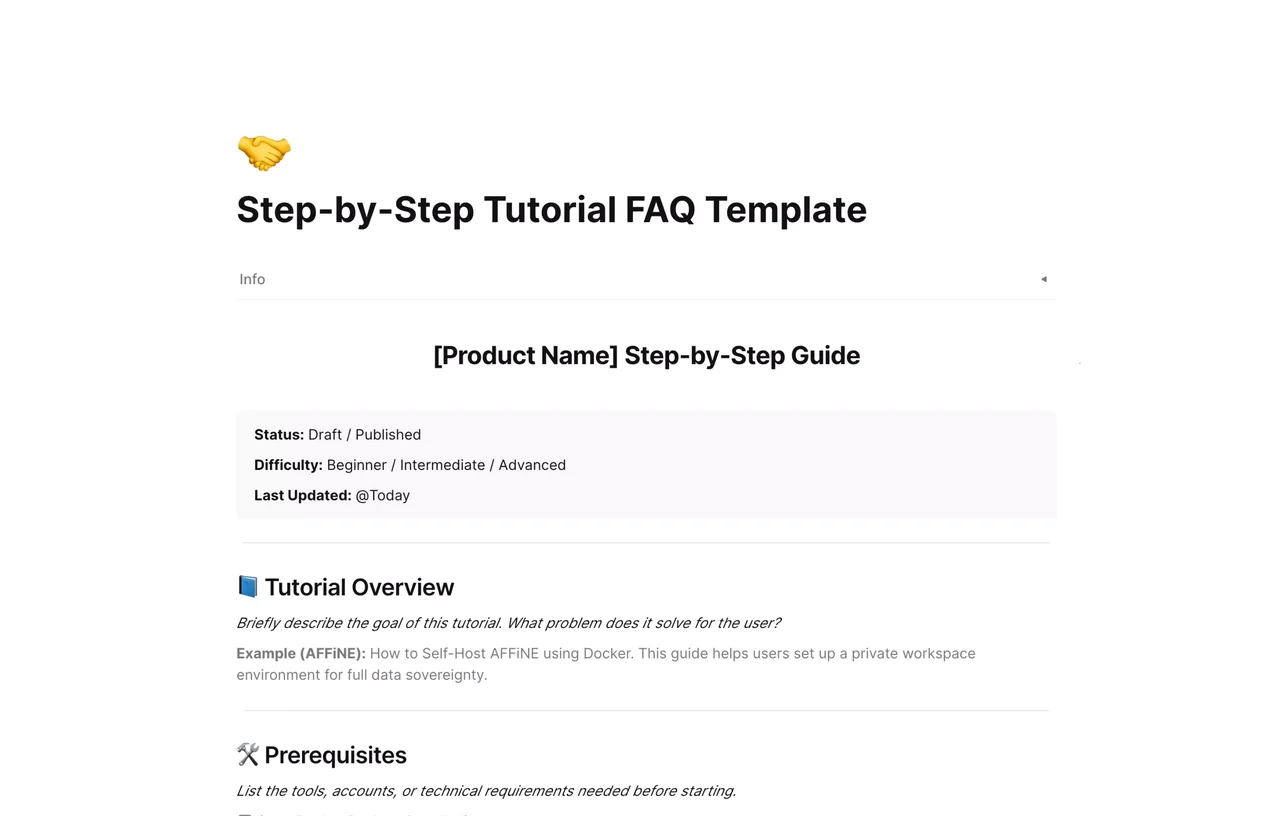
Step-by-Step Tutorial FAQ Template
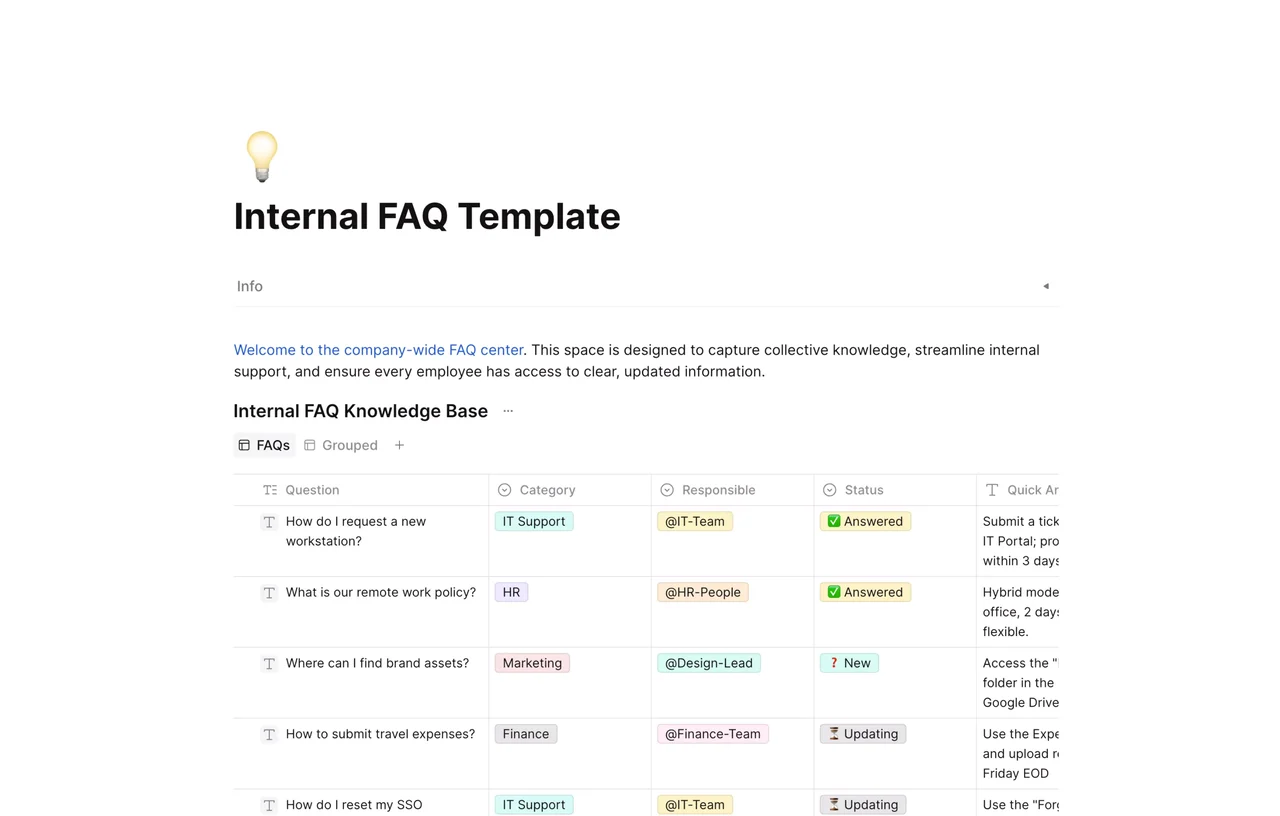
Internal FAQ Template
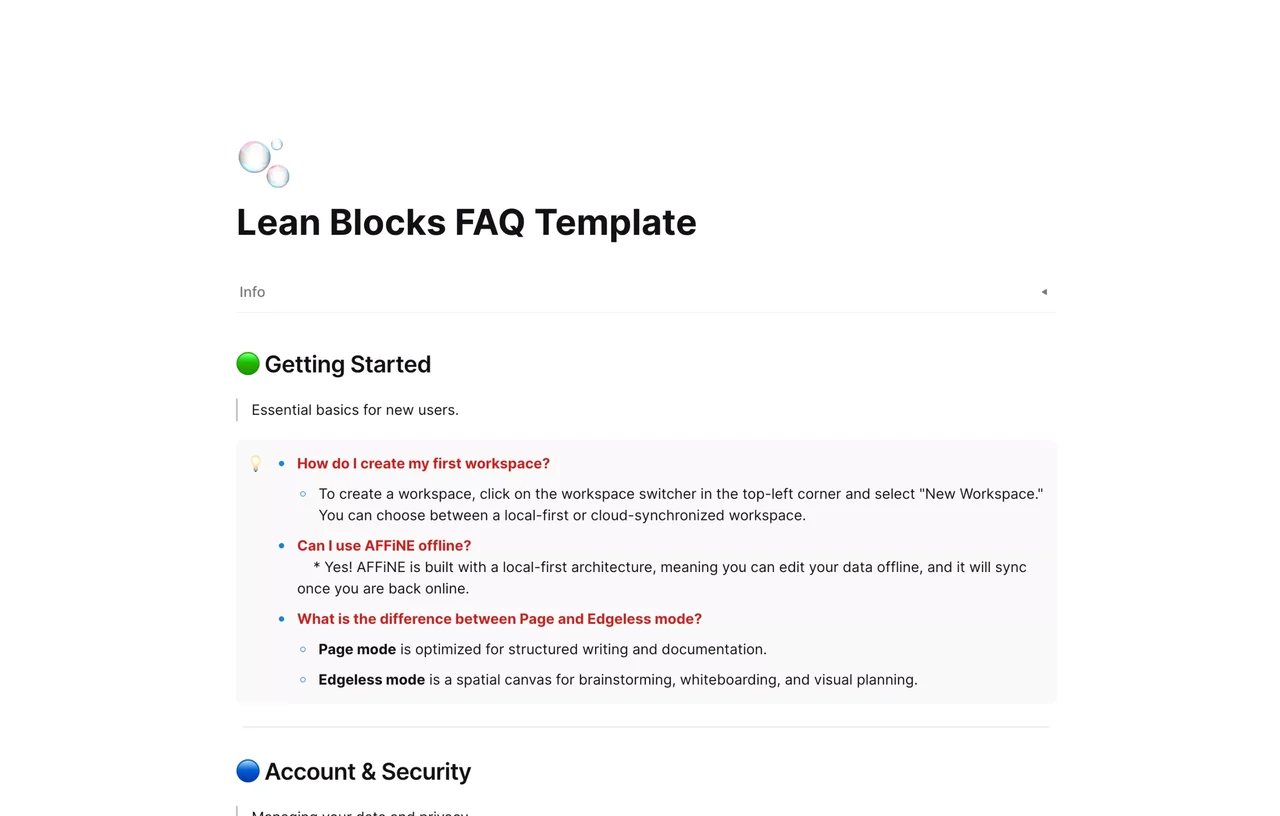
Lean Blocks FAQ Template
FAQ Templates
An FAQ template is a ready-made layout for collecting your most common questions and their answers in one scannable place, so you stop retyping the same replies and give people instant, consistent answers. This collection gathers AFFiNE's free FAQ templates for customer support, internal teams, public knowledge bases, and product onboarding.
Each template is built on AFFiNE's docs and database: duplicate a layout into your workspace, edit questions and answers inline, group them with toggle lists or database views, and share a clean page. Your FAQ stays editable as your product changes and syncs across desktop and mobile. New to FAQs? Start with our guide on how to write and launch an FAQ page.
Which FAQ Template Should You Use?
Pick the layout that matches where your answers live and who reads them:
| Template | Best for |
|---|---|
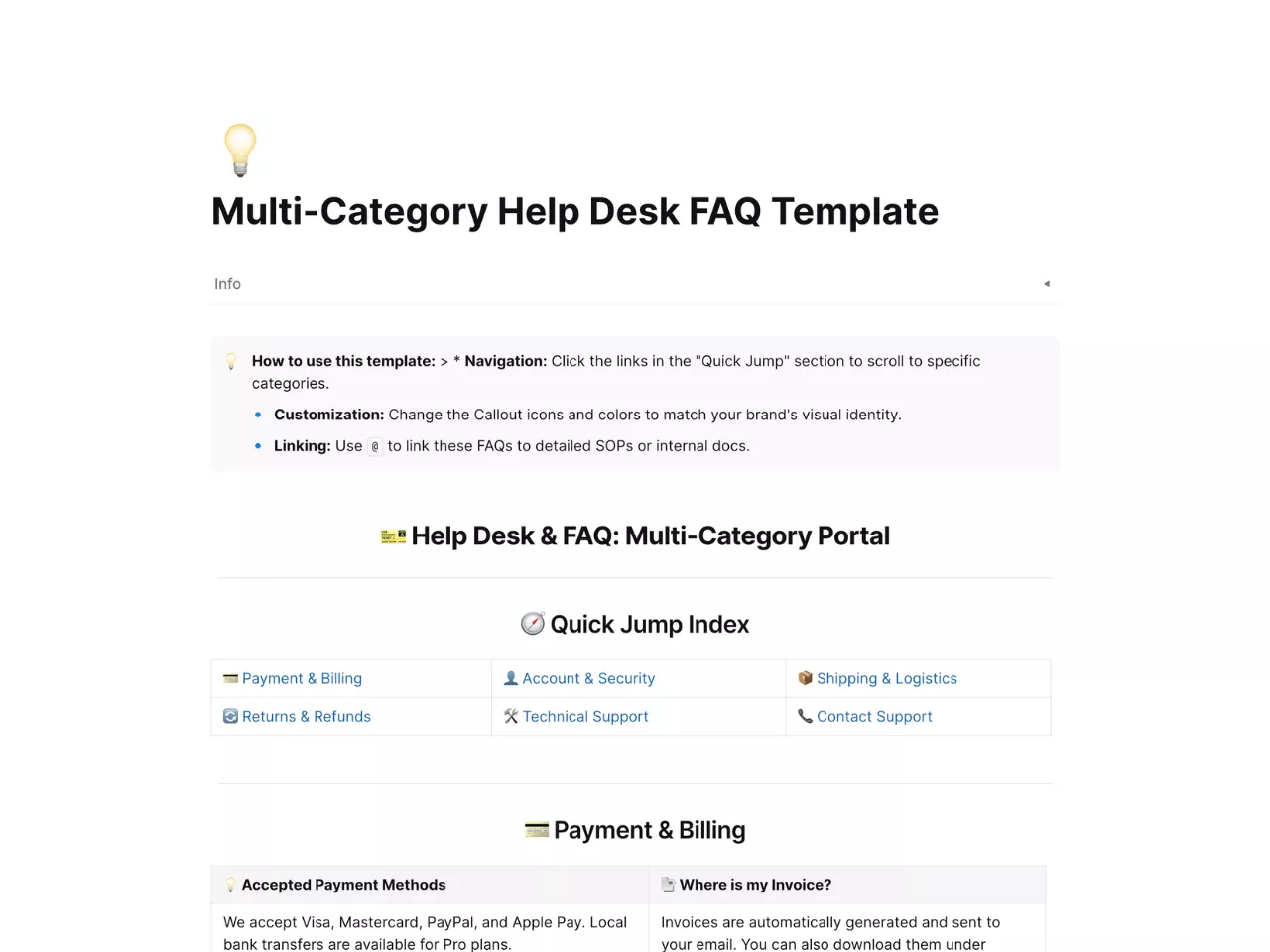
| Multi-Category Help Desk FAQ | Customer support with many topics, grouped by category |
| Knowledge Base FAQ | A public, searchable help center or product knowledge base |
| Internal FAQ | Team and employee questions: onboarding, policies, and tools |
| Simple Toggle FAQ | A compact page where long answers collapse behind toggles |
| Step-by-Step Tutorial FAQ | How-to and onboarding answers that need ordered steps |
| Lean Blocks FAQ | A minimal, fast FAQ when you just need a few Q&As live |
Running a support team? Compare layouts and tools in our roundup of the best FAQ templates for customer support.
How to Set Up an FAQ Template
- Pick a layout above and duplicate it into your AFFiNE workspace.
- Replace the sample questions with your real, most-asked questions.
- Write one clear, self-contained answer under each question.
- Group questions by topic, then share the page or embed it in your site or help center.
FAQ
What is an FAQ template?
An FAQ template is a reusable layout that organizes frequently asked questions and their answers into a single, scannable page. It saves you from writing answers from scratch and keeps responses consistent across your team and channels.
Which FAQ template should I use?
Choose by audience and structure: use the Multi-Category Help Desk or Knowledge Base FAQ for customers, the Internal FAQ for your team, the Simple Toggle or Lean Blocks FAQ for a compact page, and the Step-by-Step Tutorial FAQ for onboarding. The selection table above maps each layout to its best use.
Are these FAQ templates free?
Yes. Every FAQ template in this collection is free to duplicate into your AFFiNE workspace and customize: adjust questions, answers, categories, and layout to fit your product.
How do I add an FAQ to my workspace or website?
Duplicate a template into AFFiNE, fill in your questions and answers, then share the page with a public link or embed it in your site or help center. Because the FAQ lives in your workspace, you can update answers anytime and they stay in sync.