SMART Goal Template 2026: Free Worksheet, Examples & Tracker
A SMART goal template turns a vague intention into a plan you can review, measure, and finish. Instead of writing "get better at work" or "save more money," the template asks for the outcome, the metric, the deadline, the first actions, and the review cadence.
Use this guide to choose a free SMART goal template format, write stronger goals, and move the goal into a system you will actually check. The examples below work for students, personal planning, freelancers, managers, and team OKRs.
What Is a SMART Goal Template?
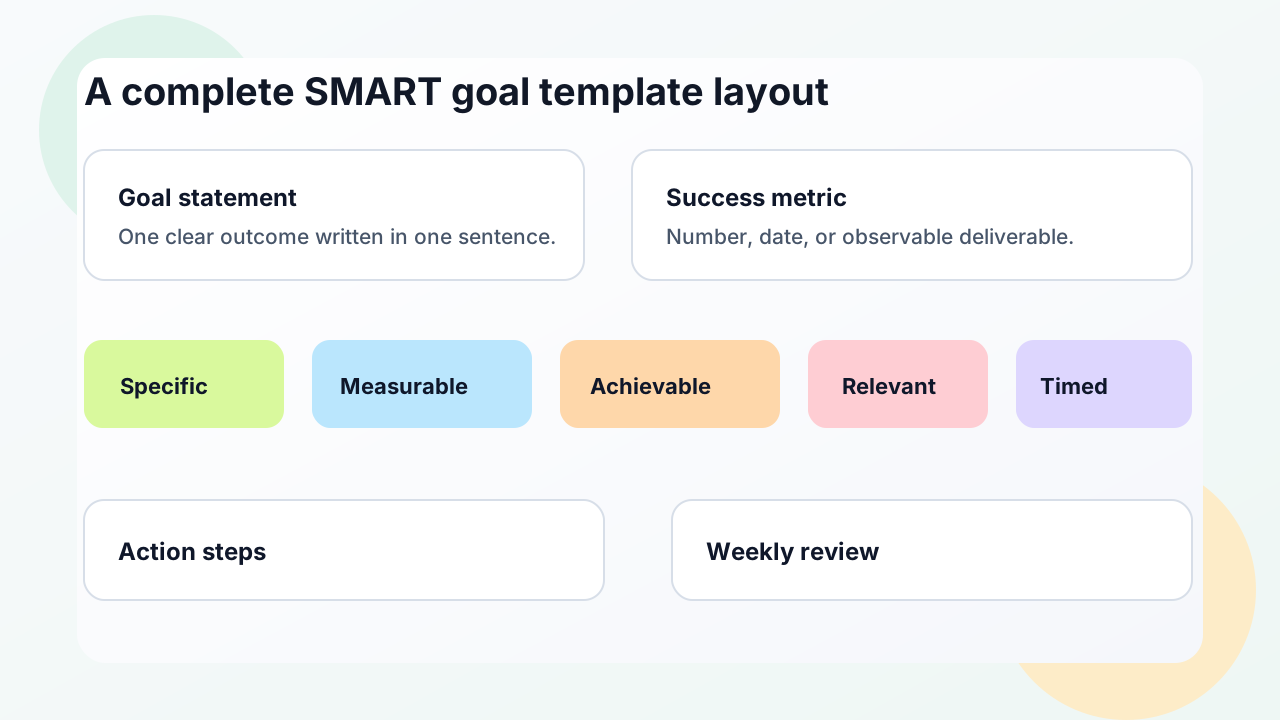
A SMART goal template is a worksheet for writing goals that are Specific, Measurable, Achievable, Relevant, and Time-bound. The format is simple, but the discipline matters: each goal needs a clear success signal and a review date, not just a motivational sentence.
The easiest way to use the template is to fill in this one-line formula:
| Field | Question to answer | Example |
|---|---|---|
| Specific | What exactly will change? | Interview 3 target customers |
| Measurable | What number or deliverable proves progress? | 3 completed interviews and 1 insight summary |
| Achievable | What resources or constraints make it realistic? | 30 minutes per interview, existing customer list |
| Relevant | Why does this goal matter now? | Validate the next onboarding improvement |
| Time-bound | When will it be done? | By July 31 |
SMART goal formula
I will [specific action] measured by [metric] because [relevance], using [resources or constraints], by [deadline].
Example: I will complete 3 customer interviews by July 31, summarize the top 5 onboarding blockers, and use the findings to prioritize the next product experiment.
Free SMART Goal Template Formats
There is no single best format for everyone. Pick the format based on how you will review progress, not just how the template looks on day one.
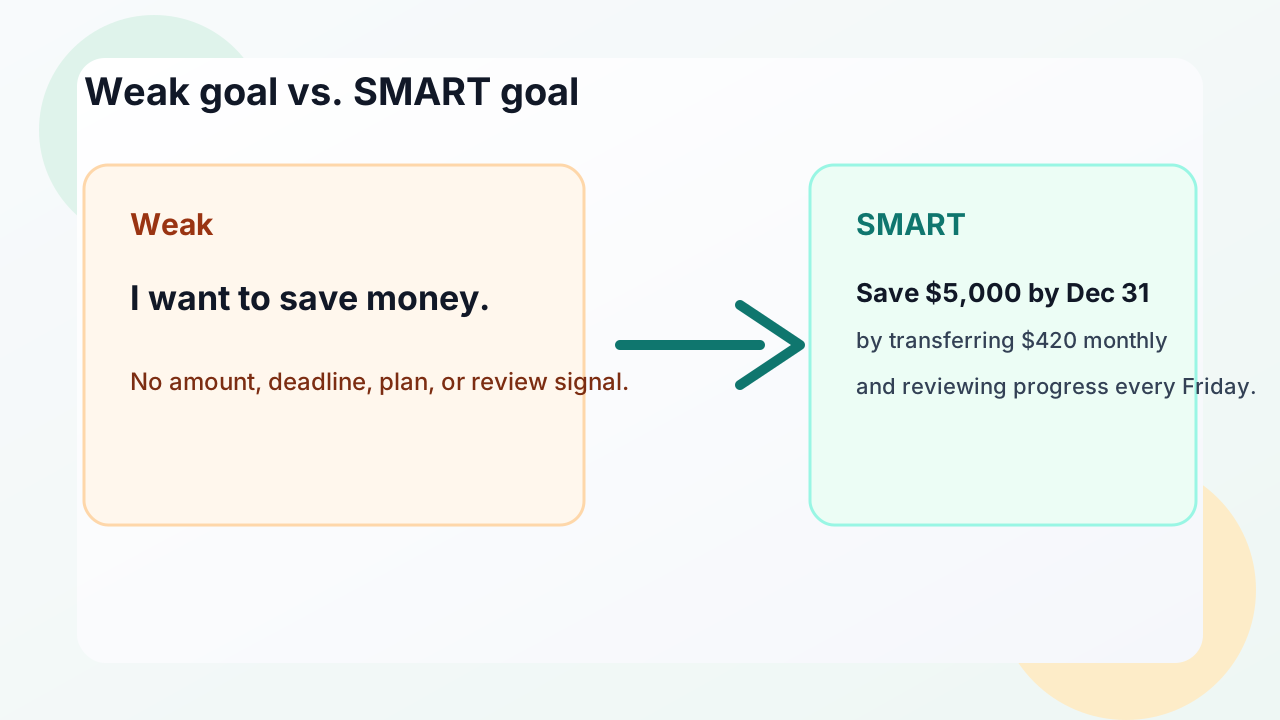
| Format | Best for | Watch out for |
|---|---|---|
| PDF SMART goal template | Printing, workshops, classroom handouts | Hard to update after the first draft |
| Word SMART goal template | Writing a detailed personal or professional goal | Progress tracking is manual |
| Excel SMART goal template | Numeric targets, habits, sales goals, weight loss, budgets | Can become cluttered if the goal needs notes or decisions |
| AFFiNE SMART goal template | Goals that need docs, tasks, whiteboards, and weekly reviews in one workspace | Best when you want an active tracker, not a static download |
You can start with the AFFiNE SMART Goal Template if you want a reusable digital workspace, or browse the SMART goal template category for more layouts.
How to Use This SMART Goal Template
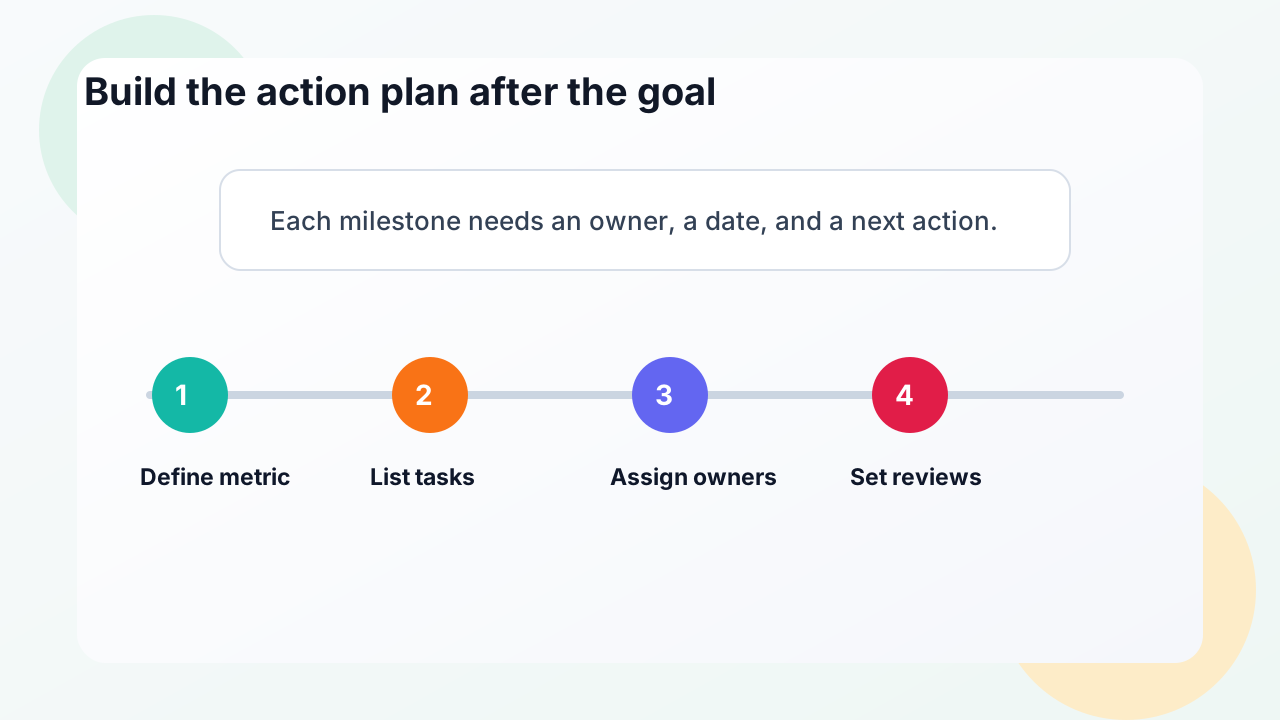
1. Write the goal in plain language
Write the goal in plain language before applying the SMART filter. This keeps the goal honest and prevents you from hiding a weak idea behind complicated wording.
2. Choose one success metric
Choose one success metric that proves the goal moved forward. A metric can be a number, a finished deliverable, a shipped project, a completed habit streak, or a decision made from evidence.
3. Check whether the goal is realistic
Check whether the goal is realistic with your current time, tools, budget, and energy. If the goal needs resources you do not have, reduce the scope or add the missing resource as the first milestone.
4. Connect the goal to a real priority
Connect the goal to a real priority so it survives busy weeks. If the goal does not support a class requirement, business target, health need, personal value, or team objective, it will be easy to ignore.
5. Set the deadline and review cadence
Set the deadline and review cadence before you start. A deadline creates urgency; a weekly review turns the goal into a living plan instead of a document you forget.
SMART Goal Examples You Can Copy
Student SMART goal example
Weak goal: I want better grades.
SMART goal: I will raise my biology grade from B to A- by completing two practice quizzes every Friday and reviewing missed questions with my study group before the final exam on May 30.
Career SMART goal example
Weak goal: I want to grow my network.
SMART goal: I will schedule four informational interviews with product leaders by August 15, prepare five questions for each conversation, and summarize one career lesson from every call.
Team SMART goal example
Weak goal: We should improve onboarding.
SMART goal: Our team will reduce first-week setup questions by 20% by publishing a revised onboarding checklist, testing it with five new users, and reviewing support tickets every Friday until September 1.
Personal finance SMART goal example
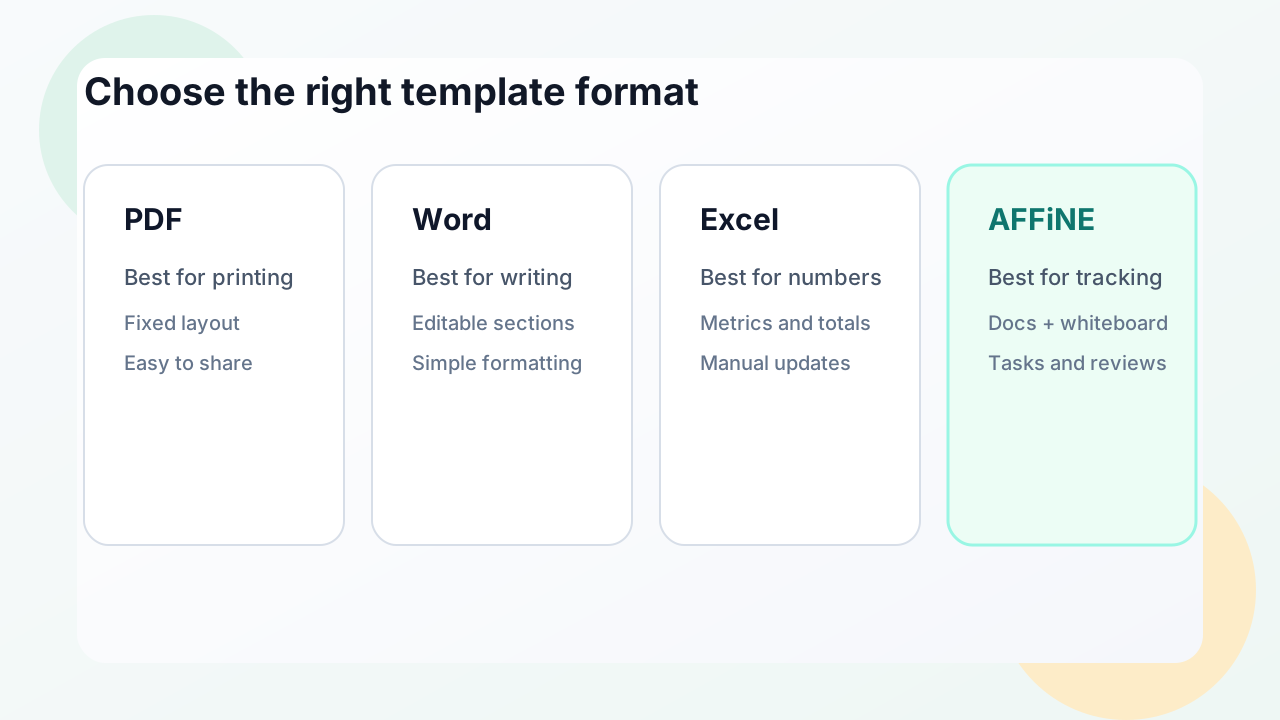
Weak goal: I need to save more money.
SMART goal: I will save $5,000 by December 31 by transferring $420 into a separate savings account on the first business day of each month and reviewing the balance every Friday.
Why Static Goal Templates Often Fail
PDF, Word, and Excel templates are useful for writing the first version of a goal. They fail when the goal needs reminders, notes, files, changing priorities, or a weekly review.
Goal setting works better when you combine a written goal with visible progress and accountability. Gail Matthews' Dominican University summary on writing goals and accountability found stronger completion rates when participants wrote goals down, shared commitments, and sent progress updates.
That is why your template should include:
- A clear written goal.
- A measurable success signal.
- A small first action.
- A review schedule.
- A place to record blockers and decisions.
Why Use AFFiNE for SMART Goals?
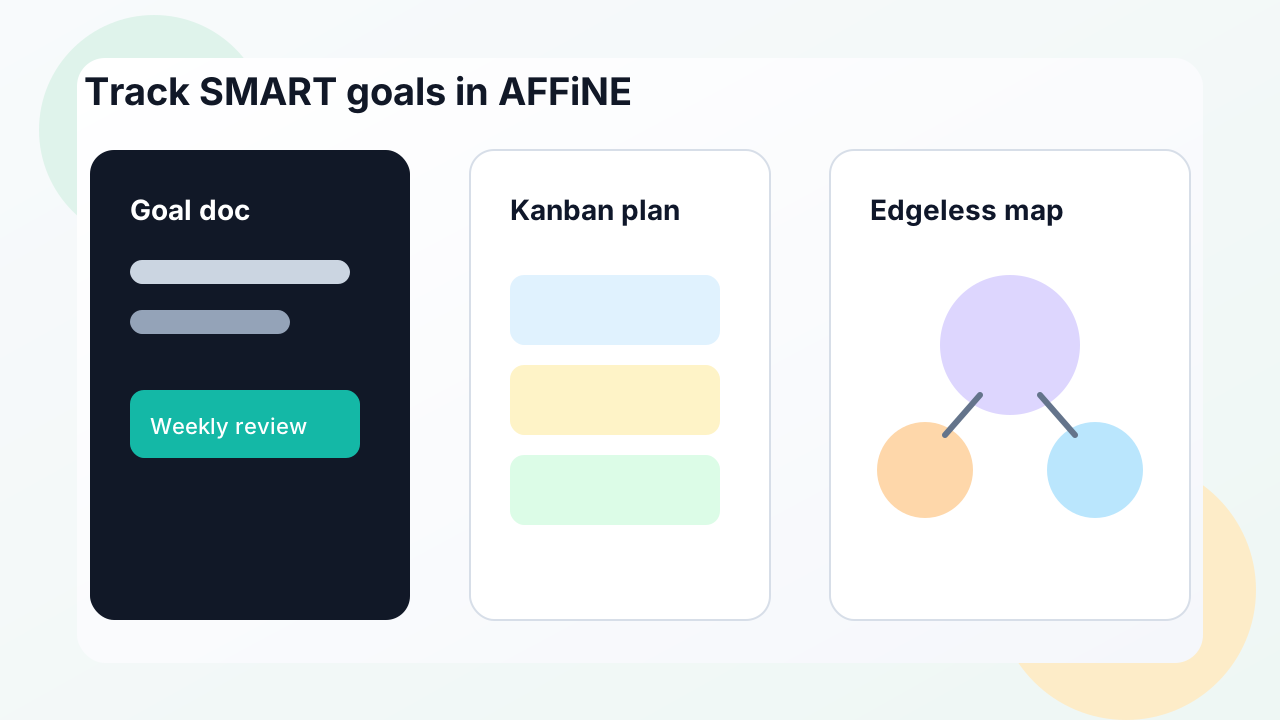
AFFiNE is useful when your goal needs more than a printable worksheet. You can keep the goal statement in a document, map ideas in Edgeless mode, break milestones into tasks, and keep weekly review notes beside the plan.
Use AFFiNE when you want to:
- Link a SMART goal to meeting notes, research, or project docs.
- Turn milestones into a Kanban-style action plan.
- Review progress weekly without copying data between tools.
- Export the plan to PDF, HTML, or Markdown when you need a static version.
- Keep personal goals in a local-first workspace.
SMART Goal Template Checklist
Before you commit to a goal, review this checklist:
- The goal names one clear outcome.
- The metric is visible and easy to update.
- The deadline is realistic.
- The goal supports a real priority.
- The first action can be done this week.
- Review time is already scheduled.
- Blockers and assumptions have a place in the template.
Download or Duplicate the SMART Goal Template
Use the free AFFiNE SMART Goal Template when you want a digital tracker with room for notes, tasks, and visual planning. Use a PDF or Word worksheet when you only need a printable handout. Use Excel when the goal is mostly numeric and you want formulas or charts.
The best template is the one you will review. Start small, write one measurable goal, and schedule the first weekly check-in before you close the page.
FAQ: SMART Goal Templates
What is a SMART goal template?
A SMART goal template is a worksheet that helps you write goals that are Specific, Measurable, Achievable, Relevant, and Time-bound. It usually includes fields for the goal statement, metric, deadline, action steps, and review schedule.
What is a good SMART goal example?
A good SMART goal example is: "I will save $5,000 by December 31 by transferring $420 each month and reviewing my progress every Friday." It names the action, metric, deadline, and review habit.
Is a PDF, Word, Excel, or AFFiNE SMART goal template best?
Use PDF for printing, Word for simple writing, Excel for numeric tracking, and AFFiNE when the goal needs tasks, notes, whiteboards, links, and weekly reviews in one workspace.
How often should I review SMART goals?
Review active SMART goals once a week. A weekly review is frequent enough to catch blockers early without turning the goal into daily administrative work.
Can SMART goals be used for teams?
Yes. Teams can use SMART goals for OKRs, onboarding improvements, sales targets, product experiments, and project milestones. The key is to assign owners, define the metric, and agree on the review cadence.