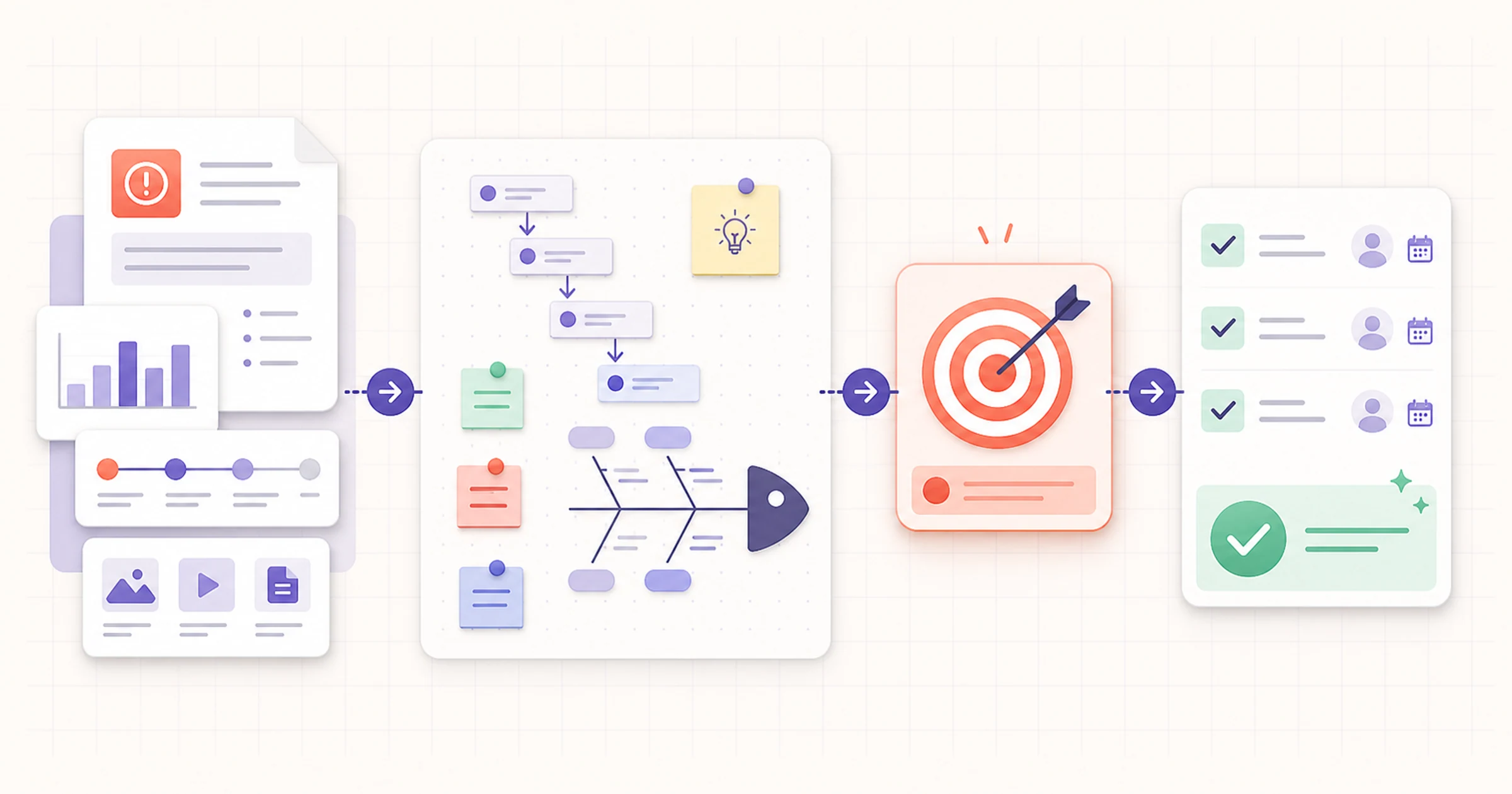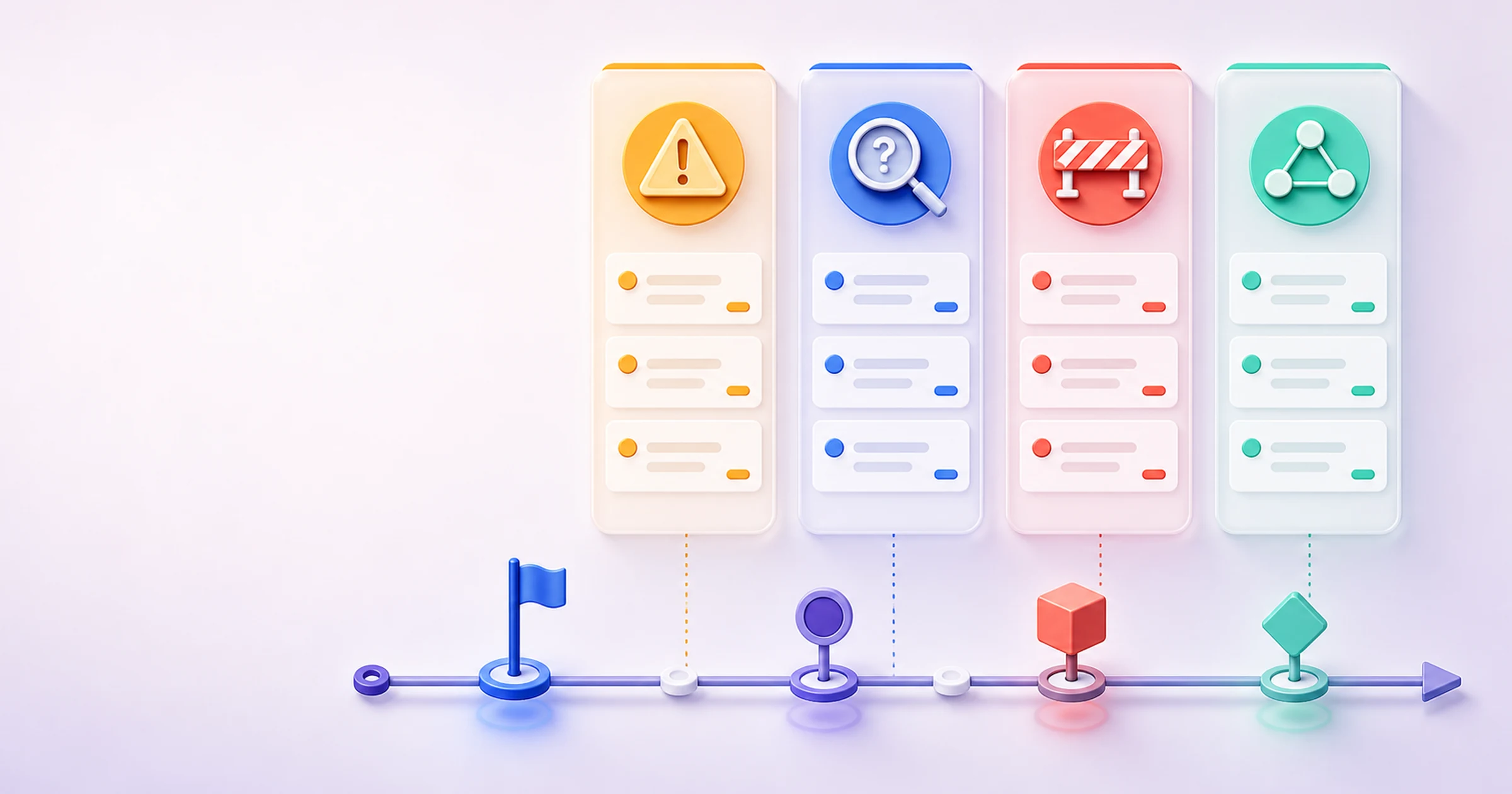
Incident Report Template: What to Include, Examples, and Workflow
An incident report template is a repeatable structure for recording an event’s report ID, context, time, location, people and roles, objective account, timeline, immediate actions, impact, evidence, notifications, and follow-up owner. It records available facts rather than deciding blame or root cause. Jump to the copyable template. Prioritize immediate safety or the organization’s approved escalation process before writing. This guide supports general documentation; it does not replace emergency action, company policy, professional advice, or a required form.
Key fields at a glance
A useful record answers a small set of practical questions:
- Identity and context: report ID, occurrence time, reporting time, location or work context, reporter, and relevant roles.
- Account: category, neutral description, time-ordered events, immediate actions, and currently supported impact.
- Support: source labels, attachments, notifications, unknowns, and access notes.
- Follow-up: owner, due date, review status, amendment history, verification evidence, and closure criteria.
If an approved organizational or jurisdiction-specific form applies, use it. For example, OSHA recordkeeping forms are a scoped United States workplace resource, not a universal incident report template.
Table of contents
- Copy and use the template
- Write the report in seven steps
- Review the filled example
- Choose reporting, analysis, RCA, or RAID
- Build a verified follow-up workflow
What is an incident report template?
An incident report is a time-bounded factual record of an unexpected event, disruption, near miss, or other occurrence defined by an organization. A near miss is an event that did not produce the unwanted outcome but could still justify learning or follow-up. The blank template supplies consistent prompts; a completed report supplies the known record.
Evidence is information or an artifact that supports, challenges, or contextualizes a material point, with its source and limitations identified. An attributed statement is information recorded as what a named person or role said, not rewritten as the reporter’s direct knowledge. Incident analysis is the later evaluation of the event and its effects. Root cause analysis is a deeper investigation that tests why an event occurred and what systemic action is warranted.

Keep observation, attribution, and analysis visibly separate so a reader can understand what the record supports today.
Incident report template: copy and use
The following is a copyable structure, not a downloadable Word or PDF file. Copy it directly and paste it into a document tool, then adapt configurable fields to your approved policy. It is fully visible and requires no registration.
INCIDENT REPORT

Report ID: [unique ID]
Review status: [draft / reviewed / amended / closed]
Created at: [date, time, time zone]
Last reviewed at: [date, time, reviewer role]

CONTEXT
Occurrence date and time: [known, estimated, or not yet established]
Reporting date and time: [date, time, time zone]
Location or work context: [room, site, service, process, or remote context]
Reporter and role: [name or approved identifier; role]
Other people and roles: [include only what is needed]
Category: [organization-defined category]

SOURCE / STATUS LEGEND
These labels identify provenance or workflow status; they do not establish reliability or truth by themselves.
Observed directly — the reporter personally perceived this point.
Reported by — identify the person or role whose statement is being attributed.
Supported by attachment — name the image, log, record, or other artifact.
Unknown — the record does not currently establish this point.
Analysis pending — preserve the question for a later analysis process.

OBJECTIVE ACCOUNT
[Describe observable conditions and events. Add a source label to each material point. Do not assign blame or infer cause.]

TIMELINE
[time] — [event or action] — [source label and source]
[time] — [event or action] — [source label and source]

IMMEDIATE ACTIONS
[action] — [person or role] — [time] — [result known so far]

IMPACT
[people, work, service, equipment, or schedule impact supported by the current record]

EVIDENCE / ATTACHMENTS
[item ID and description] — [creator/source] — [captured time] — [access location]

NOTIFICATIONS
[recipient or role] — [time] — [method] — [reason/status]

FOLLOW-UP
Item: [question, check, or action]
Owner: [one accountable person or role]
Due date: [organization-approved date]
Verification evidence: [what will show the item was completed]
Closure criteria: [specific condition for closing or reopening]

REVIEW AND CHANGE NOTES
[date/time] — [reviewer] — [material amendment and reason; do not silently overwrite]
What to include—and what to leave out
Include details that let an authorized reader reconstruct the known sequence and decide the next action: stable identifiers, time zones, source-aware statements, attachments, action results, unresolved questions, and explicit ownership. Treat estimated times as estimates. When accounts differ, preserve each attributed statement and record the conflict instead of choosing one prematurely.
A source/status legend prevents grammar from disguising uncertainty. “The display showed no input at 09:04” can be a direct observation. “The facilitator said the screen had worked at 08:45” remains attributed. A photo can support the state visible in that frame, but it may not prove what happened before or after it.
| Before: loaded or accusatory | After: neutral and supportable |
|---|---|
| “Someone broke the display.” | “At 09:04, the display showed ‘No input’; cause had not been assessed.” |
| “The room failed all morning.” | “The 09:00 meeting moved rooms at 09:12; earlier availability was not verified.” |
| “Facilities ignored the problem.” | “The facilities queue recorded the notification at 09:09; response time was not yet known.” |
Leave out speculation, diagnoses, credibility judgments, irrelevant personal details, and copied data that the report does not need. The FTC’s guidance on protecting personal information supports collecting only what is needed and keeping it only as long as there is a legitimate business need; apply your own approved access and retention rules rather than inventing universal periods. Cyber incidents should follow the organization's approved specialist fields and process; CISA's incident-management guide illustrates why a separate process is needed.
How to write an incident report in seven steps
Prioritize safety and escalation
Address immediate safety needs first and follow the organization’s approved escalation process before documenting the incident.
Record the report context
Create the report ID and record when and where the incident occurred, who is reporting, the relevant roles, and the initial category.
Build a time-ordered account
Write an objective account and timeline that separates known times, estimated times, attributed statements, and unresolved gaps.
Label every material source
Mark each important fact as directly observed, reported by a named role, supported by an attachment, unknown, or awaiting analysis.
Record immediate actions and impact
Document what was done, by whom, and when, then describe only the impact that is currently supported by the record.
Assign follow-up without deciding cause
Give each follow-up item an owner, due date, verification evidence, and closure criteria while leaving causal conclusions for later analysis.
Review, amend, and hand off
Verify the record in a second pass, preserve material amendment notes, and hand off to analysis or another approved process when warranted.
Filled incident report example
Fictional example — low-risk meeting-room display outage
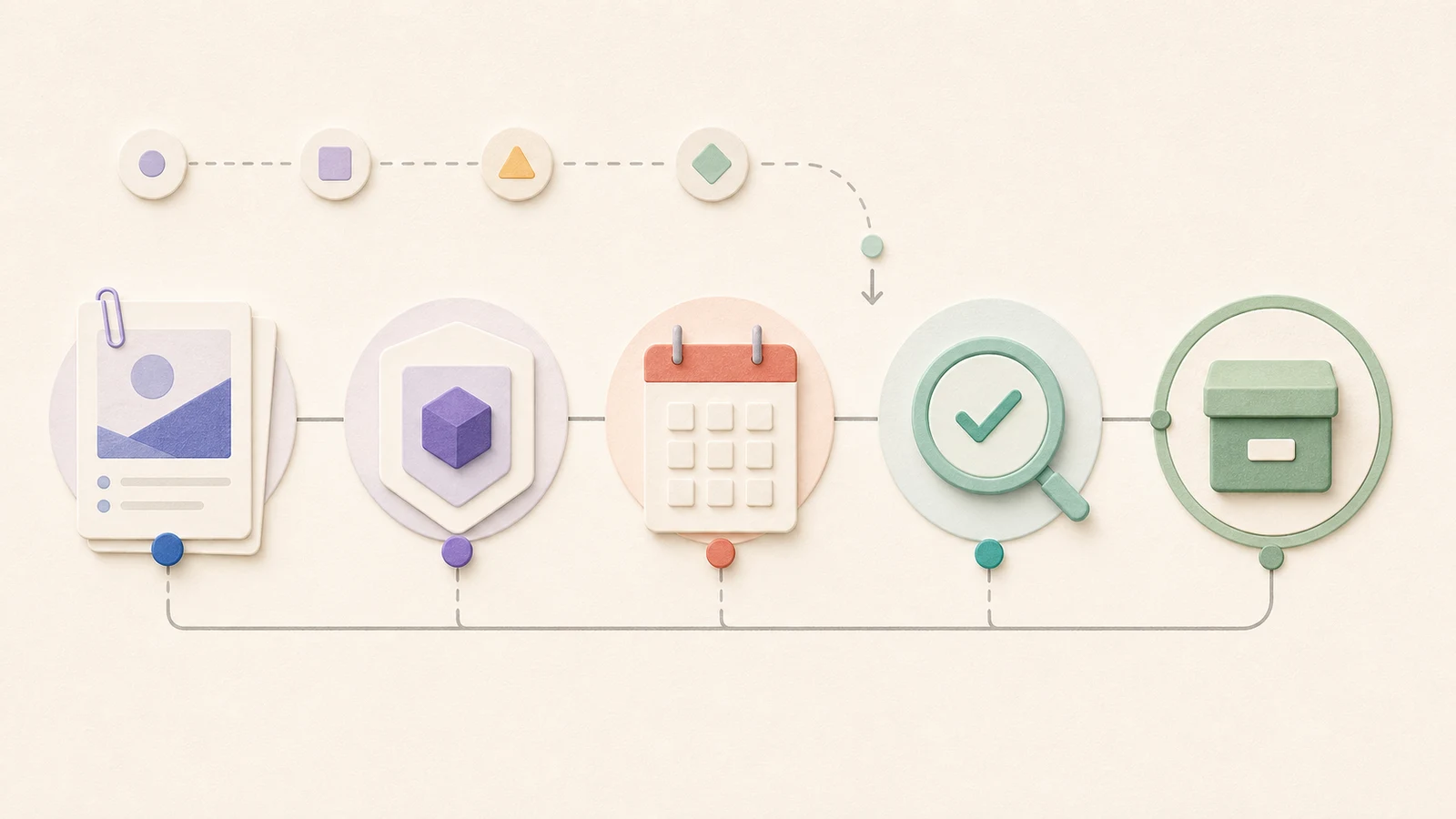
- Report ID: FAC-2026-0810-03
- Review status: Reviewed; follow-up open
- Created: August 10, 2026, 09:24 EDT
- Occurrence: August 10, 2026, approximately 09:04 EDT
- Reporting time: August 10, 2026, 09:07 EDT
- Location/context: Meeting room Maple 2; scheduled 09:00 planning meeting
- Reporter/role: Meeting coordinator
- Other roles: Facilitator, six participants, facilities coordinator
- Category: Facilities / audiovisual service interruption
- Objective account: At 09:04, the coordinator saw the wall display powered on with “No input” visible (Observed directly: meeting coordinator). The facilitator said the same laptop and adapter had displayed slides at 08:45 (Reported by: facilitator). A 09:06 photo shows the message and cable position (Supported by attachment: FAC-2026-0810-03-A). Whether the adapter, cable, input selection, or another condition produced the outage was Unknown: input-path cause.
- Timeline: 09:04—coordinator observed “No input” (Observed directly: meeting coordinator). 09:06—coordinator captured attachment A (Supported by attachment: FAC-2026-0810-03-A). 09:07—coordinator submitted the facilities notification through the approved queue (Observed directly: meeting coordinator). 09:09—ticket FM-1842 was acknowledged (Supported by attachment: ticket FM-1842). 09:12—coordinator moved the meeting to Maple 3 (Observed directly: meeting coordinator). 09:16—display in Maple 3 worked and the meeting resumed (Observed directly: meeting coordinator).
- Immediate action: Coordinator moved the meeting (Observed directly: meeting coordinator) and submitted the facilities notification at 09:07 (Supported by attachment: ticket FM-1842). No repair attempt was made (Observed directly: meeting coordinator).
- Impact: The meeting resumed sixteen minutes after its scheduled start and changed rooms (Observed directly: meeting coordinator). The facilitator and six participants were affected (Supported by attachment: meeting calendar and room booking entries). No other impact was reported (Reported by: facilitator at 09:20).
- Evidence: Attachment A, photo created 09:06; ticket FM-1842 timestamps; room booking entries for Maple 2 and Maple 3.
- Notifications: Facilities queue at 09:07; facilitator and participants at 09:10.
- Follow-up: Facilities coordinator owns an input-path check due August 11 at 12:00 EDT. Verification evidence is a successful ten-minute display test using the standard room kit. Closure requires the test result and ticket note; a failed test reopens equipment service.
- Review/change notes: At 10:05, reviewer added the acknowledged-ticket time from FM-1842 and retained the original estimated occurrence time. Cause remains Analysis pending: input-path cause.
The example does not turn a single photo or statement into a conclusion. It completes each important field, keeps one unknown visible, assigns a bounded check, and states exactly what evidence permits closure.
Incident report vs. incident analysis vs. root cause analysis
Keep the sequence visible: report facts → decide whether analysis is needed → perform RCA when warranted → track continuing risks/issues. OSHA’s incident-investigation guidance treats investigation as a way to identify underlying hazards and emphasizes fixing systems rather than assigning blame; it supports the distinction between the initial record and later causal work.
| Record or process | Main output | Typical owner and timing | Next decision |
|---|---|---|---|
| Incident report | Factual account, sources, actions, impact, unknowns | Designated reporter; promptly under approved policy | Close routine follow-up or request analysis |
| Incident analysis | Evaluated timeline, contributing conditions, impact, options | Assigned reviewer after enough information exists | Close, escalate, or request RCA |
| Root cause analysis | Tested causal explanation and systemic actions | Qualified team when risk or recurrence warrants depth | Verify actions and effectiveness |
| RAID follow-up | Continuing project risk or issue with owner and status | Project owner during regular review | Monitor, resolve, transfer, or close |
When the event needs structured evaluation beyond reporting, hand off to the Incident Analysis Report template. When causal testing is warranted, use the separate root cause analysis guide rather than expanding the initial record into an unverified cause narrative. A continuing project risk or issue can move into ongoing RAID tracking with a link back to the source report.
Common incident report mistakes
- Starting with blame: names a culprit before the report establishes what occurred. Replace accusations with observable conditions and attributed statements.
- Using vague time language: “earlier” and “for a while” obscure sequence. Record time zones and mark estimates.
- Presenting opinion as fact: separate what the writer perceived, what another role said, what an attachment supports, and what remains unresolved.
- Collecting excessive personal data: keep only purpose-relevant details and follow approved access rules.
- Quietly rewriting the account: retain material amendment notes so readers know what changed, when, and why.
- Assigning a team instead of an owner: name one accountable person or role for each follow-up item.
- Calling an action complete without proof: define verification evidence and closure criteria in advance.
- Treating reporting as investigation: hand off questions that require analysis instead of answering them in the factual record.
From report to verified follow-up
Use the model Capture → Verify → Hand off → Close. In the capture pass, record available facts promptly, preserve the language of attributed statements, mark unknowns, and note immediate actions. In the verify pass, check timestamps, identifiers, attachments, and the scope of supported impact. Do not erase a material correction: add an amendment note with the old point, new point, source, editor, and time.
Hand off only as far as the record warrants. Routine restoration may need a simple check. Recurrence, meaningful impact, or policy criteria may require analysis. Significant causal uncertainty may warrant RCA by an appropriate team. Specialist events belong in the organization’s approved system and process.
Every open item needs an owner, due date, verification evidence, and closure criteria. A project planner can coordinate ordinary follow-up work, but the report should remain the factual source record. Close an item only when its stated evidence exists and a reviewer records the result. Reopen it if the closure condition later proves false or the supported impact materially changes.
Organize an incident report workflow in AFFiNE
In AFFiNE, a team can keep the structured report in a Page document, then switch between Page and Edgeless views when a visual timeline or relationship map helps review. Linked documents, databases, and collaboration can connect the source record to ordinary follow-up without duplicating every fact. A whiteboard can map time and evidence; a linked knowledge base can keep approved procedures near the report. AFFiNE also supports local-first and offline work and offers self-hosting options, but deployment choice does not establish the suitability of a workflow for a particular requirement.
AFFiNE is not chain-of-custody, forensic, compliance, or specialist incident-management software. It does not replace an emergency channel, required form, specialist case system, or organization-approved review. Limit collaboration to authorized participants, use the system designated by policy for sensitive or regulated work, and keep the documentation boundary beside the workflow—not hidden in fine print.
Frequently asked questions
What should be included in an incident report?
Include a report ID, date, time, location or work context, reporter and relevant roles, category, objective account, timeline, immediate actions, supported impact, evidence, notifications, and unknowns. Add a follow-up owner, due date, review status, change notes, verification evidence, and closure criteria according to your organization’s approved process.
How do you write an incident report?
First address immediate safety and required escalation. Then record the context, build a chronological account, and label whether each material point was observed, reported, attached, or remains unknown. Document actions and impact, assign follow-up without deciding cause, and complete a second-pass review that preserves material amendments before handoff.
How detailed should an incident report be?
Use enough detail for another authorized reader to understand what happened, when, where, who provided each material statement, what action occurred, and what remains unresolved. Avoid speculation, repetition, and unnecessary personal data. Precision matters more than length: include relevant identifiers and timestamps while leaving unsupported causal explanations for analysis.
Who should complete an incident report?
The person designated by organizational policy should complete it, often the observer, recipient of the initial report, team lead, or incident coordinator. The writer should identify their role and attribute second-hand information rather than adopting it as personal knowledge. A separate reviewer can verify completeness and record amendments without silently replacing the original account.
What is the difference between an incident report and an accident report?
An incident report is a broad factual record of an unexpected event, disruption, near miss, or other defined occurrence. An accident report usually refers more narrowly to an event involving unintended harm or damage, although organizations use the terms differently. Follow the definitions and approved forms in your own policy and applicable context.
Is an incident report the same as a root cause analysis?
No. An incident report captures available facts, sources, immediate actions, impact, and open questions. Root cause analysis is a later investigation that tests why an event occurred and what systemic action is justified. A factual report may support RCA, but it should not decide blame or cause before the evidence has been analyzed.
Turn a factual record into the right next action
A strong incident report template makes uncertainty usable. It captures a neutral account, shows where each material point came from, preserves later amendments, and gives follow-up a verifiable finish. Copy the structure, adapt only policy-specific fields, and keep reporting separate from analysis. In AFFiNE or another approved document tool, the aim is the same: a factual record that helps the right owner take the right next action.